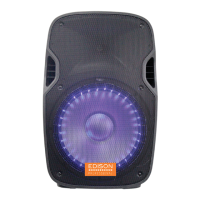
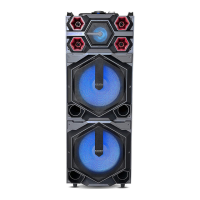
PRODUCT OVERVIEW
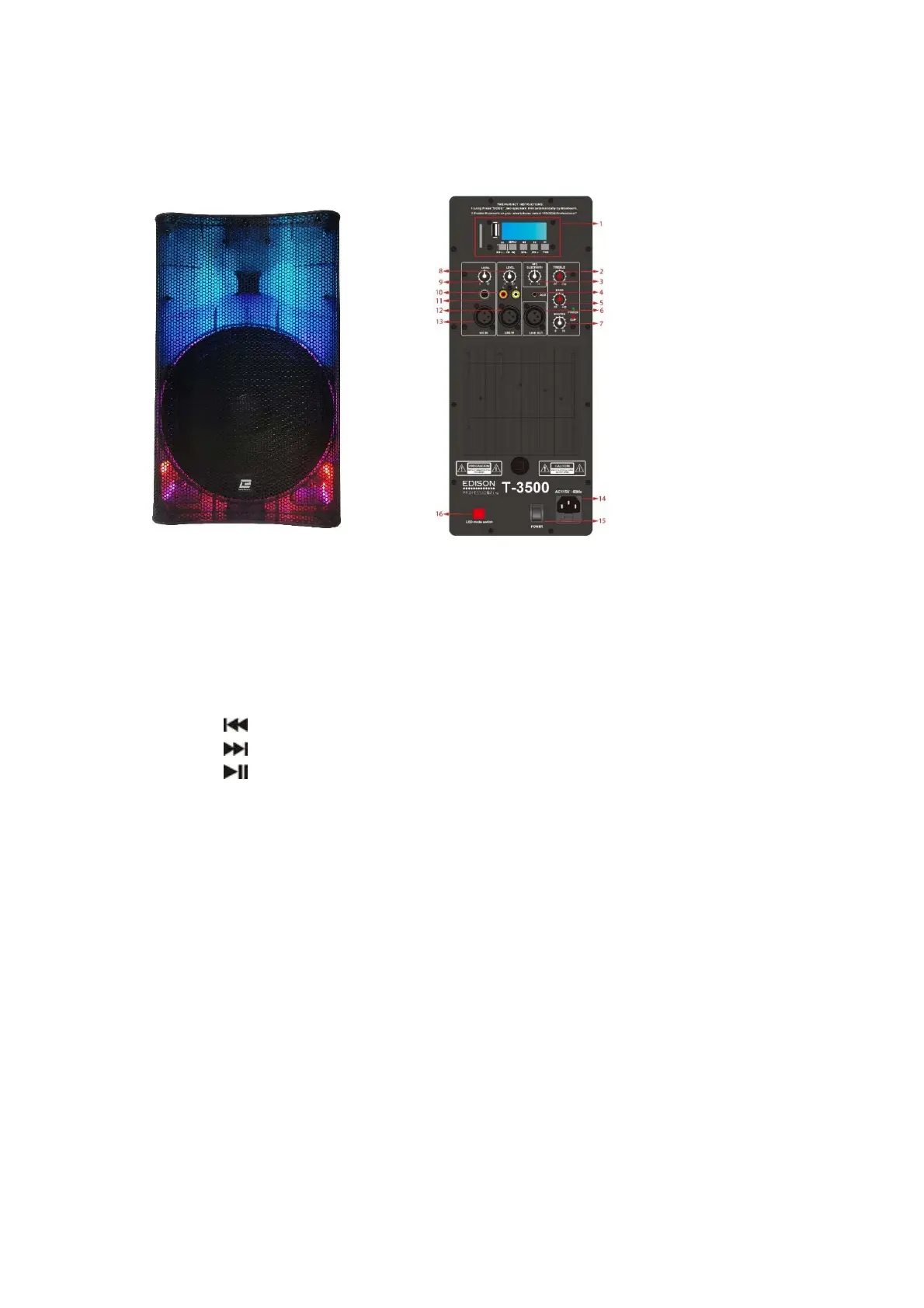
Front View Rear Control Panel
1. Control Panel
a. SD CARD: Insert memory card to playback your stored music.
b. USB: Insert a USB storage device to play back your stored music.
c. MODE: Press to select LINE (Aux-in)/ BLUETOOTH /FM.
d. Repeat / EQ: Short press to repeat the track. Long Press to select EQ
modes. (EQ: modes:Normal/Classical/Jazz/POP/Rock).
e. /VOL-: Short press for previous song, long press for volume down.
f. /VOL+: Short press to skip to next song, long press to increase volume.
g. /TWS: In USB/SD/BT mode short press to Play & Pause the music. In
FM mode, press to auto search and store radio stations. Long press for
TWS pairing.
2. TREBLE: Rotate knob to adjust treble settings to your desired levels.
3. VOLUME: In USB/SD/FM/BT mode; rotate the knob to adjust volume to your
desired level.
4. AUX input: Connect to external device through 3.5mm AUX-IN cable.
5. BASS: Rotate the knob to adjust BASS to your desired level.
6. LINE OUT: Using balanced XLR cable (not supplied) connect the speaker to an
amplifier or other speaker.
7. MASTER: Controls the volume of the speaker.
8. LINE IN VOL: Rotate the knob to adjust volume to your desired level.
9. MIC IN VOL: Rotate the knob to adjust the MIC volume to your desired level.
10. RCA Line input: Connect the speaker to your analogue audio device using RCA
cable (not supplied).
11. MIC IN ¼” Jack Insert a microphone to sing along while listening to music.


 To Next Page