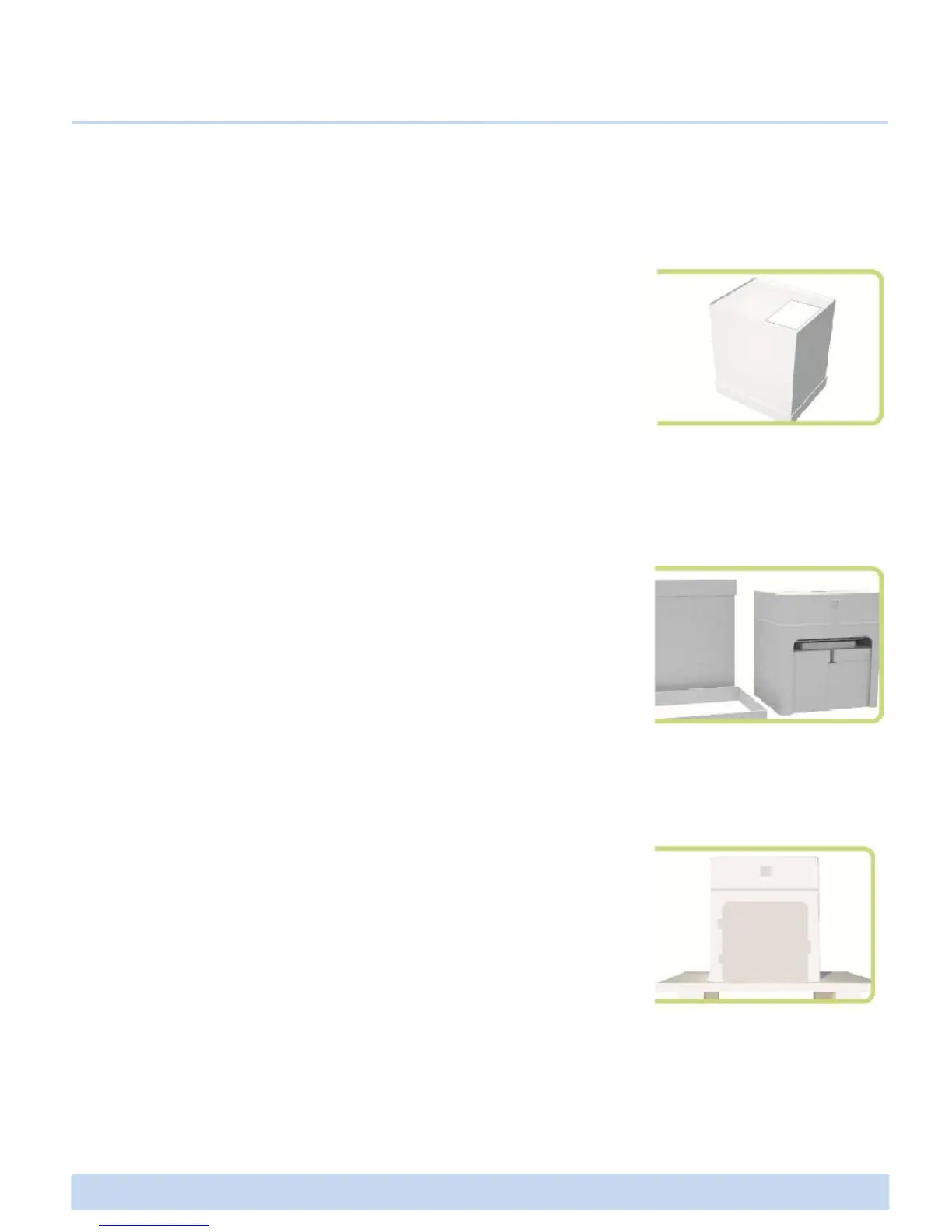
1. Open the box containing ∃DISON PRO. Then you will see a
foam case containing accessories. Remove this foam case and
check what is in it.
NOTE : You can download a PDF copy of this User Manual on our website.
C. Unpacking and Setting up ∃DISON PRO
C1 Unpacking your ∃DISON PRO
2. Carefully remove a cardboard and protective air bag covering
the body of ∃DISON PRO, and now you should see a glimpse of
your ∃DISON PRO. Take the box with the accessories out and
check what is in the box and the foam case.
3. Now you finally take out the ∃DISON PRO and set it down on
a stable surface.
NOTE : Do not discard the box and protective air bag. Save these – they
will be handy if you ever need to transport the printer in the future.
∃DISON PRO User Manual V.1 7



 To Next Page