Rokit Inc. has developed CreatorK 8 to help its users to easily convert STL and OBJ files
into G Code, X3G (Firmware ver. 8.1) format that can be 3D printed with this 3D printer.
You can always expect the best output by changing a variety of settings on CreatorK 8.
E. Making a print with CreatorK 8
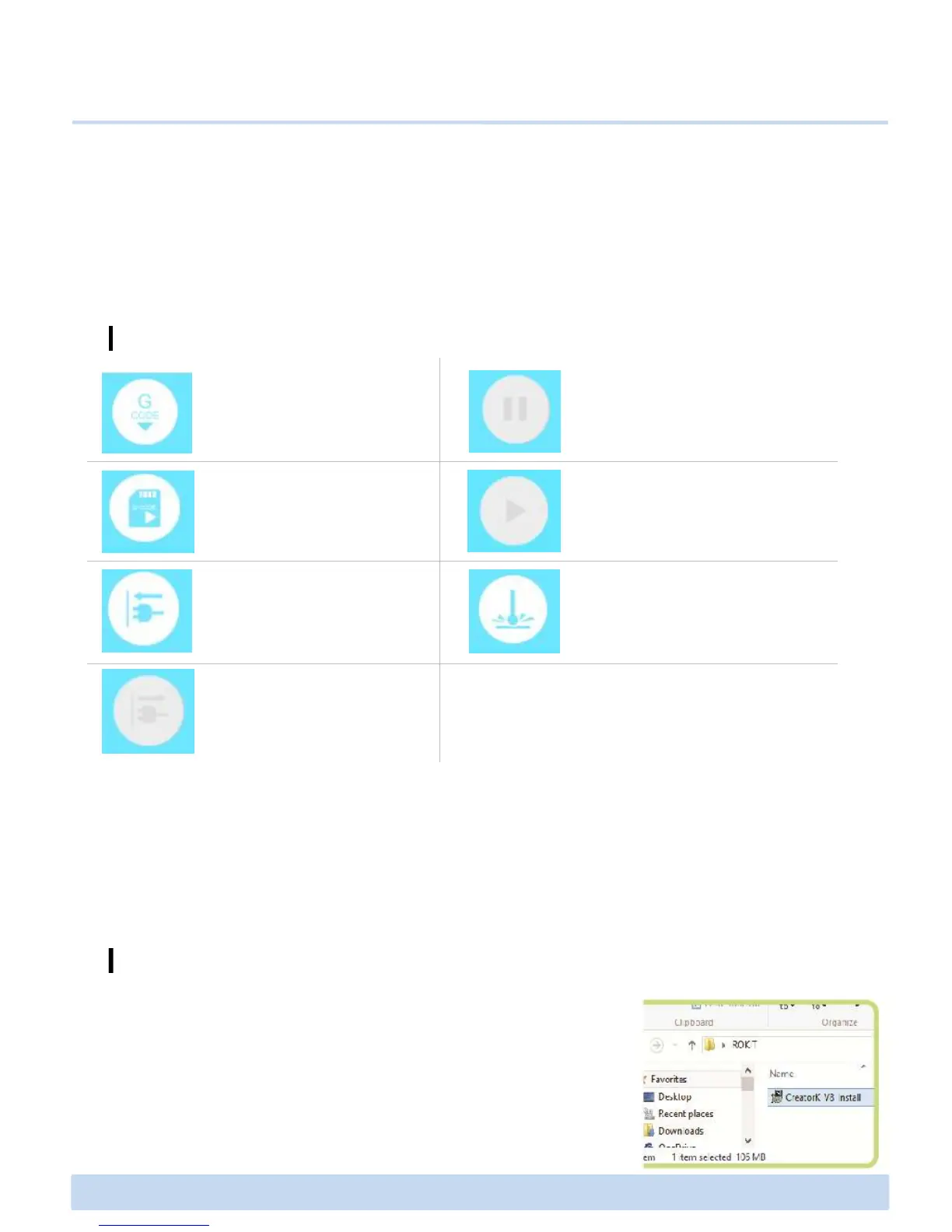
E1 CreatorK 8 Overview
Build
: When you want to print out
the x3g file directly through
USB cable
Connecting
: When you connect your
computer and CreatorK8
with USB cable
Generating G code
to use Laser Engraver
E2 How to use CreatorK 8 (Continued)
∃DISON PRO User Manual V.1 15
Basically, it is recommended to use SD card to save .x3g file for 3D printing for safety in
case of power outage. However, you can also print directly on your CreatorK by
connecting your computer to the printer with the USB cable without saving and using SD
card.
1. Run “CreatorK V8 Install” setup file.
Installing CreatorK 8



 To Next Page