4-
External Features
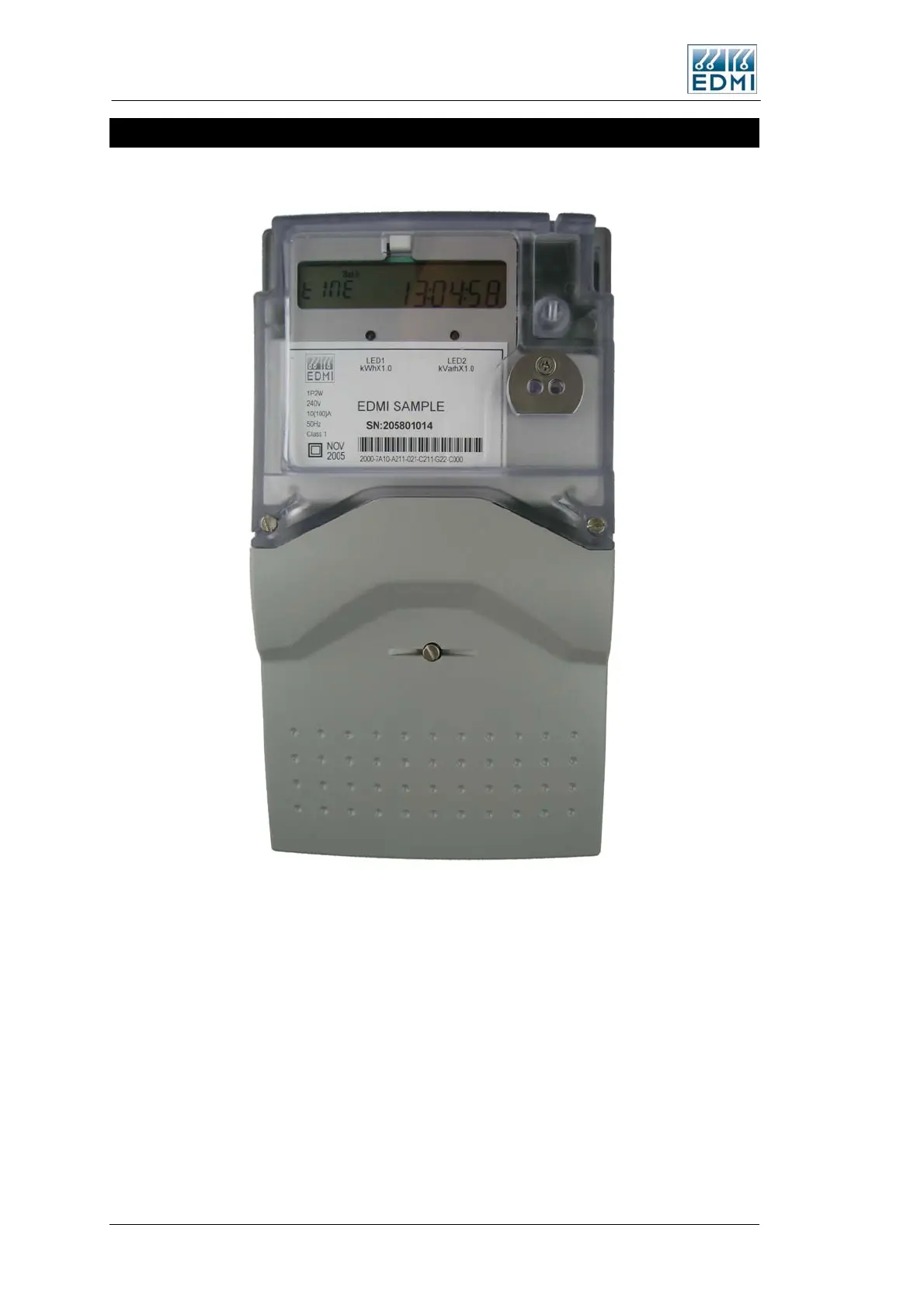
Figure 4-4 shows a view of the front of the meter (the specifics of your label will vary).
• Figure 4-4 Front view of the meter with terminal cover fitted
The major parts visible in Figure 4-4 include:
• The LCD display.
• A Select button for cycling the display (push button just above the optical port).
• Two pulsing LEDs for energy indication (PO3 and PO4).
• A FLAG or ANSI port for local connection.
There is space for an optional Connect, Boost or Billing Reset button above the select
button (See page 4-14).
4-4 EDMI Atlas Hardware Reference Manual



 To Next Page