14
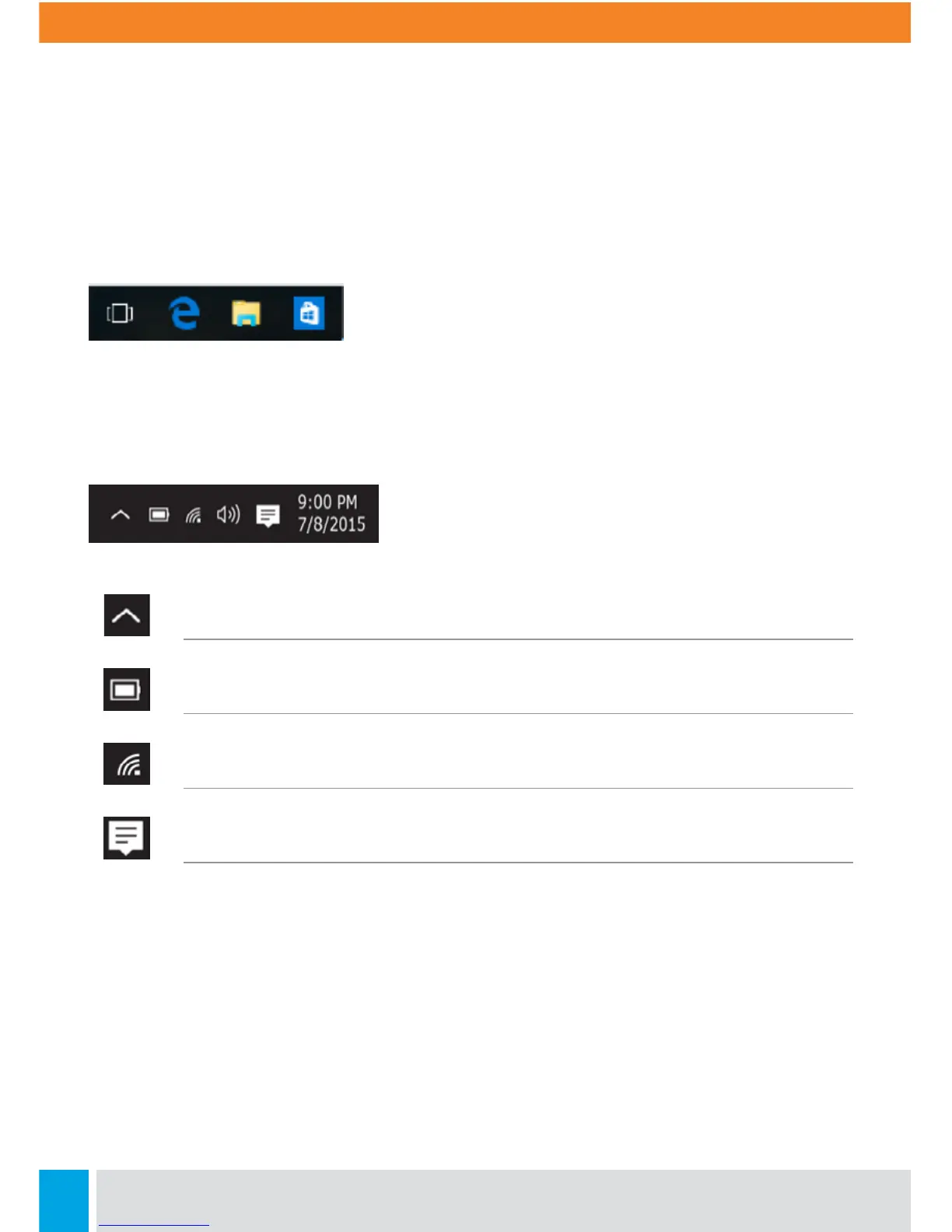
App Shortcuts Area
In this area, you can put the shortcuts of your frequently used apps.
Notification Area
The right part of the taskbar holds several icons that show you the status of your laptop,
as shown below.
Click here to show more status icons
Shows you the current battery status
Shows you the status of your wireless network connection
Click here to show the unread notifications



 To Next Page