6
Your Notebook Tour
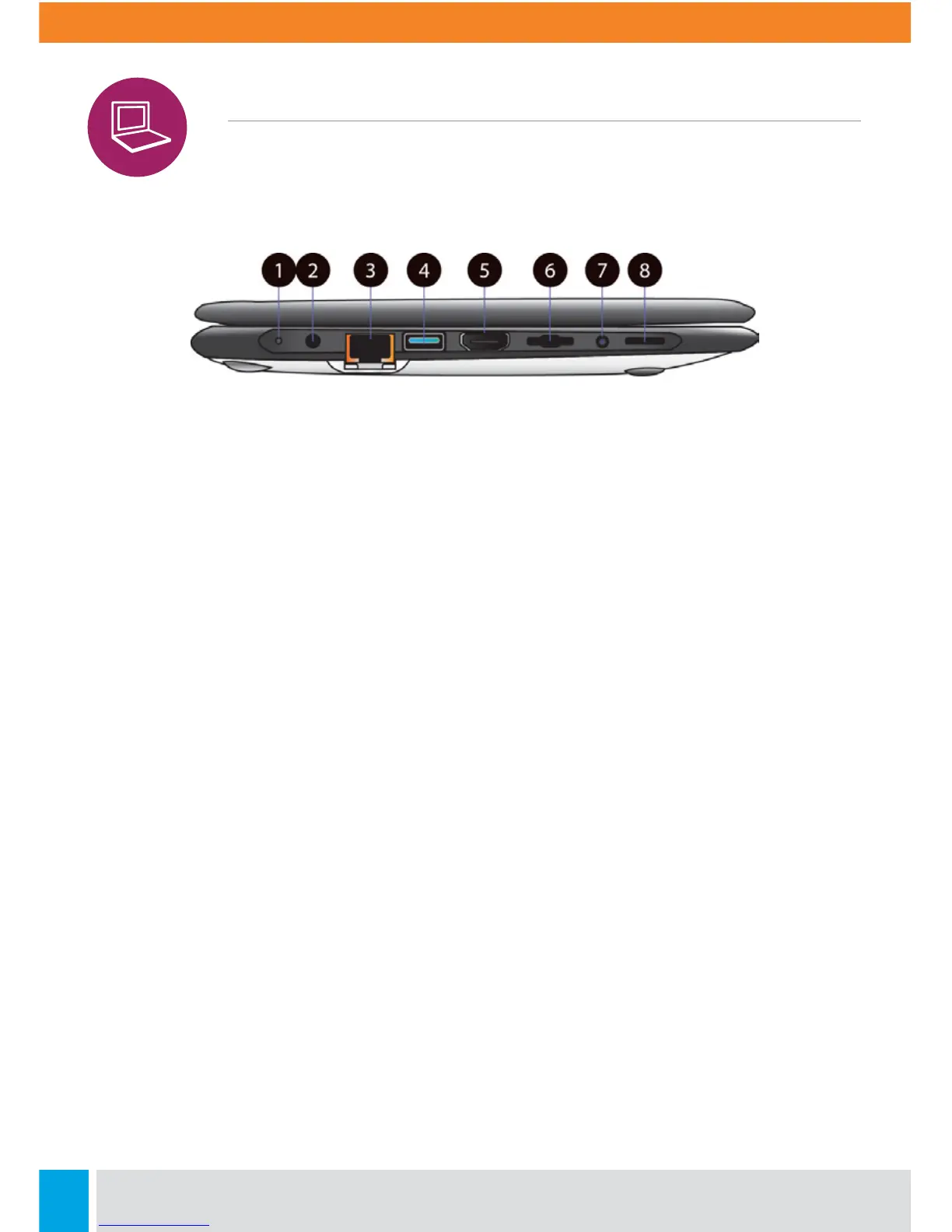
Left View
1. Charging Indicator
It shows the charging status of your laptop.
It shows blue when the battery is fully
charged.
2. DC-in
Plug the adapter to charge the battery
here.
3. RJ-45 LAN Port
Plug your RJ-45 network cable to connect
your laptop to a wired network here.
4. USB 3.0 Port
Plug your USB devices here.
5. HDMI Port
Plug your HDMI-capable monitor here.
6. Micro SD Card Slot
Plug your micro SD card here.
7. Combo Audio Jack
Plug your 3.5mm headphone here.
8. Speaker
The sound system has two speakers for
playing music, notification sounds, and
other audio data.



 To Next Page