Call: 888.505.8878 Online: edugear.com Email: support@edugear.com
3
Taking Care of Your Notebook
• DO NOT place near fire or other sources of heat.
• DO NOT expose to magnetic fields.
• DO NOT expose to direct sunlight.
• DO NOT expose to rain or moisture.
• DO NOT place heavy objects on or apply heavy pressure to the computer.
• DO NOT drop the computer.
• Use of the notebook in an environment where the ambient temperature exceeds 35°C is
not recommended.
• There is a risk of explosion if the battery is replaced with an incorrect battery. Please
dispose of used batteries according to the instructions.
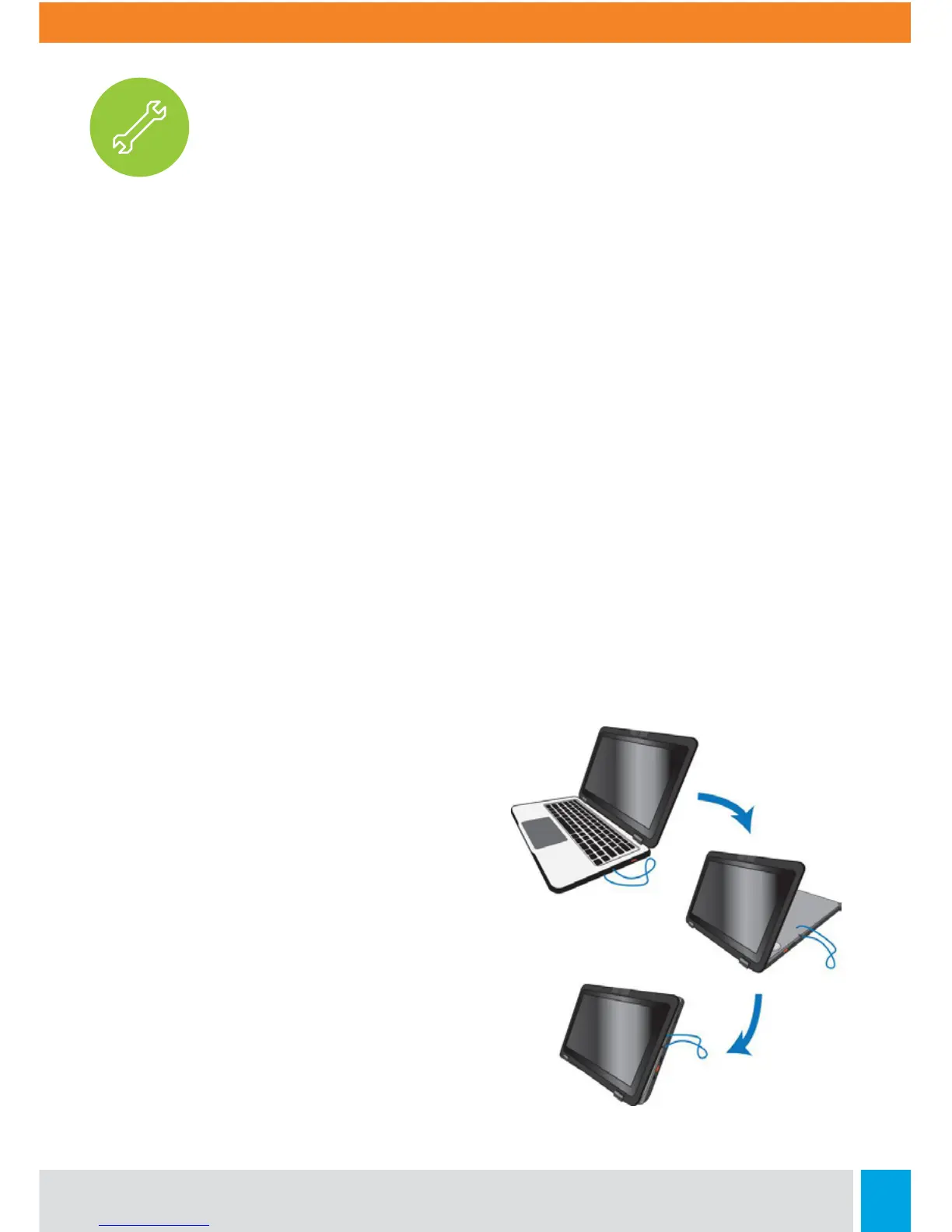
Folding the Keyboard
This laptop supports a swiveling 11.6-inch
touchscreen that can be used in several
dierent ways. Opening the device as a
standard laptop gives you access to the
keyboard and touchpad, while folding the
keyboard behind the screen turns it into a
tablet. You also can prop the notebook’s
screen up in stand mode, which is ideal for
viewing videos and presentations.



 To Next Page