4
Your Notebook Tour
Front View
Now that you are done setting it up, let us show you around your new notebook.
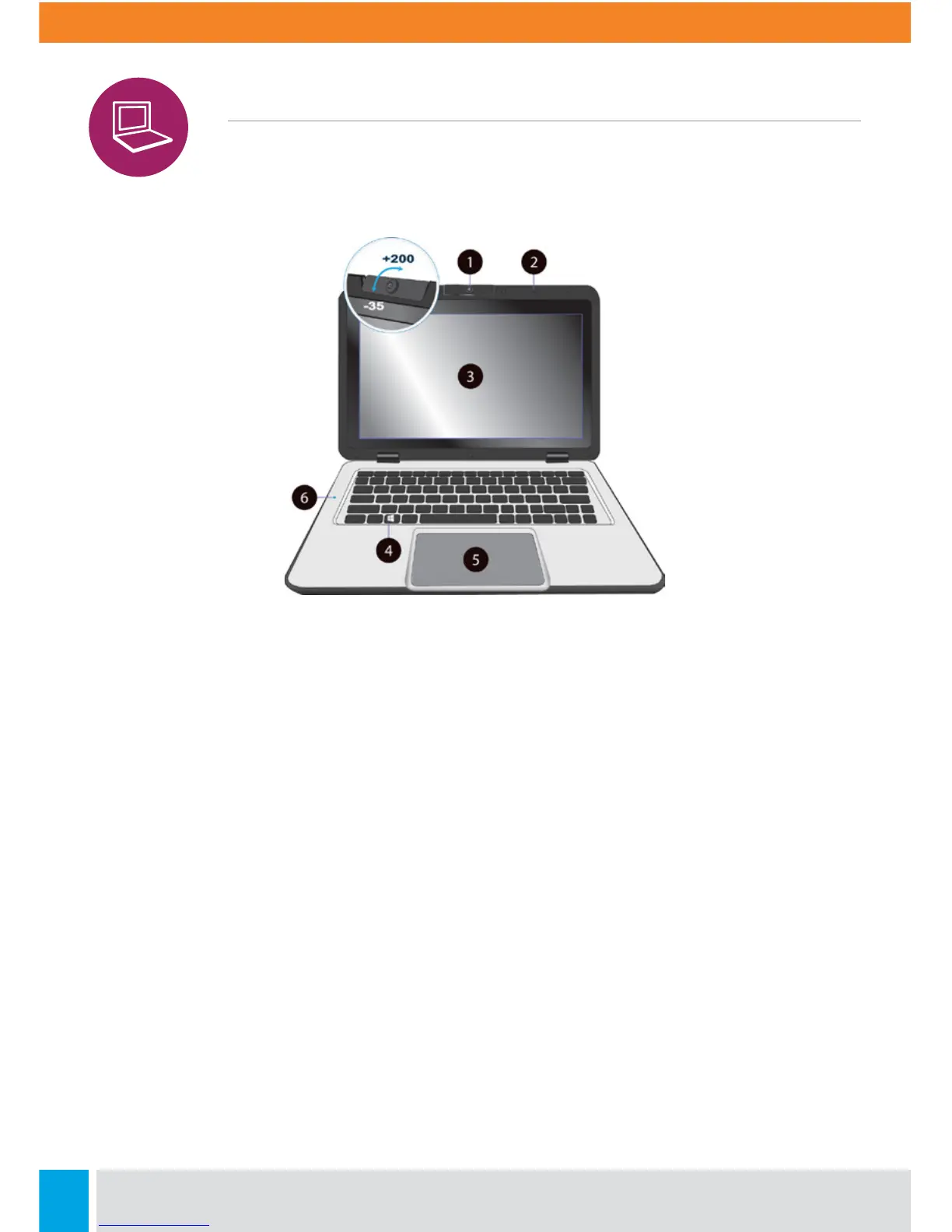
1. Front-Facing Camera
Oen for taking self-portraits as well as for video conferencing.
2. Microphone
Used for sound and speech recording.
3. Touchscreen
The main display of your laptop. You can touch it with your fingers to control it.
4. Windows Key
Opens the Windows Start Menu at any time.
5. Touchpad
Allows you to control your system using finger gestures.
6. Caps-Lock
Lights up in blue when the caps lock is ON.



 To Next Page