Call: 888.505.8878 Online: edugear.com Email: support@edugear.com
15
Setup and Connection
Settings Screen
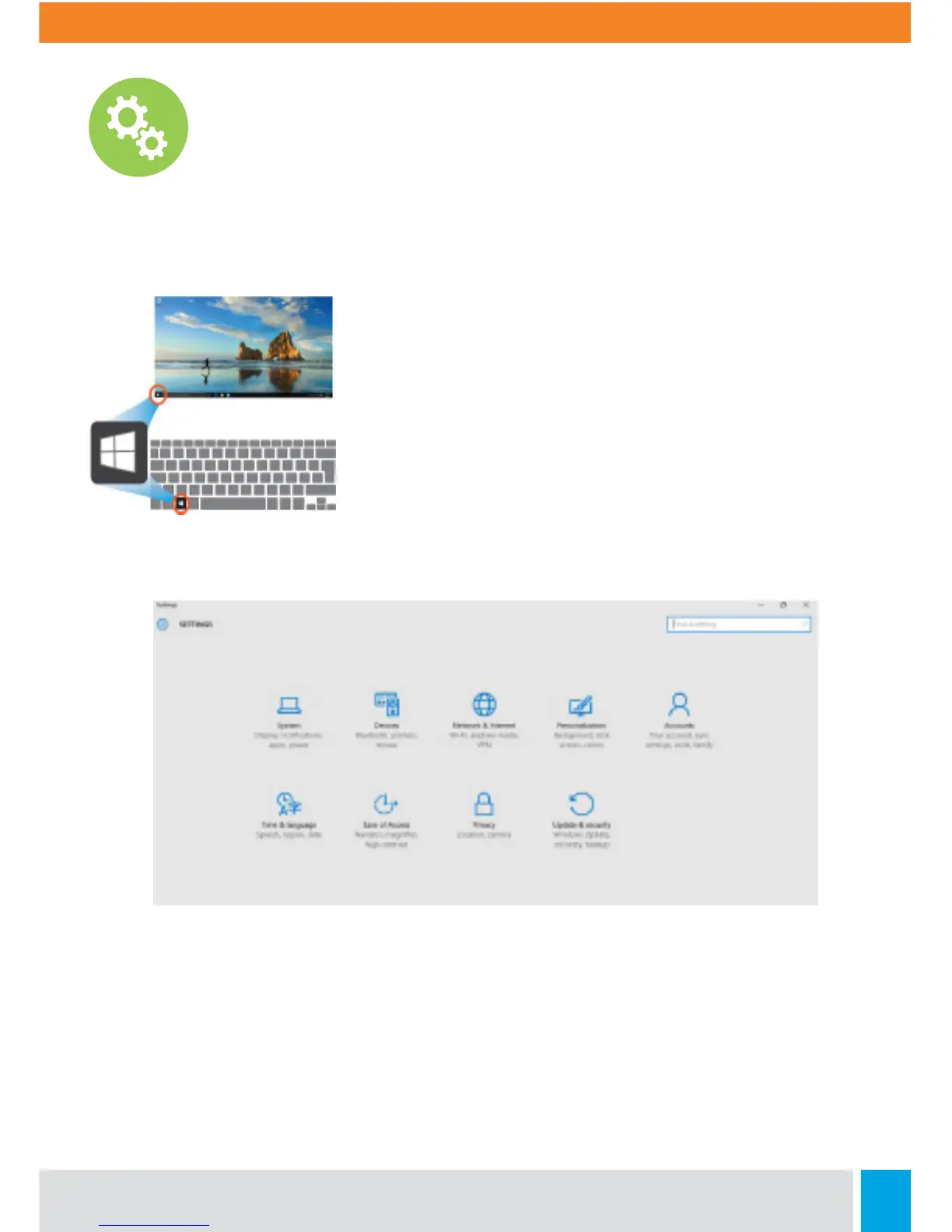
To access to the Settings screen:
1. Click the Windows icon in the lower le corner of the
Desktop, or press the Windows key on the keyboard.
2. Select <Settings>. This will open the Settings screen,
as shown below:
Settings Screen



 To Next Page