18
Pinning an App to the Start Menu or Taskbar
To add an app:
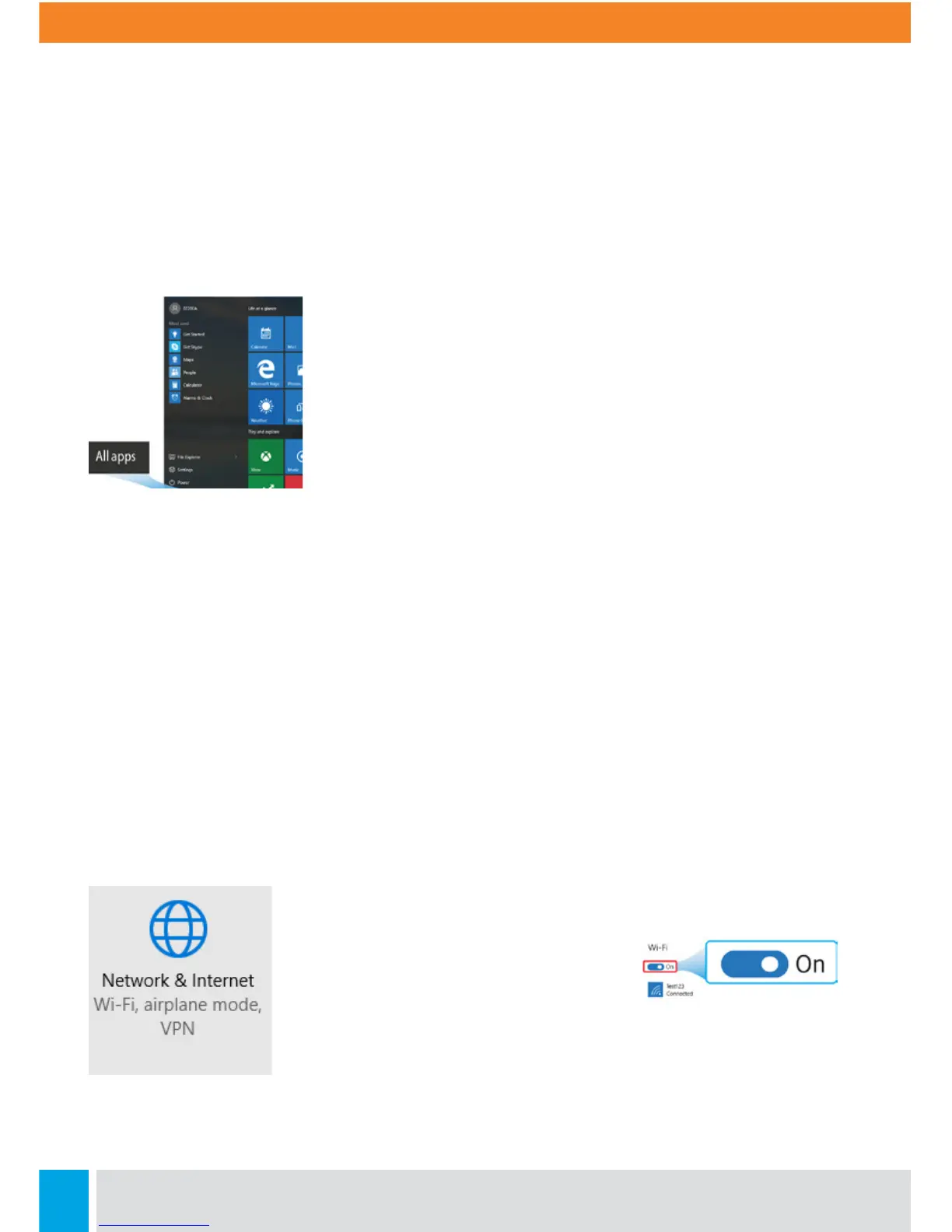
1. Open the Start menu and select <All Apps>
2. Right-click on the app that you want to appear on your
Start menu or taskbar, and an option menu appears.
3. Click <Pin to Start> or <Pin to taskbar> to add the app to
your Start menu or taskbar.
Removing an App From the Start Menu or Taskbar
To remove an app:
1. Right click the app that you want to remove from your Start menu or taskbar.
2. Click <Unpin from Start> or <Unpin from taskbar> to remove it from your Start menu
or taskbar.
Enabling Wireless Connection
1. Open Settings menu and select <Network & Internet>.
2. Select <Wi-Fi> and set the function
to ON, as shown:
3. If Wifi doesn’t work, it may be because Airplane mode is
enabled. Look at the right side notification area of the taskbar.
If an airplane icon is displayed, press Fn+F10 to disable Airplane
mode.



 To Next Page