Call: 888.505.8878 Online: edugear.com Email: support@edugear.com
21
Connecting to the HDMI port:
You can connect an external display device such as a monitor, TV, projector, etc., only
if such device has a HDMI port. By doing so, you have a wider view when you give a
presentation or watch a video or movie.
1. Power o the external device.
2. Locate the HDMI port on your computer.
3. Connect one end of your HDMI cable to the port, and the
other end to the HDMI port on the external device.
4. Power on the external device. When connecting a TV, you may
need to configure your TV to external device mode.
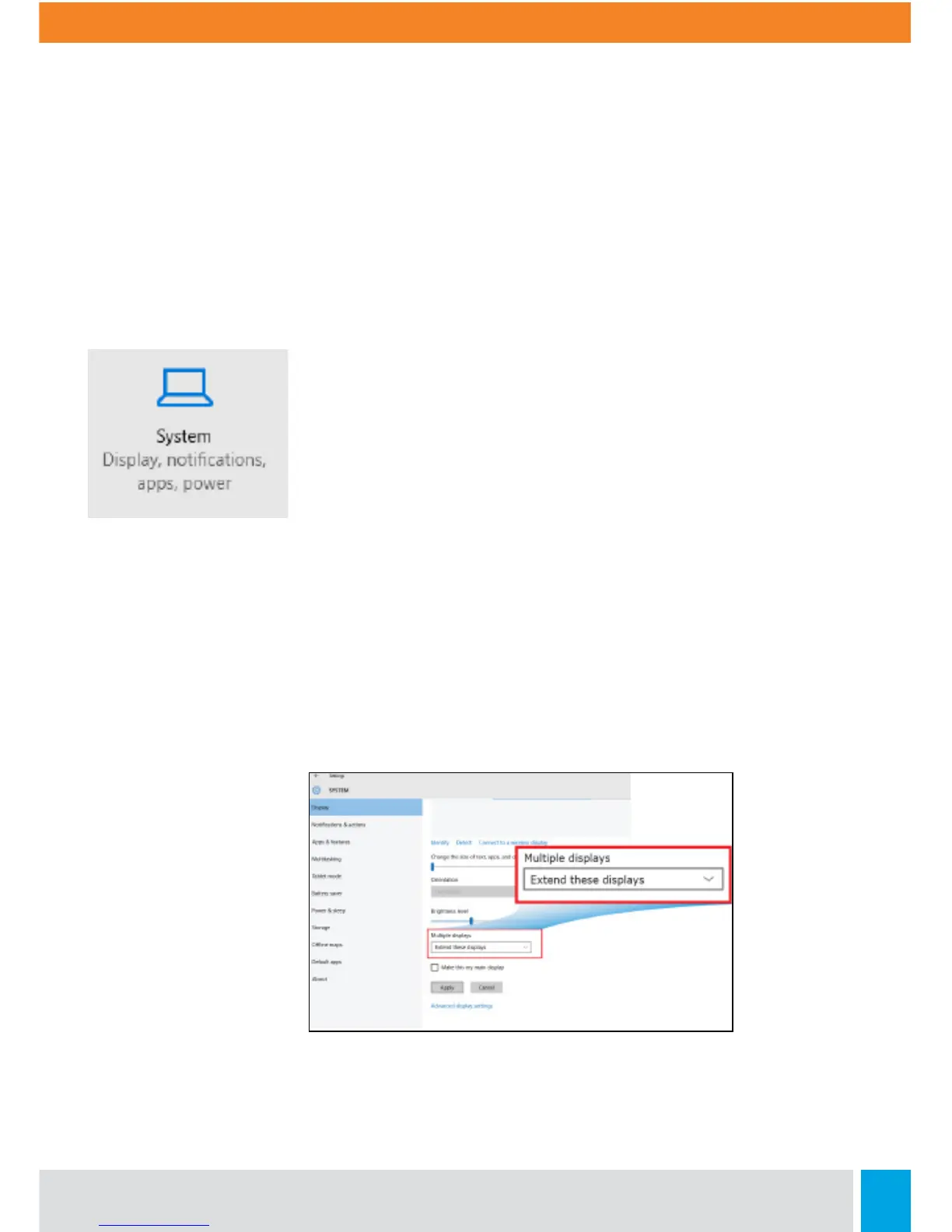
5. Open the Settings screen, select <System>and then
<Display>.
6. Click <Multiple displays> to open the drop-down list.
7. From the list, select your desired monitor mode.
8. Click <Apply> and confirm your setting.



 To Next Page