UPS MKD700/1000 Manual
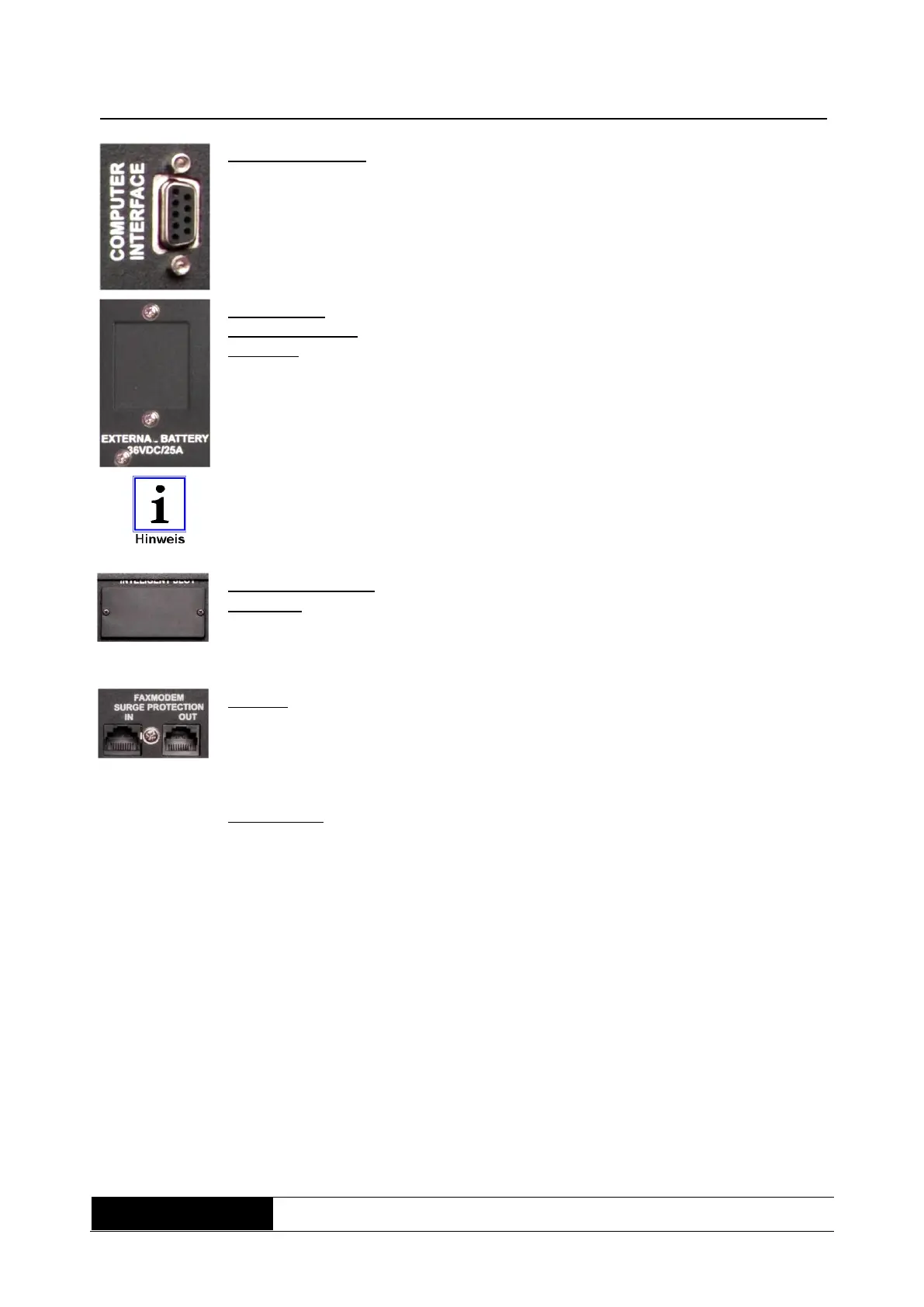
d) Communication
(fuse D-Sub 9-jack)
Via the serial interface (RS232), all of the relevant UPS
data are transmitted to an appropriate primary control
unit (e.g. PC). In addition, a defined shutdown signal can
be sent to the UPS. Suitable software packages are
available for this (see Software chapter).
e) Socket for
battery extension
(optional)
This socket interlinks the UPS with an optional available
external battery pack, which increases the autonomy
time. The confectioning has to be made with the supplied
cord and during the UPS is switched-off. Get more
information from the manual oft he external battery pack.
As a precaution always compare before connectioning, the quoted voltage on
the UPS as well as on the battery pack. Those values have to comply with
each other.
f) Slot for additional
interfaces
After removing the back panel, several extension
possibilities can be used.
e.g. optocoupler card; relay card; SNMP adapter or
additional RS232 interfaces.
Overload protection for telephone, fax or modem
The identifications label contains information about:
# Manufacturer
# Equipment model and output class
# Equipment input values
# Equipment output values
# Item number
# Serial number
# CE and barcode designation



 To Next Page