UPS MKD700/1000 Manual
8.2 Communicational interface of the UPS
A convenient communications interface is available that facilitates data
exchange with the UPS.
The connection should only be made using the cables specified in the
“Accessories” chapter.
When using the SNMP adapter, the communicational interface is switched-off.
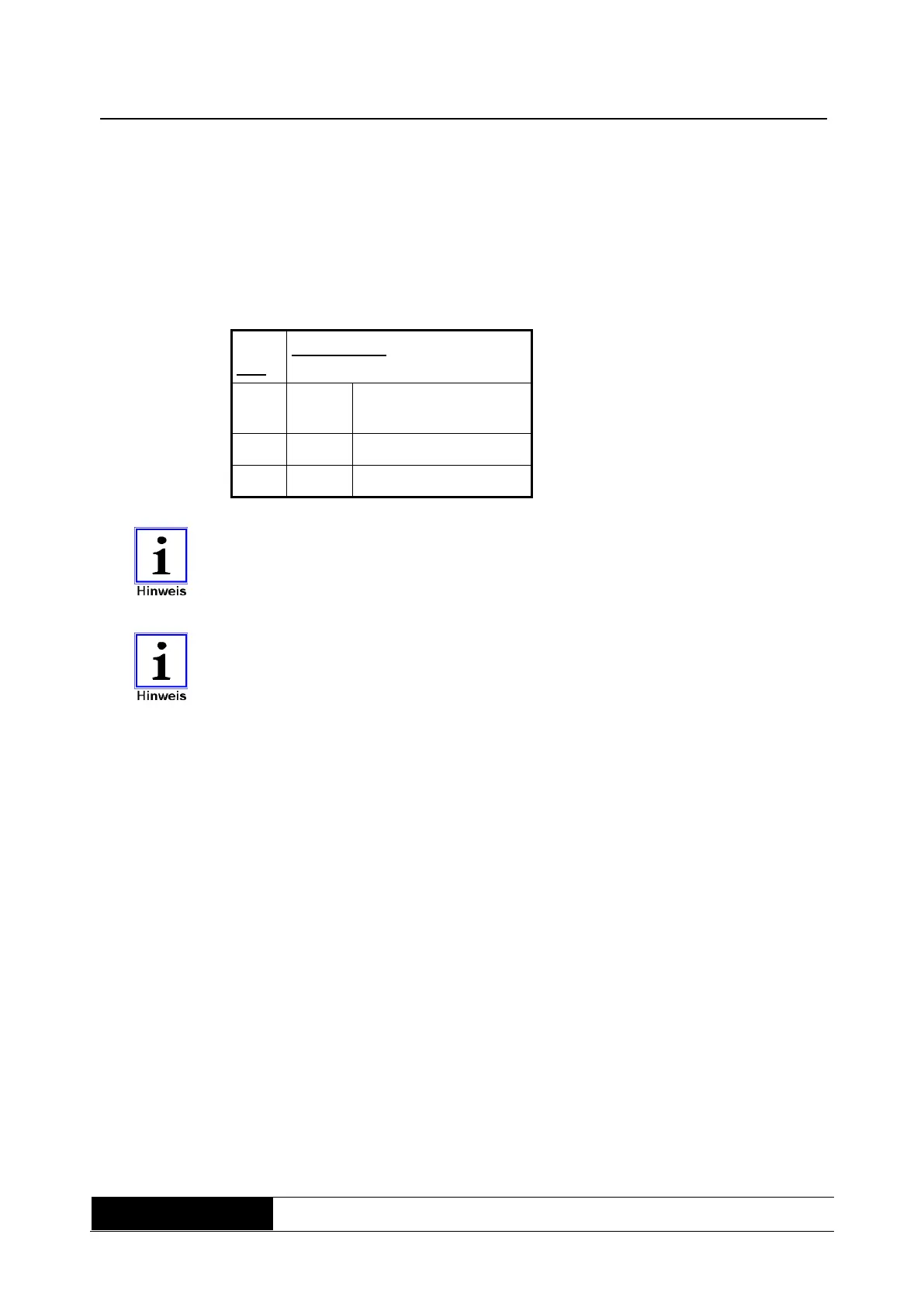
Fig. 5:
Communicational
interface of the
UPS
Receive data Rx or
shut down SD
The communicational interface is completely galvanically isolated.
The UPS can also be forced to shut down immediately during support mode
via the RS232 serial interface. This is triggered via a permanent +12V signal
on receive data (Rx) (shutdown function).
8.3 Connection sequence
Connect the UPS to the mains making sure that the mains and UPS are safely
switched-off beforehand.
Before connecting the consumer with the output, the basic configuration (9.2.3)
has to be made.
Connect the consumer load(s) to the UPS. Ensure that all consumer loads are
switched off.



 To Next Page