EasyManua.ls Logo

Effekta MKD 2000 - User Manual

Effekta MKD 2000
45 pages
Print Icon
To Next Page IconTo Next Page
Loading...
UPS
Uninterruptible Power Supply
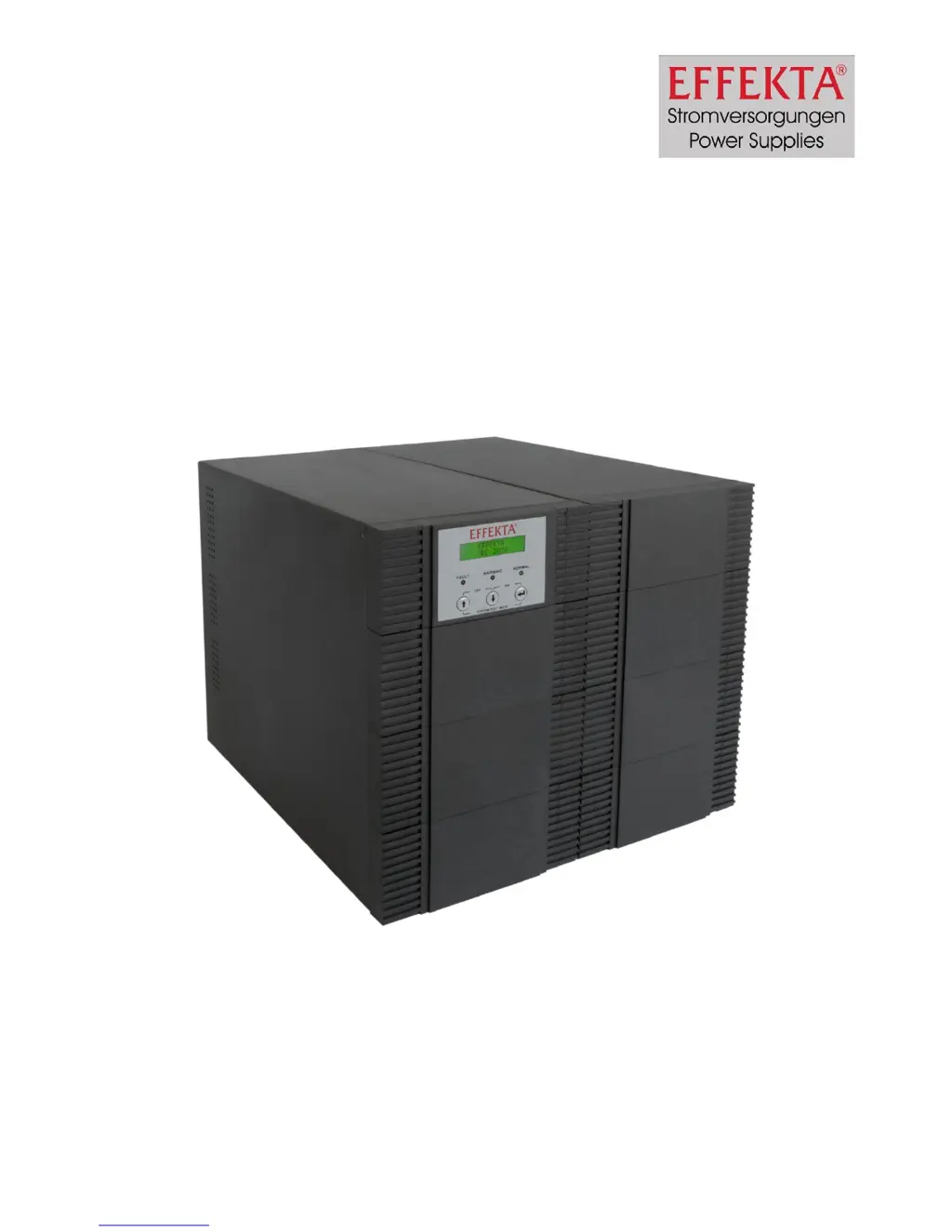
MKD 2000 / 3000 XL
Manual
Item number: ACX11MKS2K0000XL
ACX11MKS3K0000XL
Version V1.1 May 2010

Questions and Answers

  • P
    Peggy HerreraAug 12, 2025
    What to do if my Effekta UPS shows 'Overload fault'?
    • J
      Jennifer GibbsAug 12, 2025
      If your Effekta UPS is in bypass mode with the fault LED glowing, the display showing 'Overload fault,' and an acoustic alert sounding, it means the UPS is overloaded. To resolve this, disconnect some of the connected machines from the UPS until the load display indicates 100% or less.
  • W
    William PonceAug 15, 2025
    Why is the autonomy time lower than nominal on my Effekta MKD 2000 UPS?
    • K
      Kelly JohnsAug 15, 2025
      If the autonomy time of your Effekta UPS is lower than expected, it could be that the accumulators are not fully charged or some are defective. Try loading the accumulators for more than 8 hours and then retest. If the issue persists, the accumulators may need to be replaced.
  • K
    Kathryn CookAug 23, 2025
    What to do if connected machine does not work with Effekta MKD 2000?
    • D
      Dominique TurnerAug 23, 2025
      If your Effekta UPS is working but the connected machine isn't, the connection between the UPS and the machine may be defective. Check the connection and confirm it by taking voltage measurements.
  • J
    Julie HuffmanAug 27, 2025
    What to do if Effekta UPS shows 'Temp. fault'?
    • W
      walkerlisaAug 27, 2025
      If your Effekta UPS is in bypass mode, the fault LED is glowing, the display shows 'Temp. fault', and an acoustic alert is sounding, it indicates that the internal temperature of the UPS is too high. Switch off the UPS, disconnect the connected machines, and call customer service.
  • D
    Donna GarciaAug 31, 2025
    How to start Effekta MKD 2000 if it doesn't start?
    • T
      tsmithAug 31, 2025
      If your Effekta UPS cannot be started and there is no warning message, ensure that you push the ON buttons for about 2-3 seconds.
  • J
    Joshua LinSep 3, 2025
    What to do if Effekta UPS shows 'Inverter fault'?
    • E
      Emma JohnstonSep 3, 2025
      If your Effekta UPS is in bypass mode, the fault LED is glowing, the display shows 'Inverter fault', and an acoustic alert sounds, the inverter of the UPS is not operational. Switch off the UPS, disconnect the connected machines, and call customer service.
  • K
    Katie TaylorSep 7, 2025
    What to do if Effekta UPS shows 'DC_BUS fault'?
    • J
      Jessica BentonSep 7, 2025
      If your Effekta UPS is in bypass mode, the fault LED is glowing, the display shows 'DC_BUS fault', and an acoustic alert sounds, the DC bus of the UPS is not operational. Switch off the UPS, disconnect the connected machines, and call customer service.
  • T
    Timothy MccarthySep 10, 2025
    How to fix an Effekta MKD 2000 with no function, display, or warning message?
    • S
      Shane MccarthySep 12, 2025
      If your Effekta UPS has no function, no display, and no warning message, it may not be getting power or is not switched on. Ensure all connections are correct by checking voltage measurements and switch the UPS fuse on.

Summary

Safety

General Safety Instructions

General warnings and precautions for safe operation, handling, and maintenance of the UPS.

Connection

Instructions and warnings regarding the proper electrical connection of the UPS to mains and loads.

Handling Batteries

Safety precautions and disposal guidelines for handling UPS batteries due to electrical hazards.

Maintenance, Servicing, and Faults

Safety advice for performing maintenance, servicing, and dealing with potential faults on the UPS.

System Description

Description of MKD Series

Installation and Connecting of the UPS

Connecting the UPS

Detailed instructions and diagrams for physically connecting the UPS to the power source.

Connection between UPS and Battery Pack

Procedures and safety warnings for connecting external battery packs to extend UPS runtime.

Connection Sequence

Step-by-step guide on the correct order for connecting the UPS, mains, and consumer loads.

Operating and Controlling the Equipment

Operating of the UPS

Overview of the UPS's operational modes and how to interpret status signals and displays.

Operating Modes and Signals

Detailed description of various UPS operating modes like charging, start-up, bypass, and on-line.

Switching-on and Starting the UPS

Step-by-step instructions for powering up and initiating the UPS operation.

Switching-off and Power down the UPS

Procedure for safely shutting down and disconnecting the UPS from the power supply.

Setting-up of the UPS

Troubleshooting

Software

Maintenance and Service

Technical Data

Effekta MKD 2000 Specifications

General IconGeneral
BrandEffekta
ModelMKD 2000
CategoryUPS
LanguageEnglish

Related product manuals