EasyManua.ls Logo

Effekta MKD 700 - User Manual

Effekta MKD 700
41 pages
Print Icon
To Next Page IconTo Next Page
Loading...
UPS
Uninterruptible Power Supply
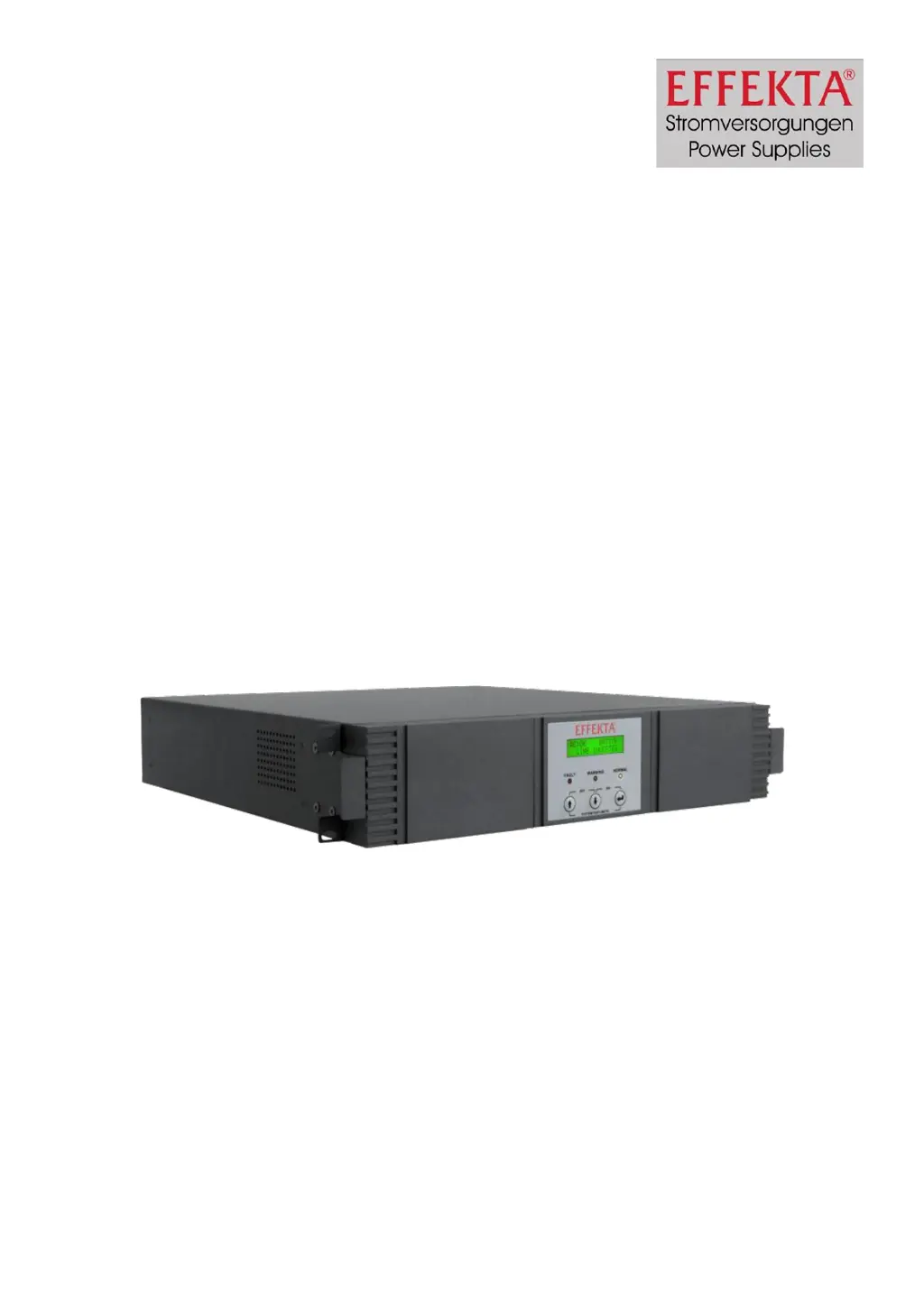
MKD 700 / 1000
19“ Rack
Manual
Item number: ACX11MKR70000000
ACX11MKR1K000000
Version V1.1 November 2008

Questions and Answers

Summary

1 Presentation

Understanding UPS Pictograms and Copyright

Introduces the manual and explains pictograms used for safety and information.

2 Warranty Conditions

Warranty Terms and Conditions

Details the terms and conditions of the product warranty.

Limitation of Liability

Outlines the extent and limitations of the manufacturer's liability.

3 Safety Instructions

General Safety Precautions

General warnings and precautions for safe UPS operation.

Safe Transport and Storage

Guidelines for safely moving and storing the UPS unit.

Optimal UPS Placement

Recommendations for the optimal and safe placement of the UPS.

Electrical Connection Guidelines

Instructions on how to properly connect the UPS to power sources.

Basic UPS Operation

Explains the basic procedures for operating the UPS.

Battery Handling Safety

Specific safety precautions and guidelines for handling UPS batteries.

Maintenance, Servicing, and Faults

Procedures for maintaining, servicing, and dealing with UPS faults.

4 Introduction to UPS Systems

Manual Scope and UPS Purpose

Provides background information on UPS technology and the manual's scope.

5 System Description and Operation

UPS Architecture and Functionality

Details the UPS architecture and its functional principle.

6 MKD Series UPS Features

Front Panel Controls and Indicators

Identifies and explains controls and indicators on the UPS front panel.

LCD Display Functions

Describes the function and display capabilities of the LCD screen.

Front Panel Button Operations

Explains the function of each button on the UPS front panel.

LED Status Indicators

Details the meaning and function of the various LED indicators.

Rear Panel Connections and Ports

Identifies and describes the connectors and components on the UPS rear panel.

Understanding Audible Alarms

Explains the different audible alarm signals and their meanings.

7 UPS Storage and Unpacking

Proper UPS Storage Procedures

Guidelines for storing the UPS equipment correctly.

Unpacking and Initial Inspection

Steps for safely unpacking the UPS and checking for damage.

8 UPS Installation and Connectivity

Connecting the UPS to Power

Detailed instructions and diagrams for connecting the UPS power.

UPS Communication Interface

Explains the serial interface for data exchange and control.

UPS Connection Sequence

Step-by-step procedure for connecting the UPS and loads.

9 Operating and Controlling the UPS

9.1 Operating of the UPS

Instructions on the general operation of the UPS unit.

9.1.1 Operating Modes and Signals

Explains the different operational modes and status signals.

9.1.2 Measured Value Display

Details how to view various measured parameters like voltage and frequency.

9.2 Instruction Manual of the UPS

General instructions for using the UPS manual effectively.

9.2.1 Switching-on and Starting the UPS

Step-by-step guide to powering on and starting the UPS.

9.2.2 Switching-off and Power Down the UPS

Instructions for safely shutting down and disconnecting the UPS.

9.2.3 Changing the Basic Setting

How to configure essential UPS parameters like voltage and frequency.

9.2.4 Starting the Testing Mode

Procedure for initiating the UPS's self-testing function.

9.2.5 Communication

Information on connecting the UPS for communication and data exchange.

10 UPS Initial Setup

Step-by-Step UPS Configuration

Step-by-step instructions for the initial setup and configuration of the UPS.

11 UPS Troubleshooting Guide

Diagnosing and Resolving UPS Issues

Guide to diagnosing and resolving common UPS problems.

12 UPS Software and Management

Software for UPS Monitoring and Control

Information about available software for UPS management and monitoring.

13 UPS Maintenance and Service

Measuring UPS Autonomy Time

How to measure the UPS's battery autonomy time.

Replacing UPS Batteries Safely

Safety precautions and steps for replacing the UPS batteries.

Service and Maintenance Log

Template for logging maintenance and service activities.

Accessing UPS Technical Support

Contact information for technical support and service.

UPS Maintenance Contract Options

Details about available maintenance and service contract options.

14 UPS Technical Specifications

Detailed UPS Specifications

Lists the detailed technical specifications of the UPS.

Scope of Delivery and Accessories

Lists the items included in the delivery and optional accessories.

UPS Wearing Parts Identification

Identifies components subject to normal wear and tear.

15 Declaration of Conformity

UPS Compliance Standards and Guidelines

Outlines the standards and guidelines the UPS complies with.

Effekta MKD 700 Specifications

General IconGeneral
Apparent Power700 VA
Real Power420 W
Input Voltage220/230/240 VAC
Output Voltage Regulation± 10%
Frequency50/60 Hz
Battery Voltage12 V
Battery Capacity7 Ah
Typical Recharge Time4-6 hours
Outlets4
Communication InterfaceUSB
Operating Temperature0-40°C
Output Voltage220/230 VAC
Battery TypeLead-acid
Operating Humidity0 to 90% (non-condensing)

Related product manuals