Getting Started with C5
EFIX C5 GNSS USER GUIDE | 2022-03 P a g e | 19
2.7 Downloading Logged Data
Data logging involves the collection of GNSS measurement data over a period at a static point
or points, and subsequent post-processing of the information to accurately compute baseline
information. Data logging using receivers requires access to suitable GNSS post-processing
software such as the eOffice Software.
2.7.1 FTP Download
The procedures of downloading logged data through FTP are as follows:
(1) Switch on the receiver, search its Wi-Fi in the computer and connect.
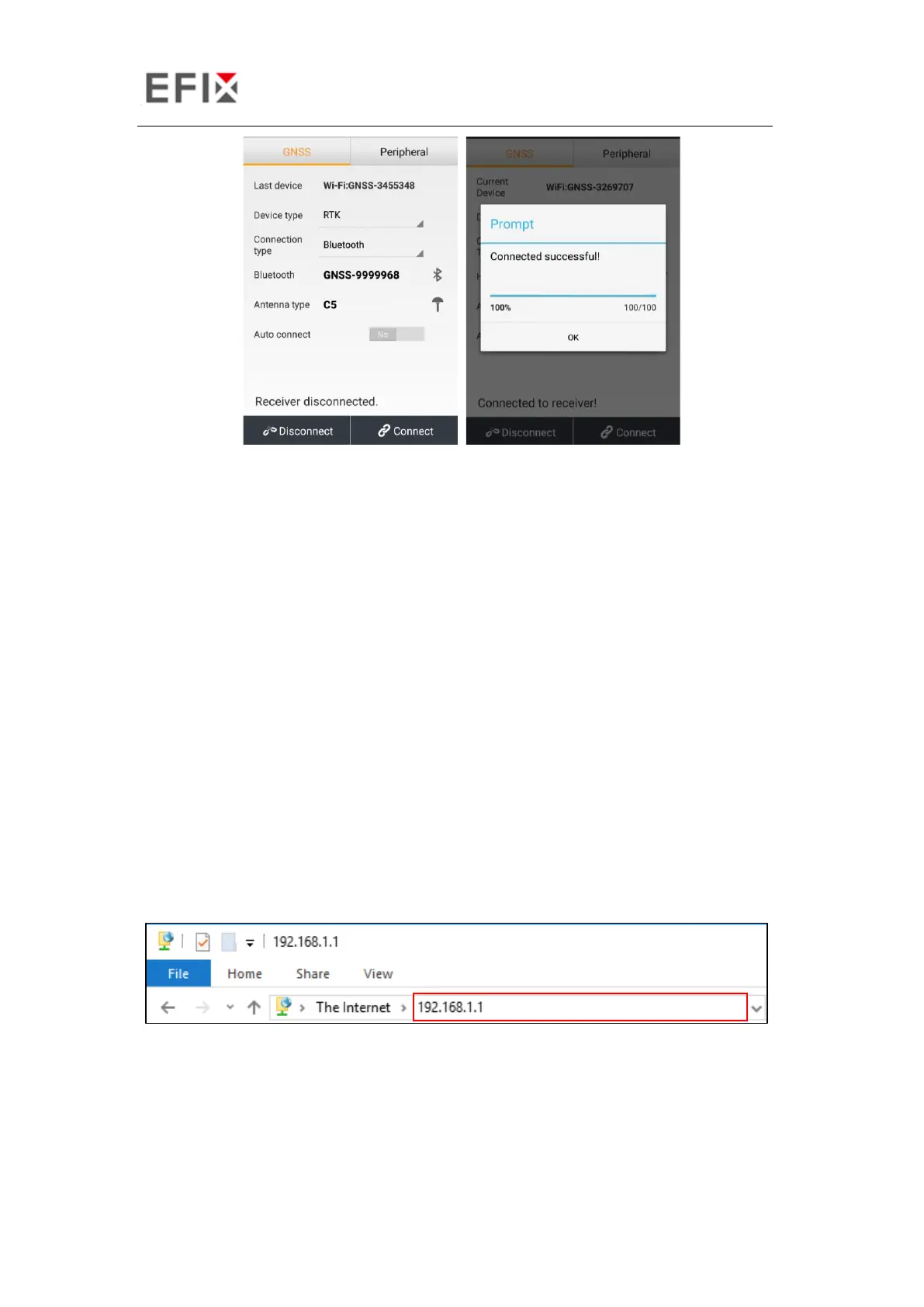
(2) After the successful connection, open the file manager in the computer and input
“ftp:\\192.168.1.1” in the address box.
(3) Input user name and password, the default user name and password are “ftp”.


 To Next Page