Equipment Setup and Operation
EFIX C5 GNSS USER GUIDE | 2022-03 P a g e | 28
Steps:
(1) Connect the UHF whip antenna to the receiver if necessary.
(2) Screw the receiver onto the pole.
(3) Turn on the receiver by pressing the power button for 3 s.
(4) Switch on the data controller and connect it to the receiver.
(5) Use software to configure the receiver as rover mode.
(6) Center and level the receiver more precisely.
(7) Use software to start survey.
3.4 Working with the Tilt Compensation
3.4.1 Operation Steps
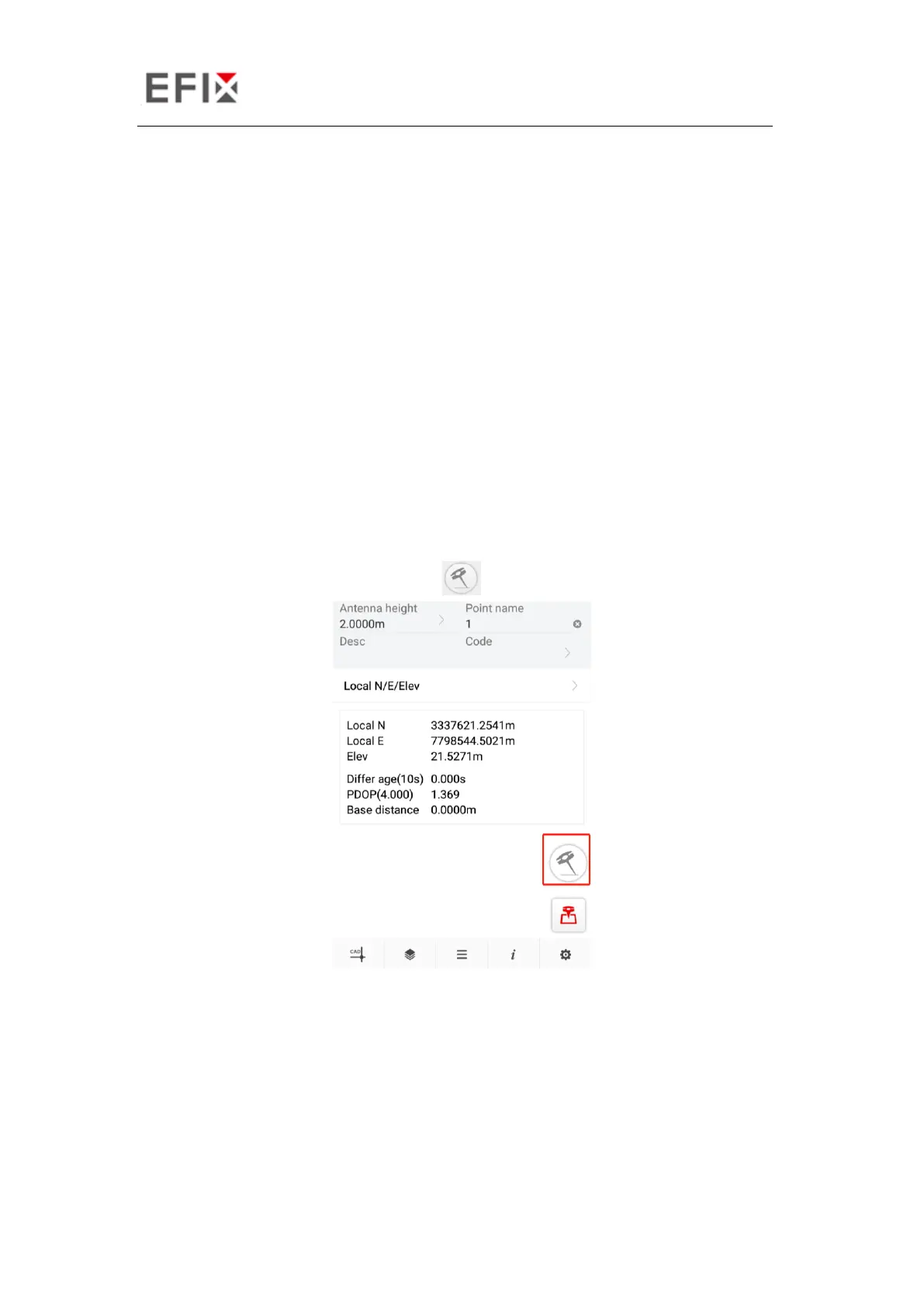
(1) Open eField-> Tap PT Survey-> Tap to activate tilt measurement.
(2) Shake around according to the procedures in the interface to do initialization.


 To Next Page