Equipment Setup and Operation
EFIX C5 GNSS USER GUIDE | 2022-03 P a g e | 26
3.2 Real-Time Base Station Setup
For good performance, the following base station setup guidelines are recommended:
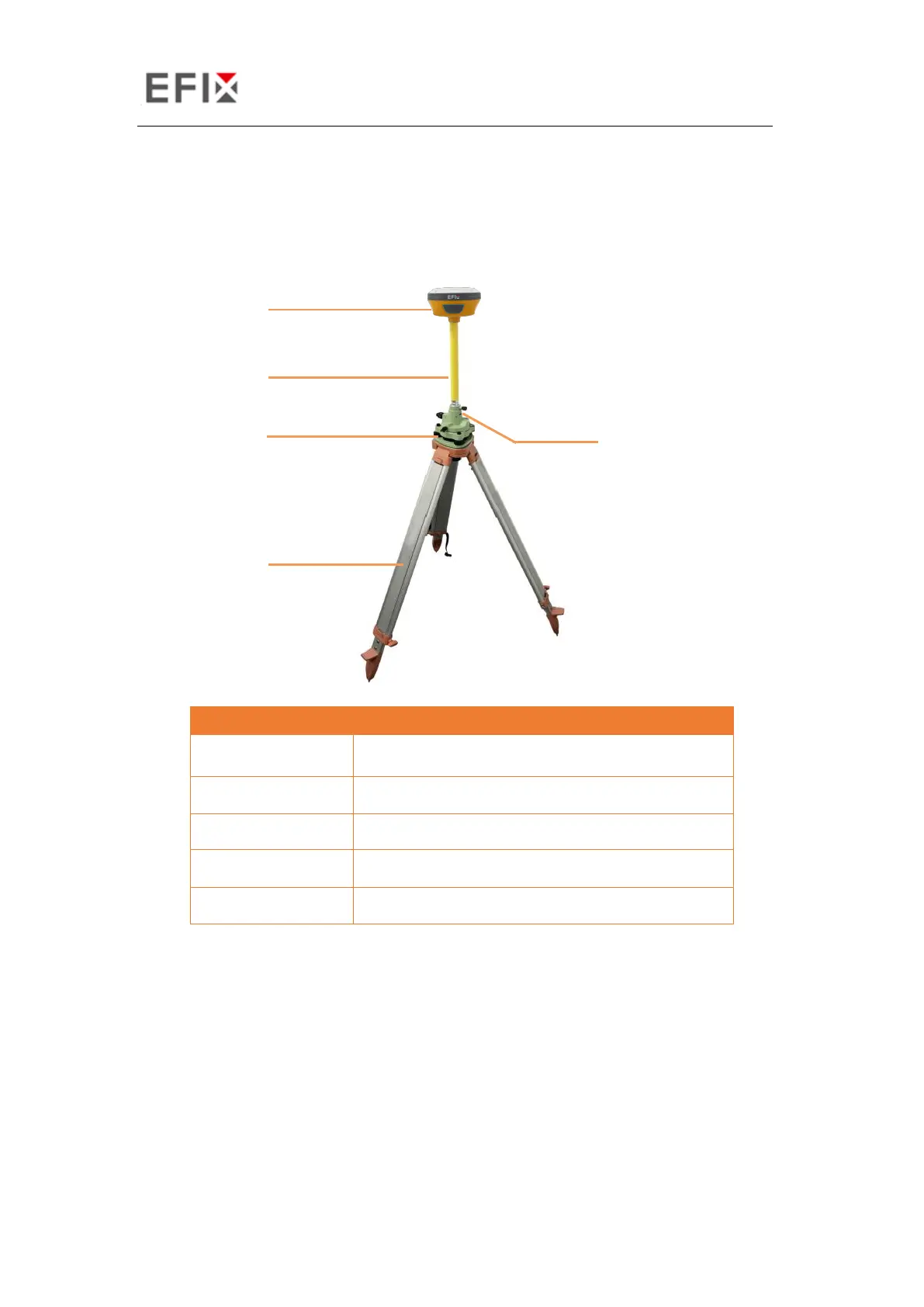
Components:
Steps:
(1) Put tripod in the target position, center and level it roughly.
(2) Place and lock the tribrach in the tripod.
(3) Screw the receiver onto the tribrach.
(4) Connect the UHF whip antenna to the receiver if necessary.
(5) Connect the receiver to external battery by using USB Type-C cable if necessary.
(6) Turn on the receiver by pressing the power button for 3 s.


 To Next Page