Getting Started with C5
EFIX C5 GNSS USER GUIDE | 2022-03 P a g e | 9
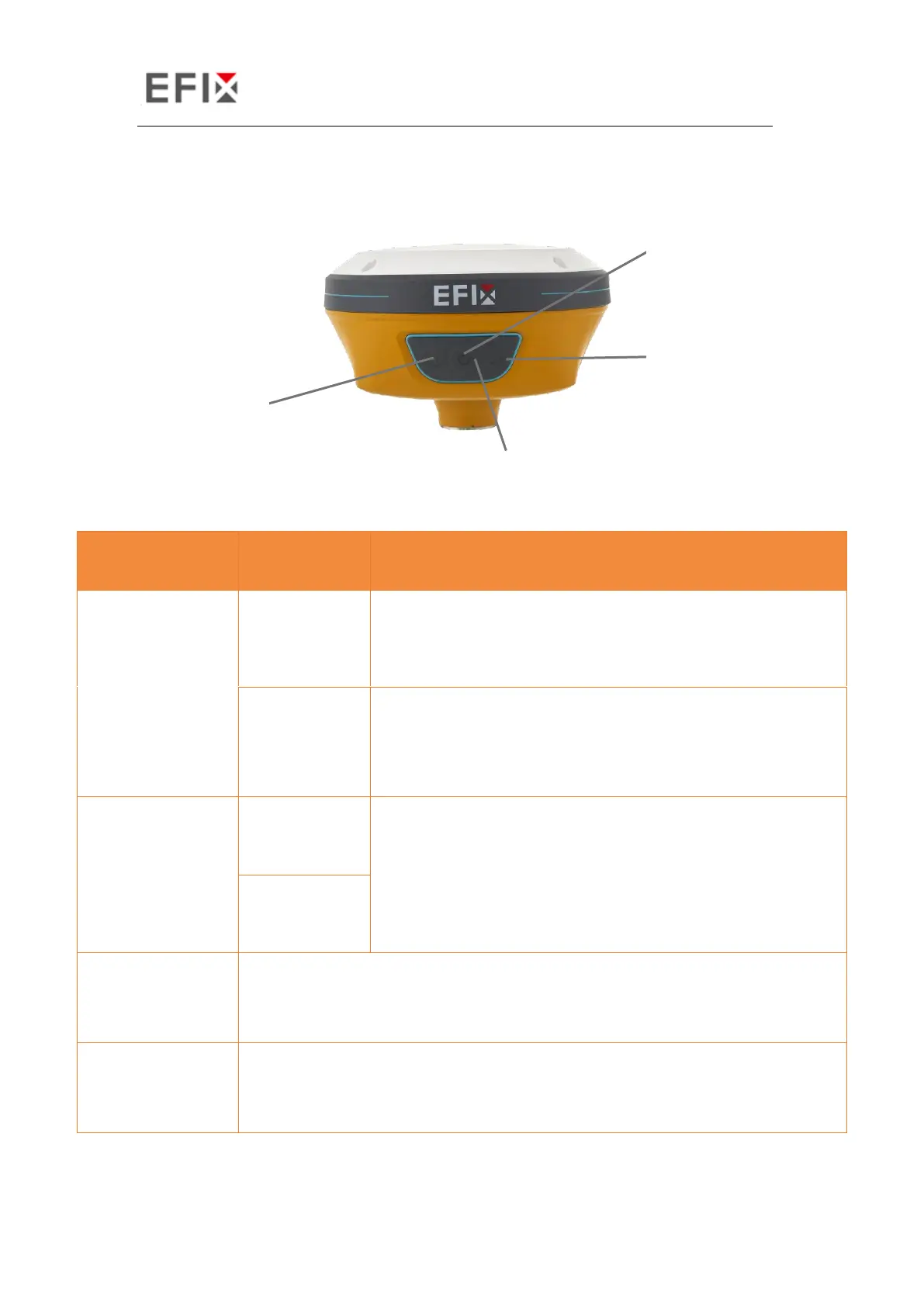
The front panel contains two indicator LEDs and one button.
• As a Base station: successfully transmitting differential
data, the correction LED shows yellow.
• As a Rover station: successfully receiving differential
data from Base station, the correction LED shows
yellow when it is single or float, shows green when it is
fixed.
• Under normal conditions red power light
• The power light shows yellow when charging
• The power light shows green when fully charged
• The light glitters every 5 seconds means searching for satellites
• The light glitters N times every second means it has got N satellites
• Works as a Power button
• Press and hold this button for 3 seconds to turn on or turn off the
receiver.


 To Next Page