1
2
3
4
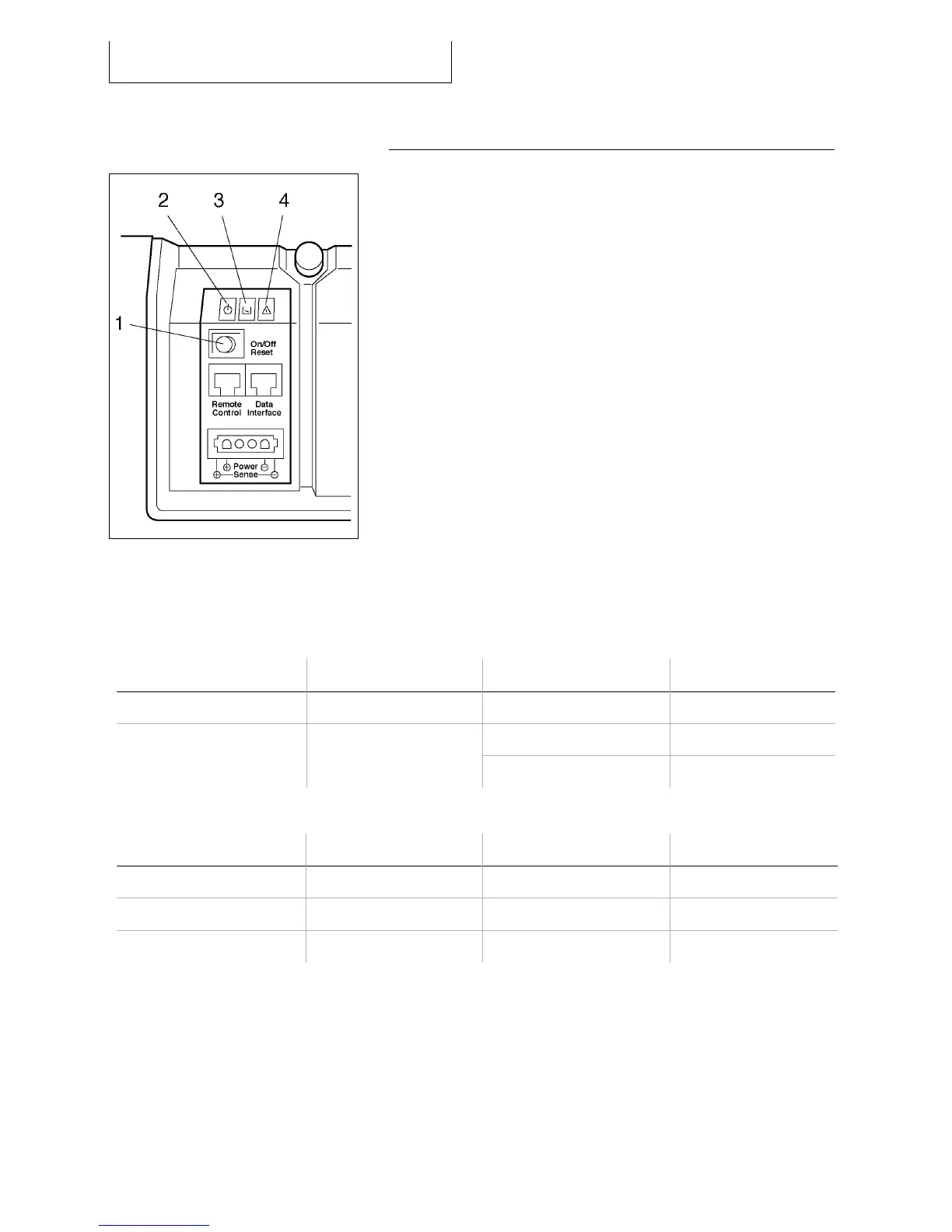
Push-button
Green LED
Yellow LED
Red LED
The LED’s indicate the EFOY Pro system status. The push-button is used to control the unit.
Push-button action Result Starting state Resulting state
Push shortly (< 0,5s) Reset On, Off or Automatic Automatic
On or Automatic Off Push longer (> 3s)
Switch On / off
Off On
LED state Green LED Yellow LED Red LED
On Ready Add service fluid Error
Blinking Shutting down Fuel empty Interruption
Off Off or error No error No error



 To Next Page