8. Data Interface and Accessories
Remote control (remote-on)
The EFOY Pro can be activated via a switching contact at
the CC1, which means that the charging mode can be
activated
The same function can be activated via the computer
interface. .
Automatic R
Charging mode
An “R” for “remote” will appear in the first line when
the unit is operating in remote mode.
Automatic R
Charging mode
You can lock or unlock the unit’s software from a
remote location by pressing auto and
>>
simultaneously. This will deactivate the function and the
unit cannot be started by a remote signal.
If you have locked the software, a padlock will appear
in the first line of the display.
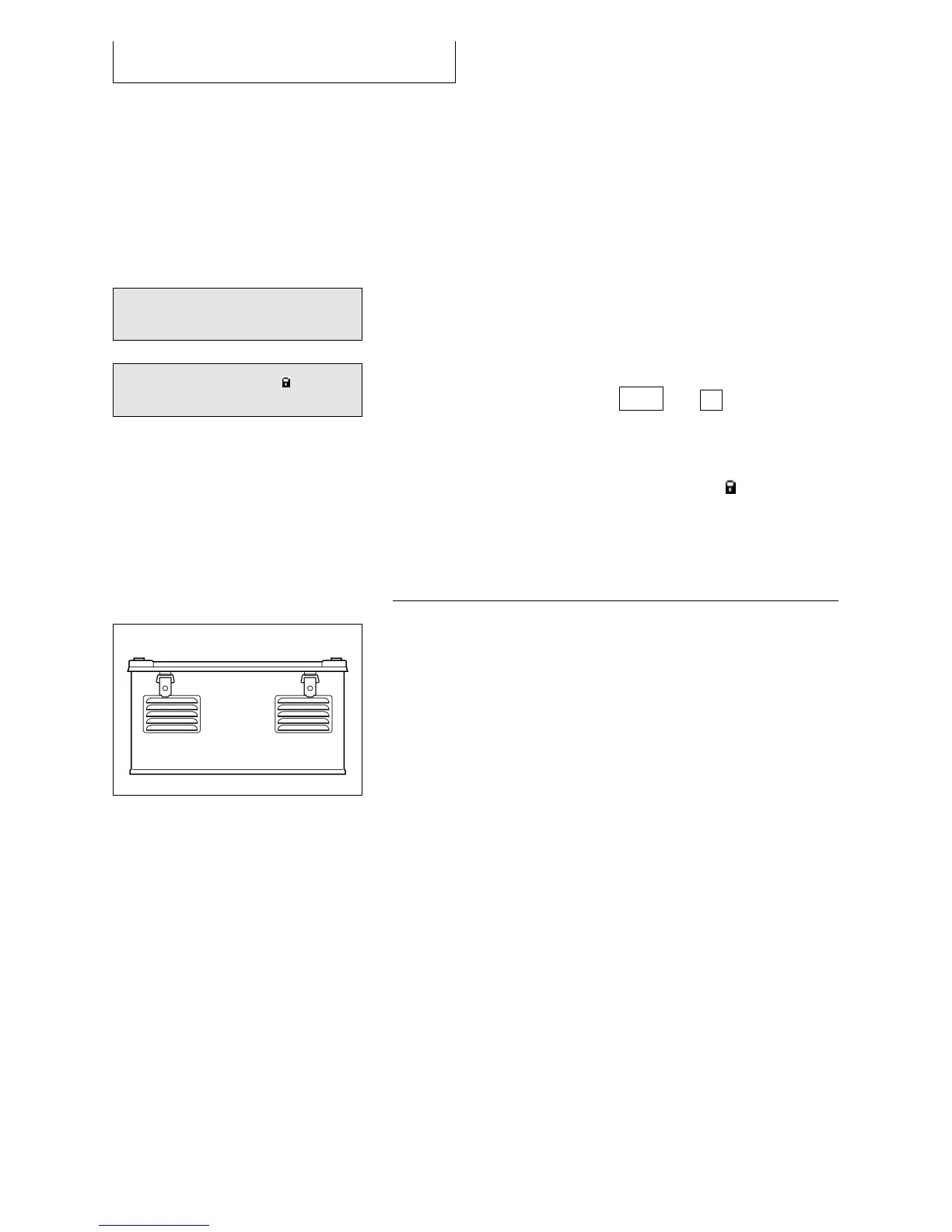
8.6 EFOY ProCube
The EFOY ProCube is a modular plug&play solution for
outdoor operation of the EFOY Pro.. The unit includes
preinstalled electronics, air ventilation and all
mounting materials. The integrated solar charge
controller allows the easy combination with solar
panels. .
The EFOY ProCube allows the installation of:
1x EFOY Pro (600, 1600, 2200, 2200 XT)
1x Fuel cartridge (M5, M10 or M28)
1x Battery (40, 60, or 90 Ah)
1x Fuel cartridge sensor FS1
1x GSM modem GSM-2



 To Next Page