7.4 Replacing Service Fluid
If service fluid is low the yellow light will turn on at the
EFOY Pro and the message ”Please refill service fluid“
will appear at the control panel display.
There is no need to add service fluid prior to the initial
start-up.
Use EFOY brand service fluid only.
Switch off the unit before refilling fluid. Unplug the
charge line.
Always keep the device’s service fluid nozzle clean.
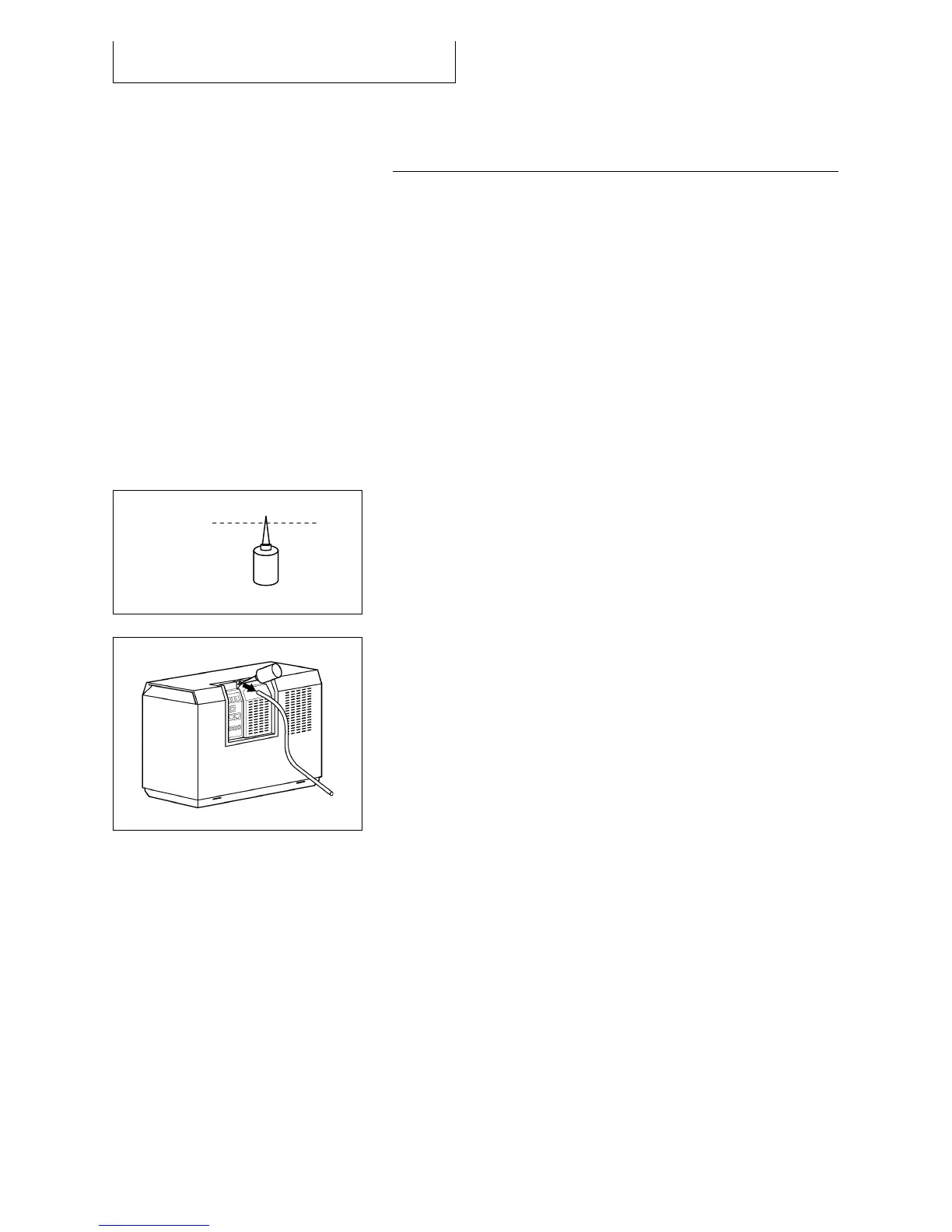
Use a clean pair of scissors to cut off the tip of the
cap.
The service fluid bottle is for one time use only.
Remove the exhaust hose from the device’s service
fluid nozzle.
Insert the tip into nozzle and gently squeeze the
entire contents into the nozzle.
Never refill more than one bottle of Service Fluid at
a time.
Wipe off any spilled service fluid with a cloth.
Replace the exhaust hose.
Reconnect the charge line.
Order a spare bottle service fluid at your local
dealer.



 To Next Page