EasyManua.ls Logo

Ego Power+ HT2500 - User Manual

Ego Power+ HT2500
96 pages
Print Icon
To Next Page IconTo Next Page
Loading...
WARNING: To reduce the risk of injury, the user must read and understand the
Operator’s Manual before using this product. Save these instructions for future reference.
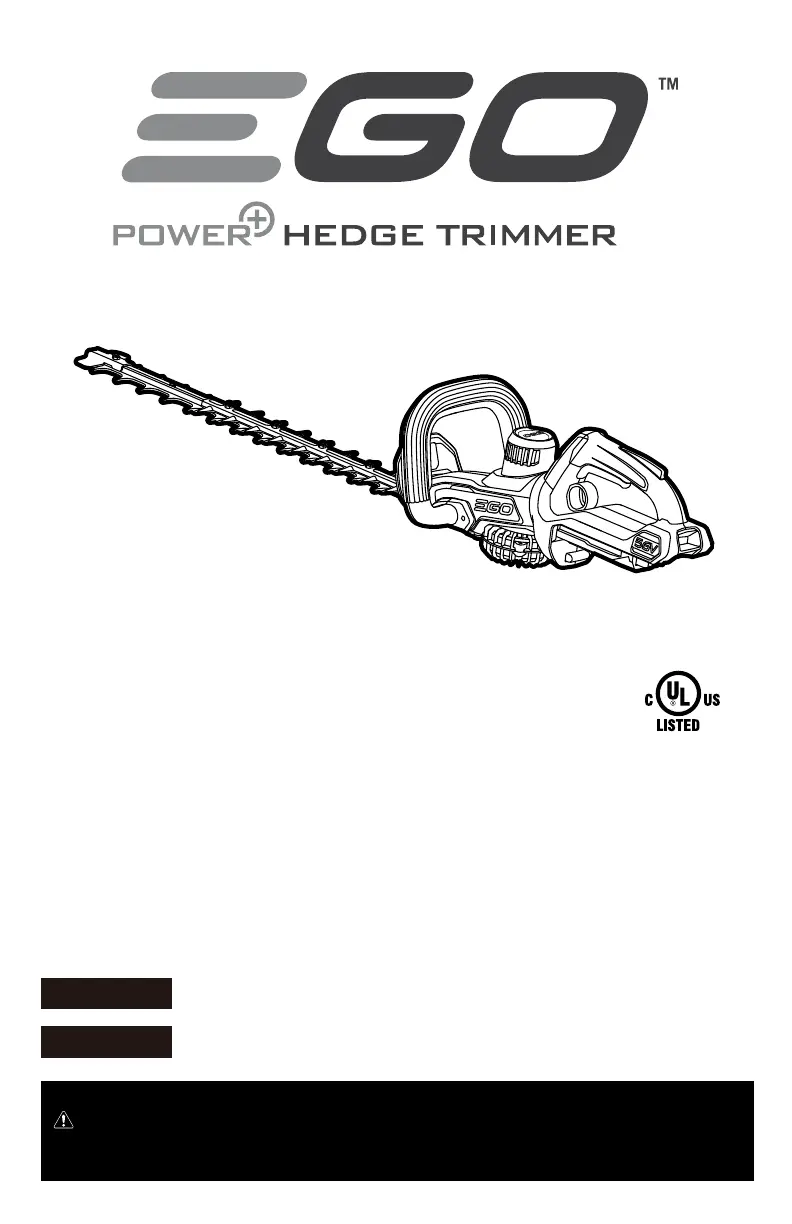
OPERATOR'S MANUAL
56-VOLT
LITHIUM-ION
CORDLESS
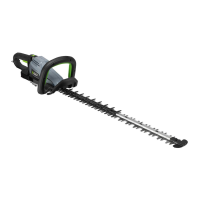
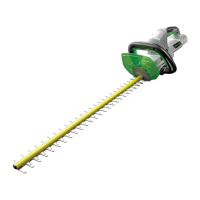
HEDGE TRIMMER
MODEL NUMBER HT2500/HT2500-FC
Español p. 63
Français p. 31
17-0405_EGO_HT2400_HedgeTrimmer_manual_NA_V2

Questions and Answers

  • T
    teresamartinezJul 28, 2025
    Why is my Ego Power+ HT2500 Trimmer not working?
    • M
      Melissa Valenzuela MDJul 29, 2025
      If your Ego Power+ Trimmer isn't working, several factors could be the cause. First, ensure the battery pack is properly attached. If it is, remove the battery, inspect the contacts, and reinstall it to ensure good electrical contact. A depleted battery can also be the culprit, so ensure it is fully charged. The tool may not operate if the battery pack or the trimmer itself is too hot; allow them to cool down. Also, make sure you are pressing the lock-off button first, then both front and rear switch levers simultaneously. Finally, a jammed blade can prevent operation; remove the battery, carefully clear any obstruction, and restart the trimmer.
  • S
    Sabrina RosarioAug 13, 2025
    How to reduce vibration in Ego Power+ HT2500?
    • N
      Nathaniel WilkinsAug 13, 2025
      Excessive vibration or noise in your Ego Power+ Trimmer can stem from several issues. The blades may be dry or corroded; try lubricating them. Loose blade bolts can also cause this issue; tighten them using a 1/8" (3mm) hex wrench, turning clockwise.

Summary

California Proposition 65 Warning

Health Hazards from Chemicals

Warns about chemicals in dust from construction activities.

Safety Symbols Overview

Eye Protection Requirements

Emphasizes wearing safety goggles or face shields.

Safety Symbol Explanations

Hazard Alert Symbols

Explains DANGER, WARNING, CAUTION symbols.

Specific Safety Icons

Covers eye protection, blade danger, and recycle symbols.

General Power Tool Safety Warnings

Work Area Safety

Keep area clean, well-lit, and free of hazards.

Electrical Safety

Avoid wet conditions and grounded surfaces.

Personal Safety and Tool Use

Personal Safety Precautions

Use PPE, stay alert, proper footing, dress appropriately.

Power Tool Use and Care

Handle tool with care, avoid misuse, maintain tool.

Tool and Battery Maintenance

Battery Safety and Trimmer Warnings

Battery Pack Safety

Avoid damage, heat, and proper charging.

Hedge Trimmer Safety Warnings

Keep body from blade, carry by handle, use blade cover.

Important Operational Safety

Hedge Trimmer Handling Safety

Avoid wet charging, use proper guards, don't tamper with safety devices.

Compatible Battery and Charger Info

List of supported battery and charger models.

Maintenance and Storage

Product Specifications

Product Description

Operation Guidelines

Battery Pack Installation and Removal

Starting and Stopping the Trimmer

Trimming Techniques

Maintenance Procedures

Blade Lubrication and Storage

Troubleshooting Guide

Hedge Trimmer Not Working

Common causes and solutions for non-operation.

Excessive Vibration or Noise

Identifying and fixing causes of vibration.

Ego Power+ HT2500 Specifications

General IconGeneral
BrandEgo Power+
ModelHT2500
CategoryTrimmer
LanguageEnglish

Related product manuals