EasyManua.ls Logo

Ego Power+ ZERO TURN Z6 - User Manual

Ego Power+ ZERO TURN Z6
79 pages
Go to English
Print Icon
To Next Page IconTo Next Page
Loading...
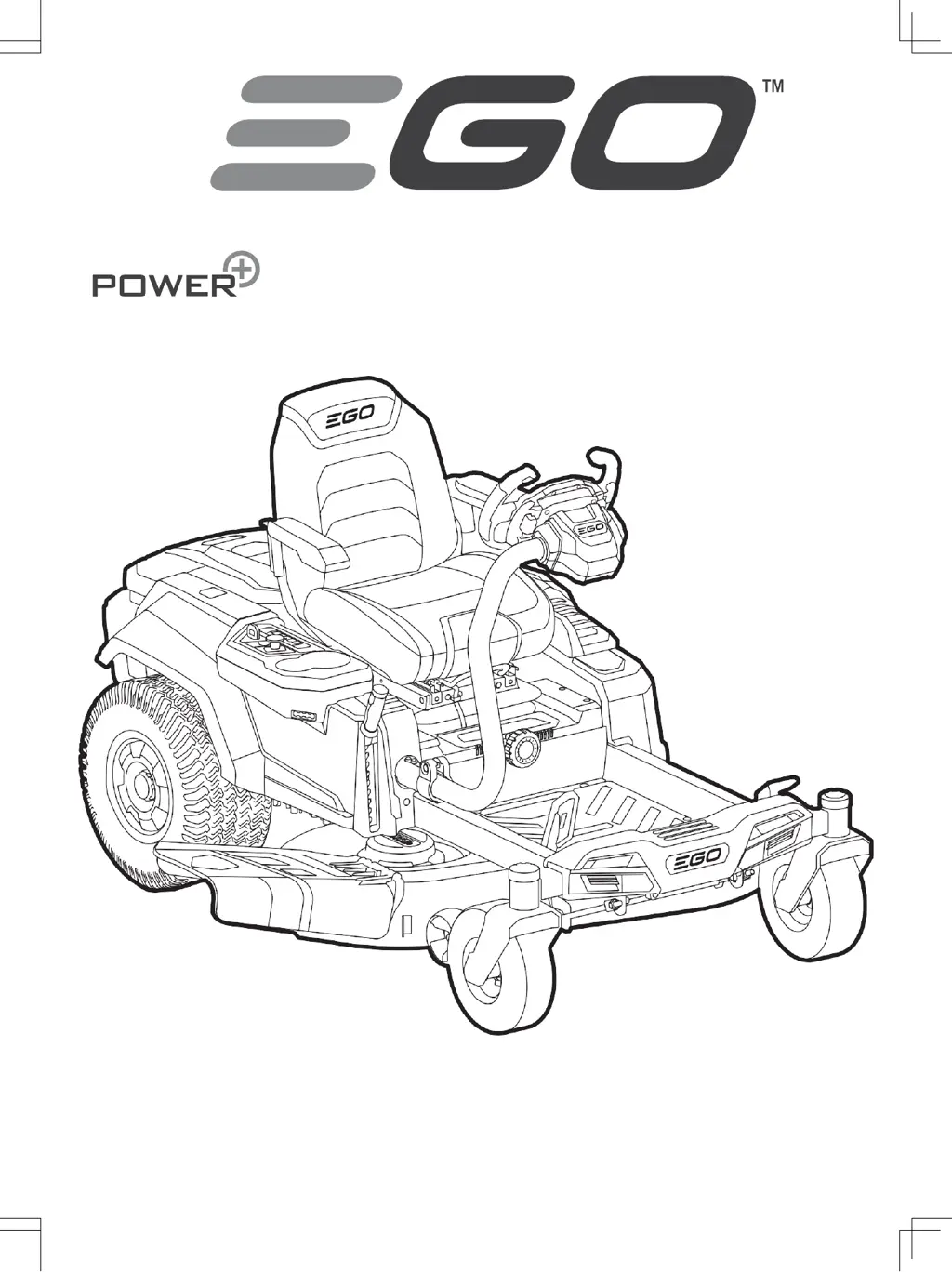
ZERO TURN RIDE-ON MOWER
ZT4200E-S
Операторско ръководство
ZERO TURN КОСАЧКА Z6

Questions and Answers

Summary

Safety and Instructions

Read All Instructions

Emphasizes the importance of reading all instructions before use.

Safety Symbol Explanation

Explains the purpose and meaning of safety symbols used in the manual.

Specifications and Symbols Reference

Safety Symbols Reference

Lists and explains various safety symbols used in the manual.

Technical Specifications

Provides detailed technical data and specifications of the mower.

Mower Description

Component Identification

Lists and describes the numbered components of the mower as shown in Fig. A1.

Assembly and User Interface

LCD Screen Overview

Explains the various icons and indicators on the mower's LCD screen.

Assembly Procedures

Details the steps for installing the seat and steering wheel.

Adjustments and Pre-Operation

Attaching Mulching Plug

Instructions for attaching the mulching plug to the mower deck.

Mower Adjustments

Covers adjustments for cutting deck height, anti-scalp wheels, seat, and steering wheel.

Mower Operation

Starting, Stopping, and Limp-Home Mode

Details the procedures for starting, stopping, and understanding Limp-Home mode.

Driving and Safety Precautions

Explains safe driving practices and potential hazards.

Maintenance and Control Systems

Maintenance Schedule and Procedures

Outlines the required maintenance tasks and their intervals.

Using Cruise Control (CCS)

Explains how to activate and use the Cruise Control System on the mower.

Maintenance Procedures

General Cleaning and Deck Maintenance

Covers cleaning the mower housing and deck, and maintaining the deck and blades.

Blade Replacement and Deck Leveling

Details replacing cutting blades and leveling the mower deck.

System Calibration and Handling

Tracking System Calibration and Reset

Covers calibrating tracking system and resetting to factory settings.

Storage and Transport

Provides guidance on storing and transporting the mower.

Troubleshooting Mower Operation

Mower Fails to Drive

Addresses issues when the mower does not drive when the accelerator pedal is depressed.

Mower Stops Driving

Solutions for when the zero turn ride-on mower stops driving unexpectedly.

Troubleshooting Driving and Control

Mower Stops Driving and Mode Adjustment

Addresses issues with the mower stopping and driving mode adjustment.

Troubleshooting Blade and Audio Issues

Blade Start and Operation Problems

Solutions for when blades fail to start or stop working during cutting.

Audio Indicator Issues

Addresses problems related to the audio indicator continuing to sound.

Troubleshooting Indicators and Performance

Blade and Audio Indicator Issues

Solutions for blades stopping, audio indicators sounding, and battery indicators remaining on.

Battery Indicator Status

Explains the meaning of battery indicators remaining on when the mower is off.

Troubleshooting Display and Cutting

LCD Screen and Cutting Issues

Addresses problems with the LCD screen, uneven cutting, and incorrect cutting height.

Mulching Performance

Solutions for when the mower does not mulch properly.

Troubleshooting Performance and Charging

Vibration, Debris, and Run Time

Addresses issues like excessive vibration, debris, and short battery run time.

Tracking, Brake, and Charging Problems

Solutions for tracking issues, parking brake problems, and charging faults.

Troubleshooting Operation and Controls

Charging and Starting Issues

Addresses problems with charging time, battery charging, and starting after cleaning.

Operation and Control Issues

Solutions for deck clogging, traction loss, parking brake, wash port, sounds, and steering.

Troubleshooting Control Functions

CCS and Reverse Driving Issues

Solutions for CCS function problems and failure to drive in reverse.

Mower Status and Fault Codes

Status Indicators and Icons

Explains the meaning of various LCD display icons like LED lights, USB, Fuel Gauge, Hour Meter, Load, Reverse, and Safety Key.

Battery and Overload Status Codes

Battery Compartment Icons

Explains blinking icons for occupied and empty battery compartments.

Overload Indicator Faults

Addresses issues when the overload indicator blinks, including blade overload and debris.

Temperature and Battery Overheating Codes

Temperature Icon Blinking

Explains temperature icon blinking due to mower overheating or cold conditions.

Temperature and Battery Overheating

Addresses combined blinking of temperature and battery icons due to battery overheating.

Low Power and Parking Status Codes

Low Power and Fuel Gauge Indicators

Explains blinking indicators for low power, fuel gauge, and battery status.

Parking and Brake Pedal Status

Addresses blinking auto-parking icon and brake pedal icon display.

Seat, Switch, and Energy Status Codes

Seat Sensor and PTO Switch Issues

Explains seat sensor icon and blinking PTO switch icon issues.

Energy Regeneration and CCS Status

Addresses energy regeneration and CCS icon blinking status.

Driving Motor Fault Codes

Left Driving Motor Failures

Details fault codes and causes for left driving motor failure.

Right Driving Motor Failures

Details fault codes and causes for right driving motor failure.

Blade, Pedal, Steering, and Brake Fault Codes

Blade Motor and Accelerator Pedal Faults

Covers fault codes for blade motors and accelerator pedal failures.

Steering, Brake, and Drive Faults

Addresses fault codes for steering, parking brake, and general driveability issues.

Charging and System Fault Codes

Charging and Battery Box Faults

Details fault codes for charging port, battery box, and related issues.

Switch and Screen Faults

Addresses fault codes for start/stop switch and LCD screen.

Warranty Information

EGO Warranty Policy

Provides information on how to find the full terms and conditions of the EGO Warranty policy.

Ego Power+ ZERO TURN Z6 Specifications

General IconGeneral
BrandEgo Power+
ModelZERO TURN Z6
CategoryLawn Mower
LanguageEnglish

Related product manuals