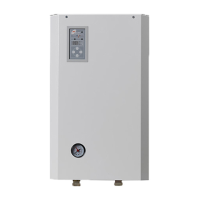
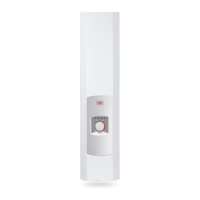
24
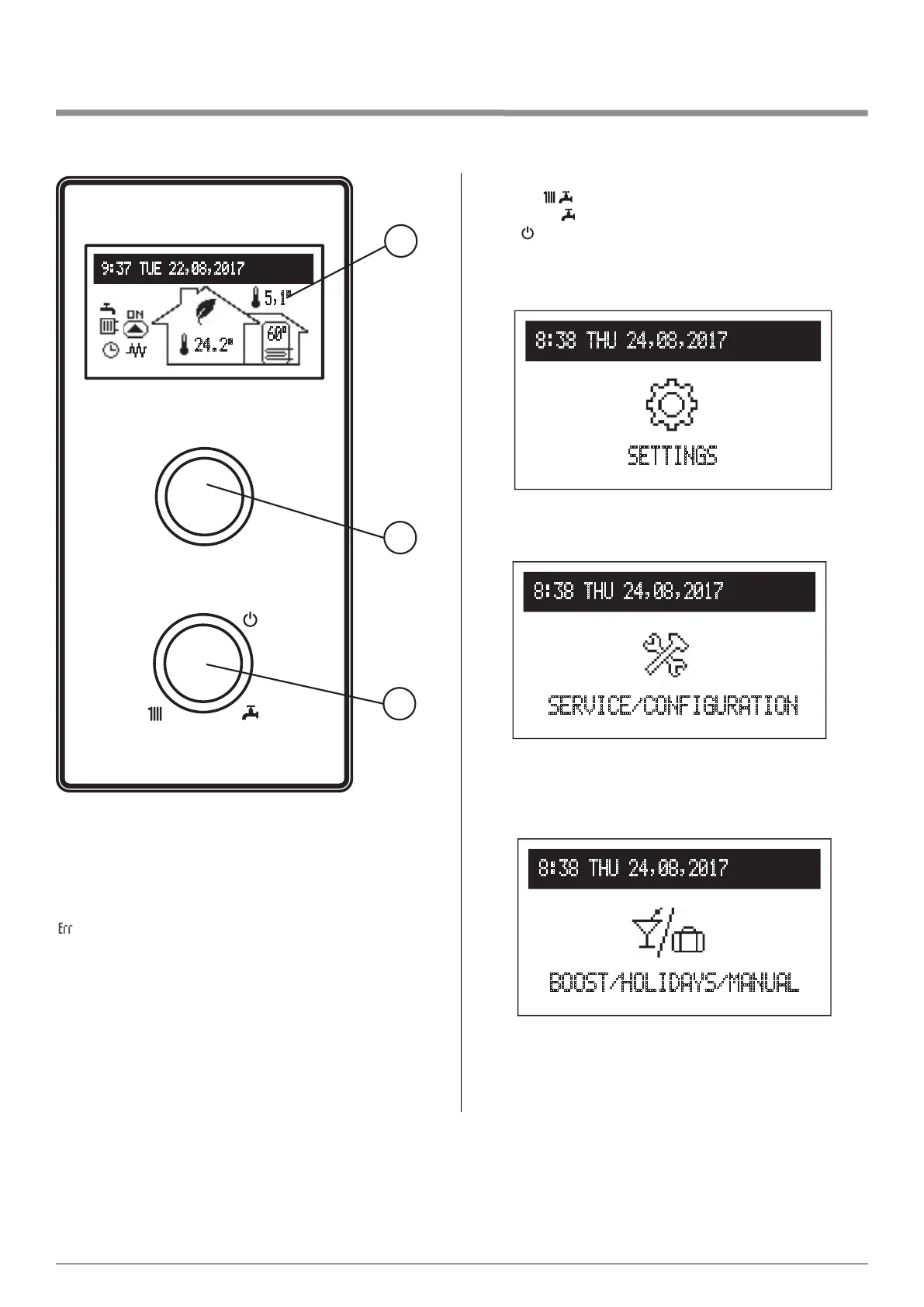
13. Control panel- optional settings with OS (outside sensor) and IS
(NTC sensor activated)
2
3
9:37 TUE 22,08,2017
24.2°
5,1°
60°
1
[1]-screen
[2]-navigationdialtopreviewdialandsettings
[3]-operatingdialtochooseworkingmode
Dial 3 changes the mode:
- winter : CH + DHW
- summer ( ): DHW
- off .
Dial 2 changes function screens (by turning left or right) to:
- main function screen: informs about the basic parameters of
the boiler (details in the table- p. 22),
8:38 THU 24,08,2017
SETTINGS
SETTINGS: allows to adjust the parameters of the boiler to
user’s preferences,
8:38 THU 24,08,2017
SERVICE/CONFIGURATION
SERVICE/CONFIGURATION: allows conguration of the
system heating to the conditions of the facility and preview
of boiler’s input and output signals,
BOOST/HOLIDAYS/MANUAL: allows to quickly select heat-
ing mode.
icon indicates boiler’s error. To view the error press the
navigation dial [2].
8:38 THU 24,08,2017
BOOST/HOLIDAYS/MANUAL


 To Next Page