39
Chapter 4 SelfCalibration
7. Choose “Gamma”, and press .
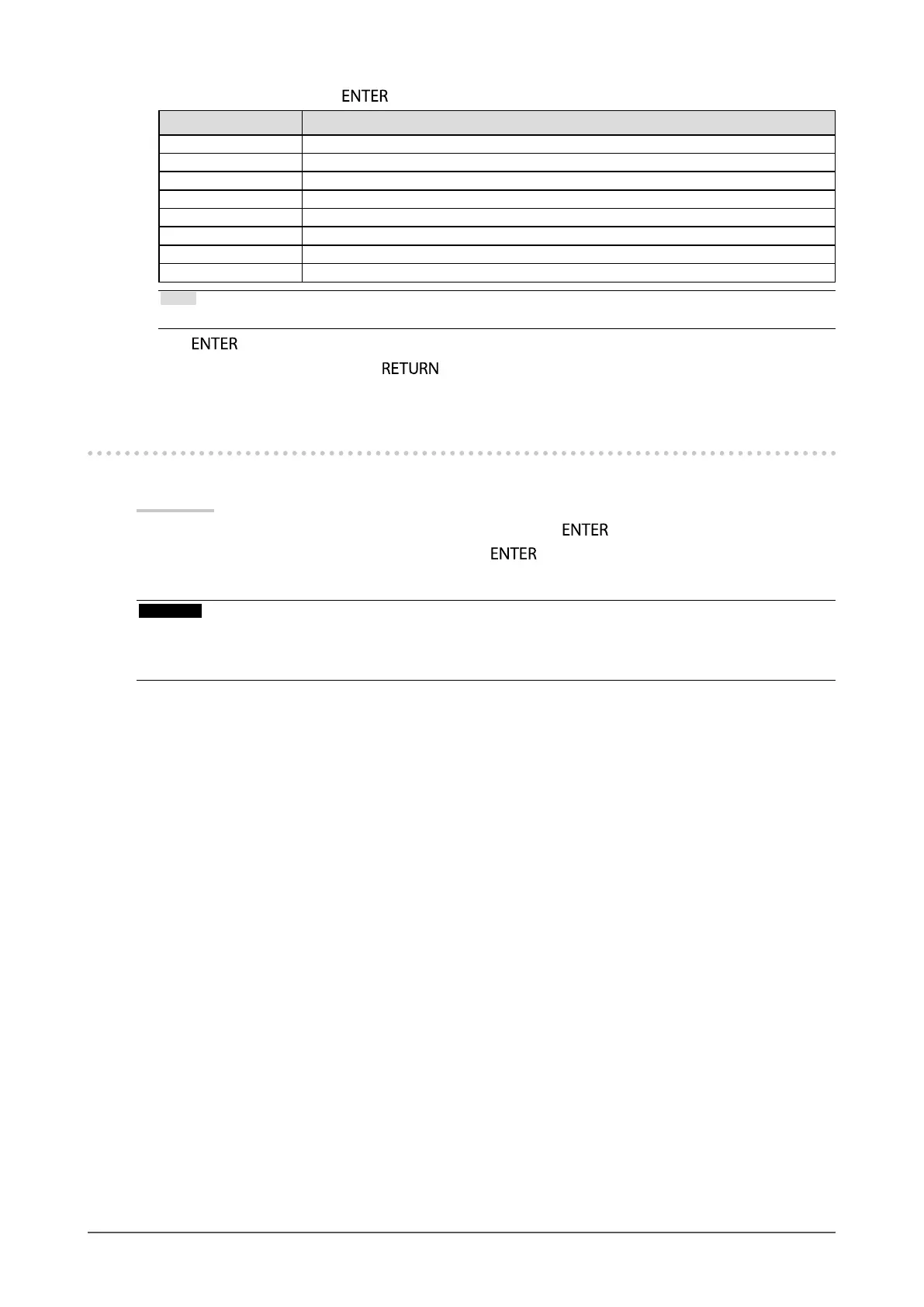
Settings Function
1.6-2.7 Set the gamma value.
Adobe
®
RGB Set the gamma curve dened by Adobe
®
RGB.
sRGB Set the gamma curve dened by sRGB.
EBU Set the gamma curve dened by EBU.
REC709 Set the gamma curve dened by REC709.
REC1886 Set the gamma curve dened by REC1886.
SMPTE-C Set the gamma curve dened by SMPTE-C.
DCI Set the gamma curve dened by DCI.
Note
• These automatically become “Fixed” when adjusted with ColorNavigator.
Press
to exit.
8. After completing all settings, press .
4-5. Executing SelfCalibration
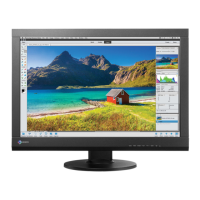
SelfCalibration can be executed manually regardless of the schedule.
Procedure
1. Choose “SelfCalibration” from the Adjustment menu, and press
.
2. Choose “Execute” from “SelfCalibration”, and press
.
The built-in calibration sensor is activated, and SelfCalibration is executed.
Attention
• To execute SelfCalibration, it is necessary to set the calibration details. For more information, see “4-4. Setting the
calibration targets” (page 38).
• After selecting “Execute”, aging may be executed before the built-in calibration sensor is executed.


 To Next Page