8
Chapter 1
Introduction
1-2. Controls and Functions
●
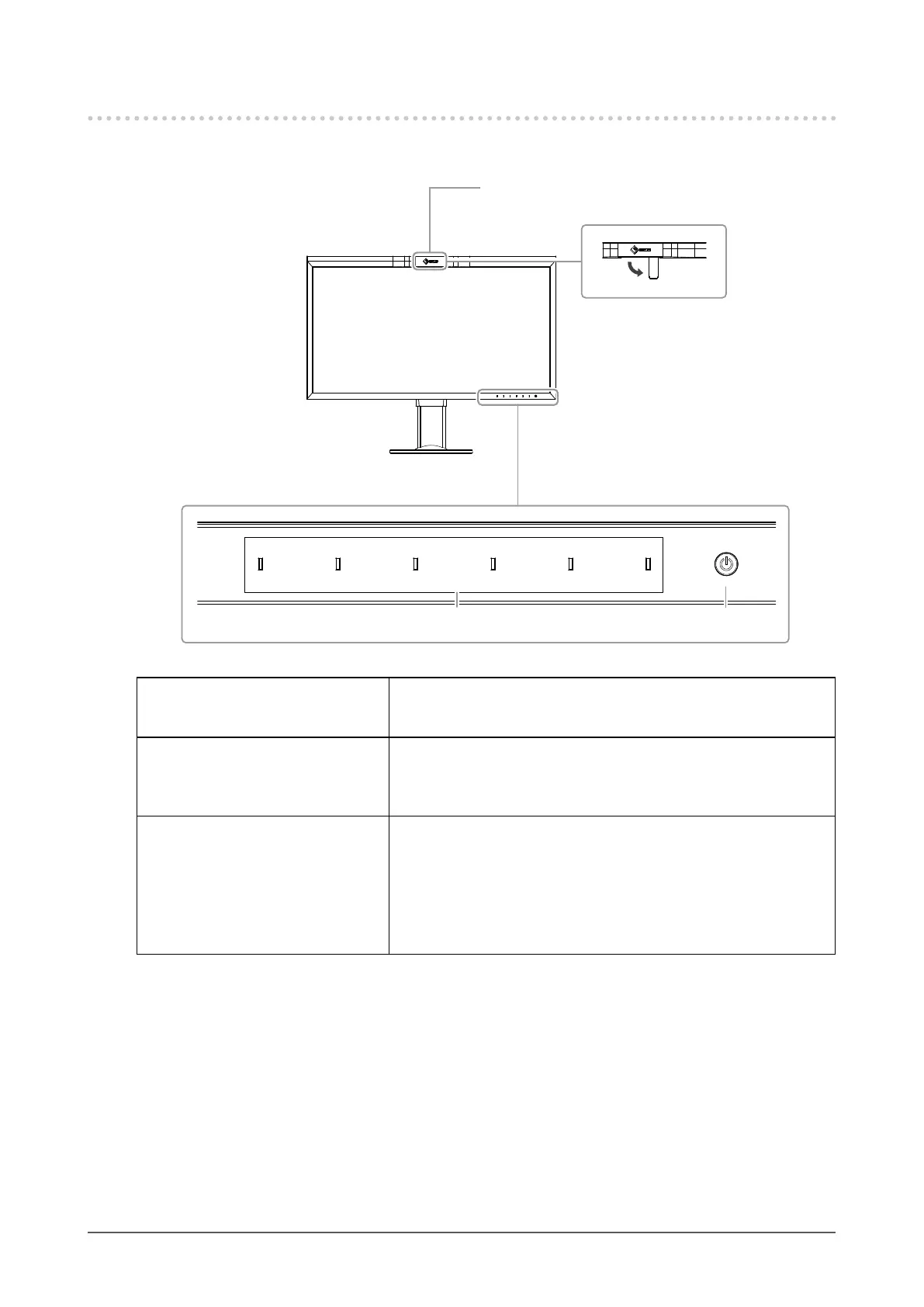
Front
32
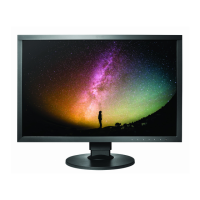
1. Built-in calibration sensor Executes calibration for monitors. By executing SelfCalibration, the
calibration sensor automatically operates and regularly calibrates the
monitor (page 15).
2. Operation switches Displays menus. Operate the switches according to the operation
guide.
Touch the switch to display its menu.
The switch indicators are lit white when you turn on the power.
3. Power switch Turns the power on or off.
Touch the switch to turn the power on.
The switch indicator is lit when you turn the power on. The indicator
color differs depending on the monitor's operation status.
White : Normal operating mode
Orange : Power saving mode
OFF : Power off
(When sensor is operating)







 To Next Page