43
Chapter 6 Troubleshooting
6-4. Imaging problems (for analog only)
Problem Possible cause and remedy
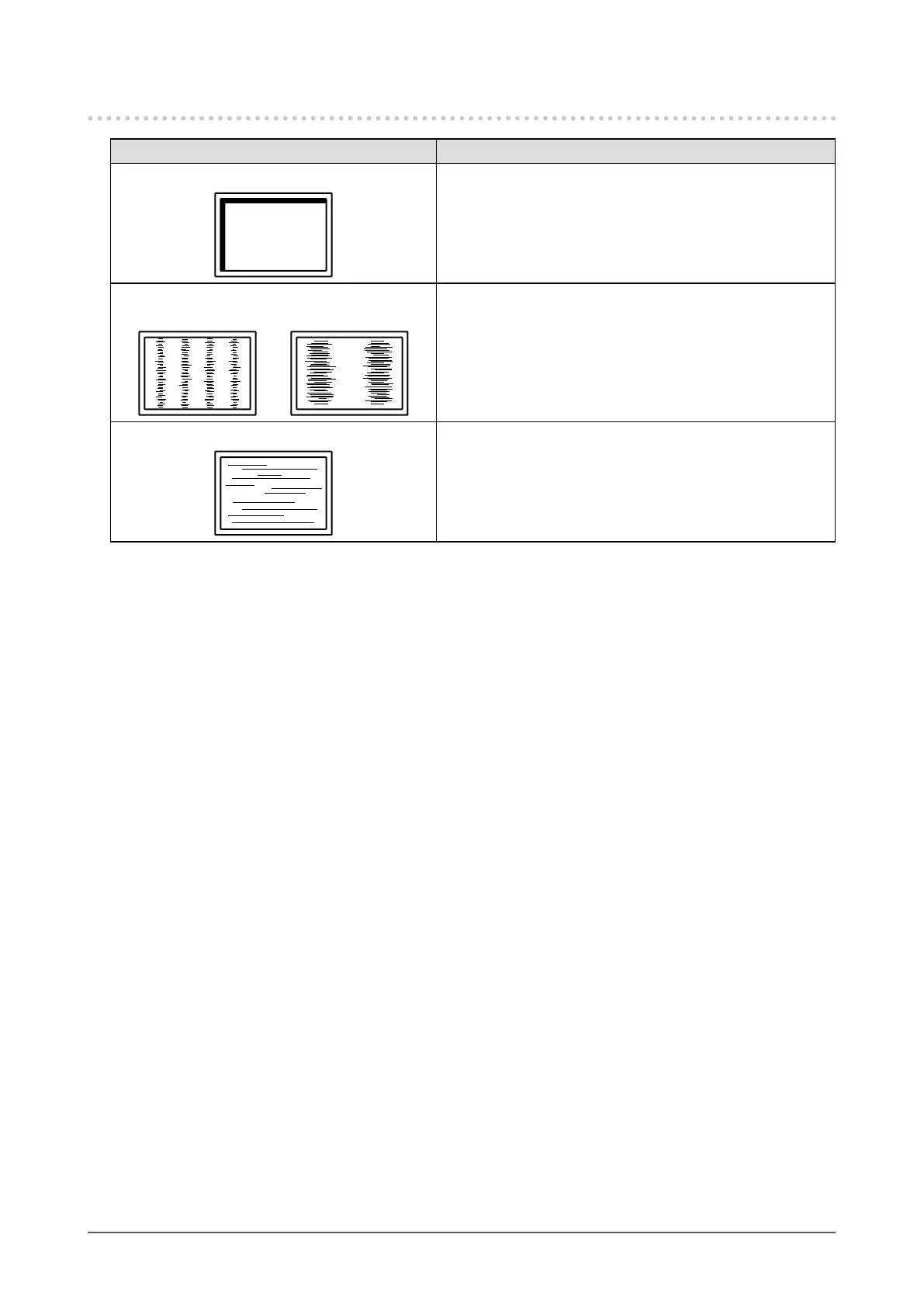
1. Display position is incorrect.
• Use “Position” in the Setting menu to correct the image
position (see “To correct the screen position” (page 20)).
• If the problem persists, use the graphics board’s utility if
available to change the display position.
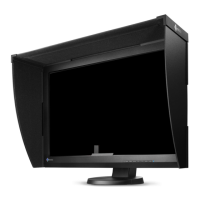
2. Vertical bars appear on the screen or a
partoftheimageisickering.
• Use “Clock” in the Setting menu to adjust it (see “To
eliminate vertical bars” (page 19)).
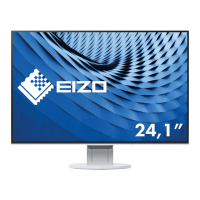
3. Wholescreenisickeringorblurring.
• Use “Phase” in the Setting menu to adjust it (see “To
remove ickering or blurring” (page 20)).


 To Next Page