52
Chapter 7 Reference
●
Displaying Monitor Information
This function displays the information about the monitor.
Procedure
1. Choose “Tools” from the Adjustment menu, and press
.
2. Choose “Monitor Info” from “Tools”, and press
.
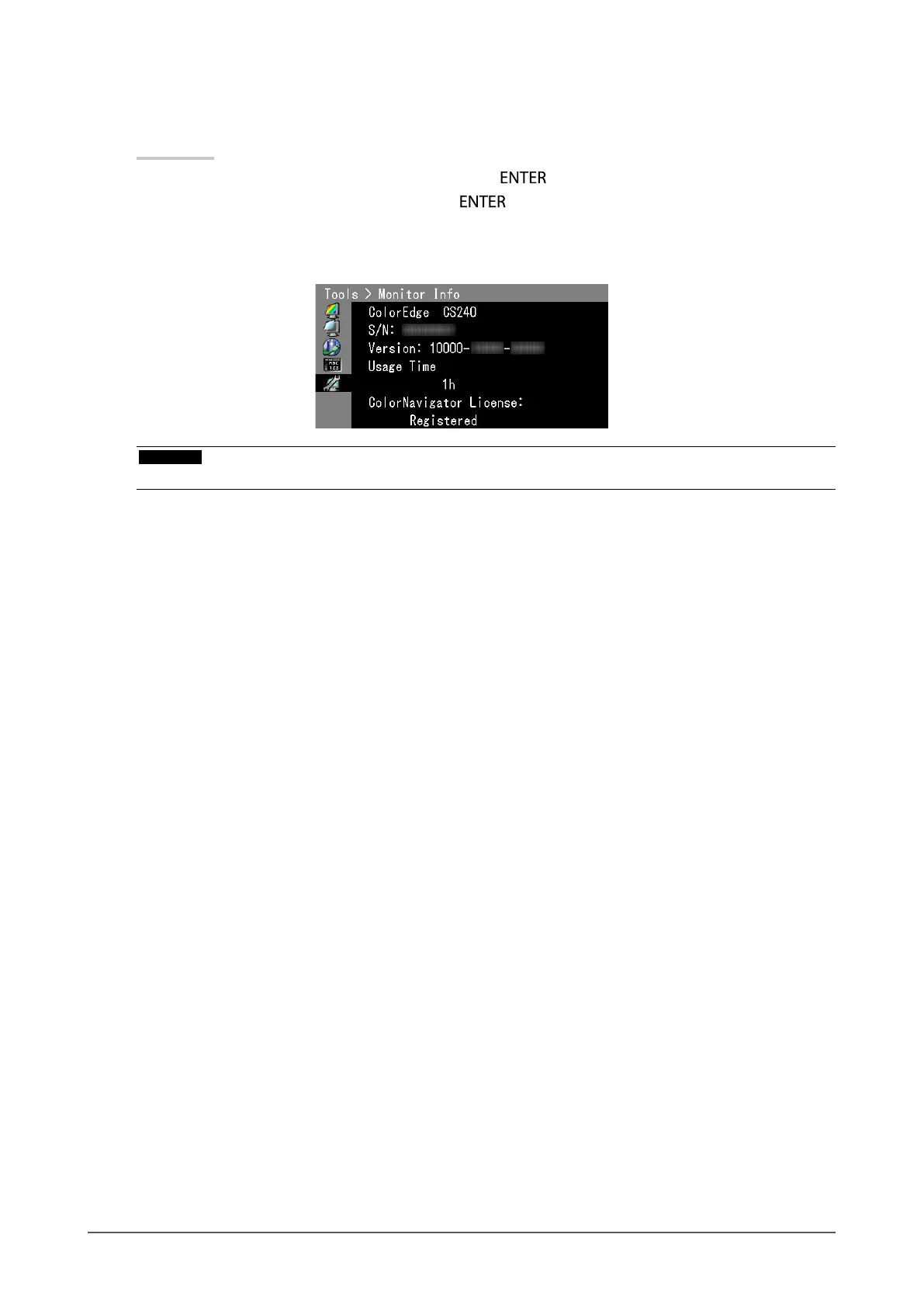
The “Monitor Info” appears.
This function displays the model name, serial number, rmware version, usage time, and ColorNavigator license
status.
Attention
• When you turn on the monitor for the rst time, the usage time may be more than 0 due to a factory inspection.


 To Next Page