Chapter 1 Introduction
Thank you very much for choosing an EIZO color LCD monitor.
1-1. Features
●
High Degree of Flexibility for Installation
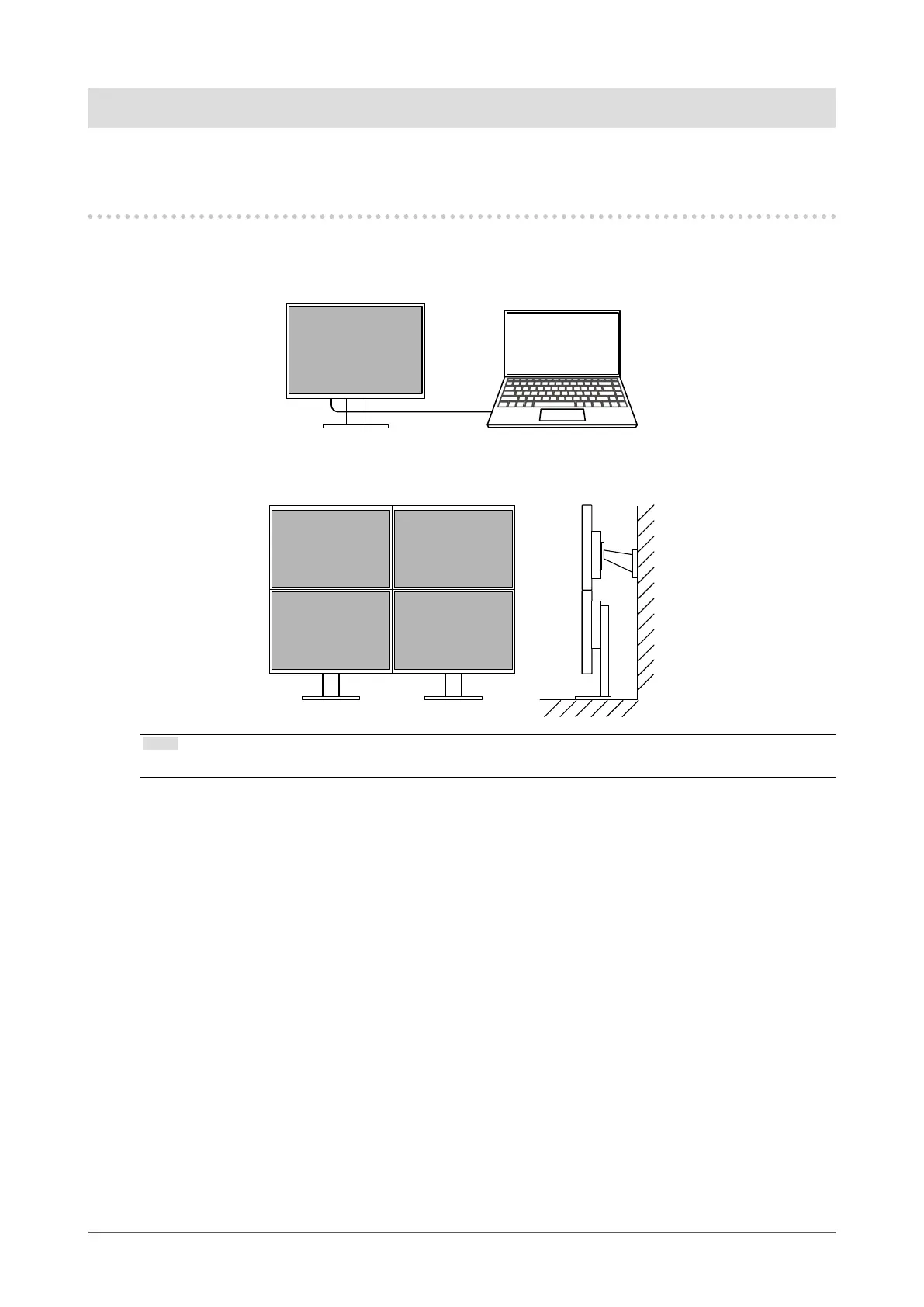
• This product can be used as an external monitor of a notebook computer.
• By attaching the monitor to an arm, the screen can be rotated 180° (upward-downward rotation)
and used in a multi-monitor conguration.
Note
• In order to rotate the display of the monitor 180°, it is necessary to congure the settings for the computer.
6
Chapter 1 Introduction










 To Next Page