18
2 SCREEN ADJUSTMENT
4. To brighten the image of photos or pictures
Procedure
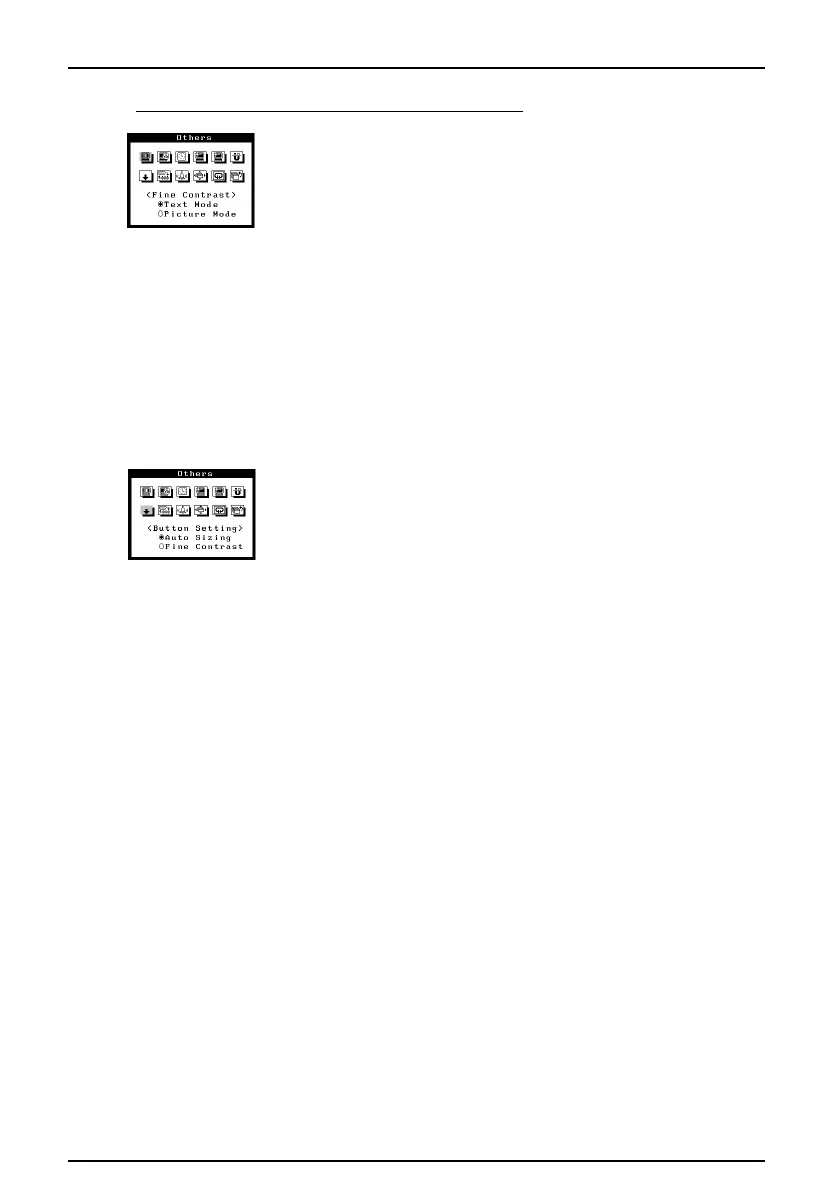
1) Select the “Picture Mode” from the “Fine Contrast”.
*Select the “Text Mode” to display the text on word-
processor or calculating software.
2) After the setting, adjust the contrast and brightness in the
main menu.
The adjustment data for the contrast and brightness can be
stored in each input mode. soft or (ex. iSet the monitor to
maximum brightness and contrast.
• To switch the Text/Picture Mode
The text or picture mode can be switched by the AutoSizing button.
Procedure
1) Select "Button Setting" icon in the "Others" menu and set
the mode at "Fine Contrast" .












 To Next Page