“Di,Di,Di”
Operation Diagram
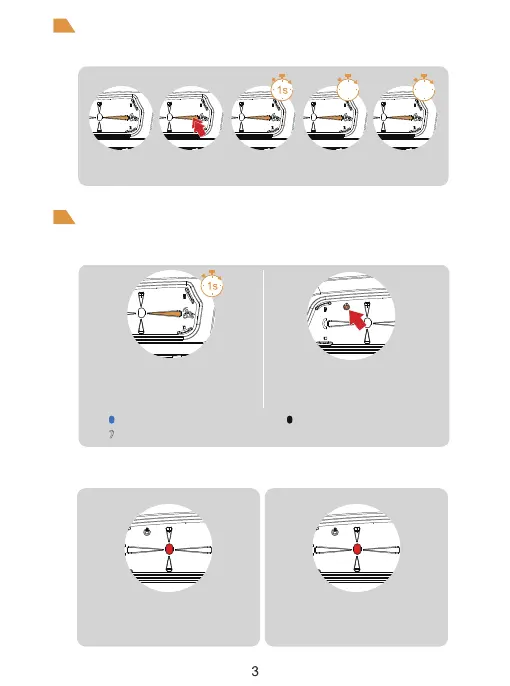
ON/OFF
Low Battery Indication
Red light flashes rapidly 3 times when the
battery is low. The device automatically turn
off when the battery is ultra-low.
The red light is always on
when charging.
Charging Indication
ON OFF
Press and hold (approx. 1s) <A Button/Power
Button> until the red light comes on with a
power-on tone. After switching on In standby
mode, the blue light flashes slowly
(0.1s on / 2s off).
Single-press the <off button>.
Blue light flashes slowly
Indicator light off
Please charge it before using
Power
Click Double-click Long-press Long press
for 3 seconds
Long press
for 5 seconds
3s
5s



 To Next Page