6
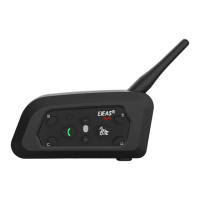
V7
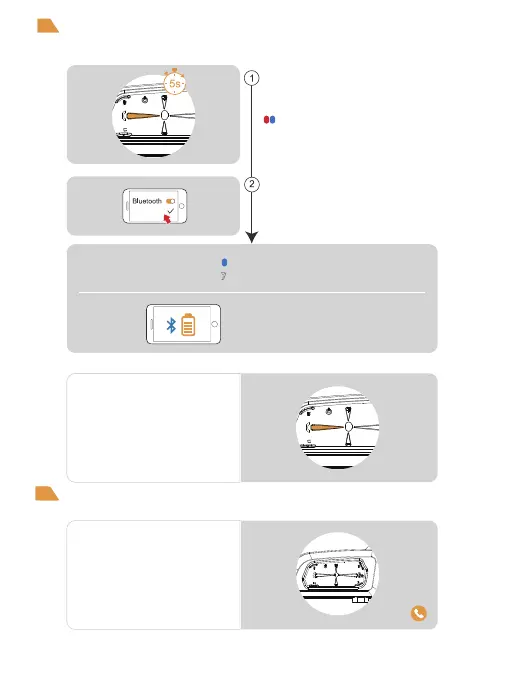
After power on, press and hold (approx. 5s)
<phone button> until the red and blue lights
flash alternately fast.
Alternating red and blue
lights flashing fast
Searches the device “V7” on your phone,
click it and get to connect.
Pairing
successful
Bluetooth reconnection with mobile phones
Answering the phone
When a call comes,
wait 8s to answer automatically
After power on, it automatically connects
back to the last paired cellphone.
When there is no connection, click <Phone
Button> to connect back to the last paired
cellphone.
Current battery level is displayed on the
phone's Bluetooth icon
(Mobile phone HFP connection required)
Blue slow speed double flashing lights
“Di,Di,Di”
Mobile control
Mobile phone pairing
This intercom supports connection to mobile phones for playing songs and making calls, and waking up
voice assistants. Up to 2 mobile phones can be connected at the same time.


 To Next Page