5
Compatible with old
model pairing steps
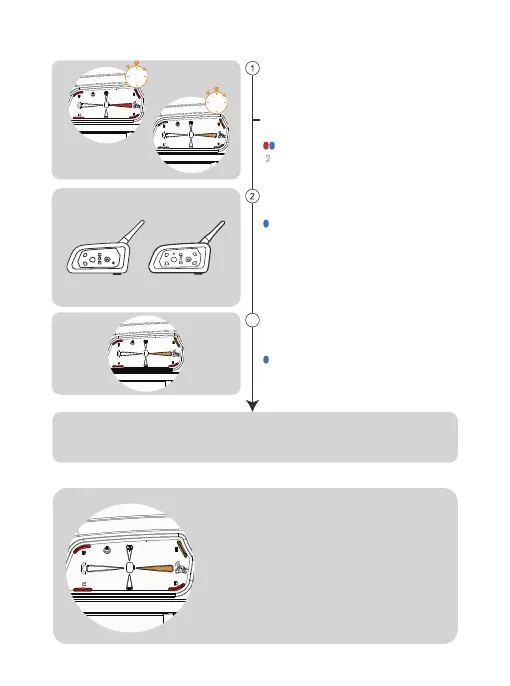
Simultaneously press and hold (approx. 3 seconds)
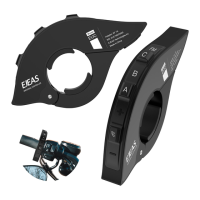
<A Button>/<B Button>/< C Button>/<
D Button>/<E Button> to start pairing, the red and
blue lights flash alternately.
Or press and hold (for approx. 3 seconds)
<A Button +E Button> (Intercom F)
For old models (V6/V4) follow the instructions to
enter the pairing state, and wait for successful pairing.
Intercom connection and disconnection
Once the intercom has been paired,
you can click on the corresponding intercom
buttton <A Button>/<B Button>/<C Button>/
<D Button>/<E Button>/<A Button+E Button>
(Intercom F) to connect or disconnect.
The buttons didn’t use for paring would have
no reponse when press.
Wait for a successful connection and start the intercom.
Alternating red and blue lights
“Di,Di,Di”
Blue light flashing fast
Blue light flashing fast
Click again on <A Button>/<B Button >/< C
Button>/<D Button>/<E Button>/<A Button+ E
Button> (Intercom F) to start pairing.
3
B
A
FM
or
3s
3s


 To Next Page