SMS Gateway User Manual
Shenzhen Ejoin Technology Co.,Ltd.
25
We take “Accumulated SMS count” for example to explain the lock/switch function.
If it is enabled, the consecutive failed calls will be used as a
condition for system to check.
This condition will be recalculated next time when it is switched
by other conditions. For example:
After switch to next SIM, the next SIM will send USSD query
command first.
The maximum number of SMS count on this SIM card. If the
number of SMS sent count reaches this value, the card will be
locked if this condition is enabled.
The duration of locking. 0 means no lock while -1 means
permanent lock.
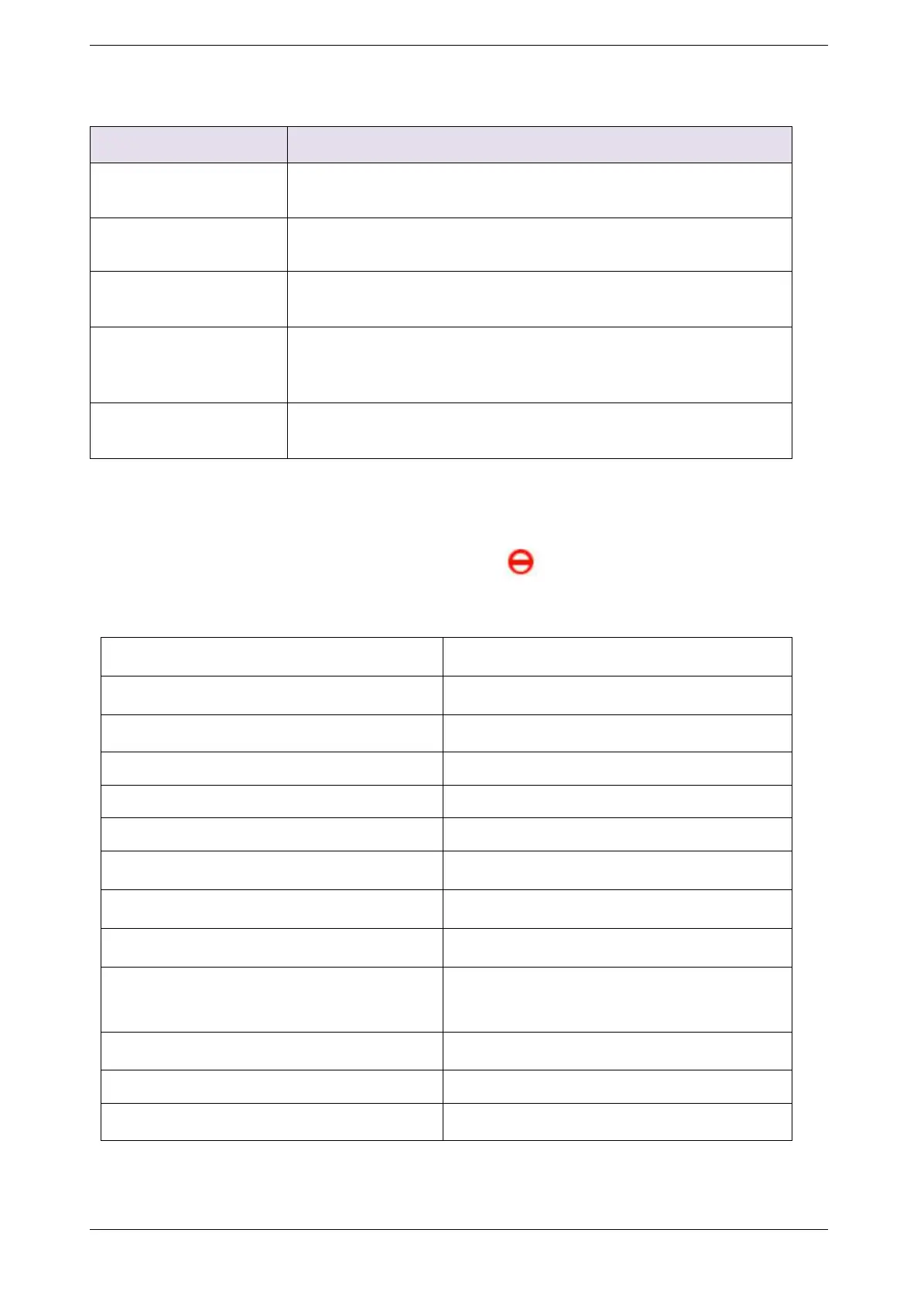
Table 3.3.10-2 Locking Card Conditions
If the SIM card is locked by gateway, it will show , it means locked by device. And you
will also see the Description on running status >> call status page.
Lock/switch card conditions
Description on call status page
Accumulated Call Duration Checking
Accumulated Connected Calls Checking
Accumulated Calls Checking
Consecutive Failed Calls Checking
Consecutive No-Alert Calls Checking
Consecutive No-Answer Calls Checking
Consecutive No Carrier Calls Checking
Consecutive Short-Duration Calls
Checking
Accumulated SMS Count checking
Accumulated Failed SMS Count Checking
Consecutive Failed SMS Count Checking
Con-failed SMS num expired
Table 3.3.10-3 Description in call status
Click the top right-hand corner “add port cfg”, can define different ports with different



 To Next Page