- 12 -
Thermal Grease
STEP 1
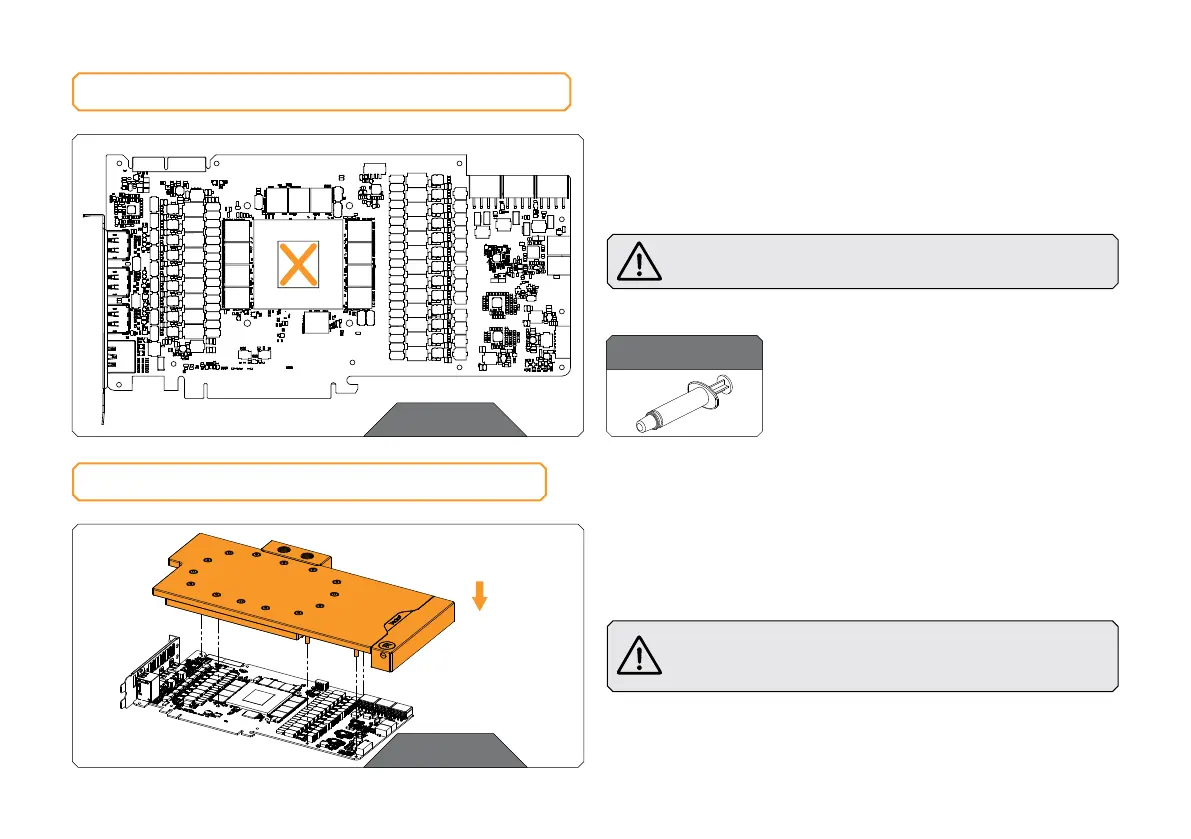
Apply the enclosed EK-TIM Ectotherm thermal grease (thermal
compound) on the GPU heat spreader – IHS – as shown in the
image. The layer of the thermal compound must be thin and even
over the entire surface of the IHS.
The excessive or uneven application of thermal grease
may lead to poor performance!
APPLYING THERMAL COMPOUND
For this step, you will need:
ATTACHING THE WATER BLOCK
STEP 1
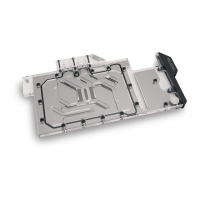
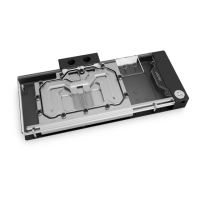
Carefully position the water block with preinstalled standoffs on
the graphics card. During this process, make sure you have aligned
mounting holes of the PCB with holes of the water block.
Before attaching the PCB to the Water Block, make sure
all the Thermal Pads are placed correctly!
STEP 1
STEP 1






 To Next Page