Page 11
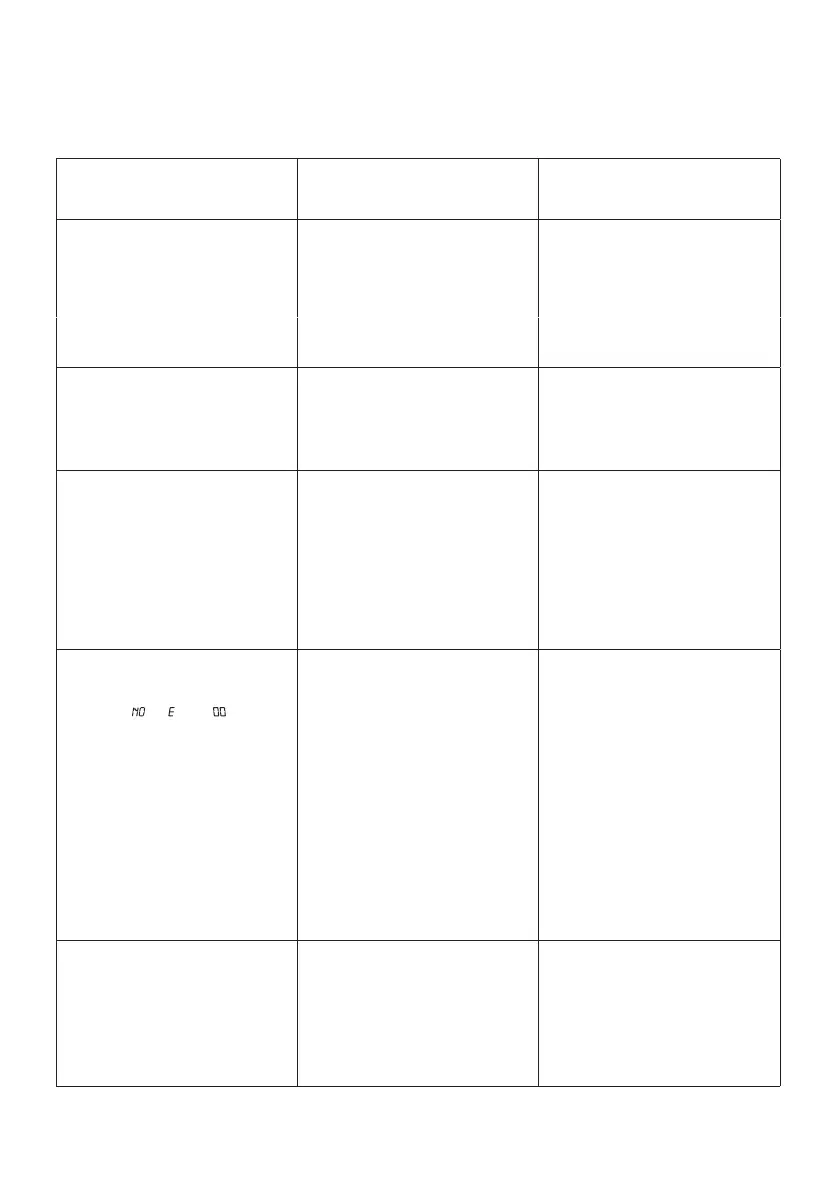
PROBLEM POSSIBLE CAUSE SOLUTION
No power when plugged in. • No power plug connection at the
AC outlet.
• Improper connection between
the unit and the AC power adaptor.
• Insert the power plug into the
AC outlet
• Check the connection between
the unit and the AC power adaptor.
• The AC outlet may not have
power.
• Check the outlet with a working
lamp or other electrical appliance.
No sound from TV or PA. • TV or PA system is set to
minimum
• TV or PA system is powered Off
• Patch cords are not connected
securely.
• Turn up the volume on the TV or
PA system
• Power the TV or PA system on.
• Ensure white and red patch
cords are securely inserted into
both the karaoke system and the
TV/ PA system.
CD Player does not work
normally or the LED
displays “ ”, “ ”, or “ ”.
• Disc is inserted upside down
• Disc is dirty
• Disc is scratched
• Disc is warped
• A non standard disc is inserted
• Moisture has formed inside the
CD deck
• Karaoke system needs resetting
• Insert the disc correctly
• Wipe clean with a soft cloth
• Use a new disc
• Use a new disc
• Only use discs bearing the
standard logo as described on
page 8
• Wait about 20 - 30 mins to let
it dry out.
• Disconnect the machine from the
power source for 30 seconds then
reconnect
No sound - If audio is going
through TV or VCR.
• Source Selection on TV or VCR
is not correct.
• Patch cords are not connected
securely
• Follow directions on page 7.
• Ensure white and red patch
cords are securely inserted into
both the karaoke system and the
home stereo system.
TROUBLESHOOTING
• Turn off the unit, disconnect the
mains plug, and reconnect after
a few seconds.
The unit does reset to
operation of any button.
• Under the influence of
electrostatic phenomenon, the
product may malfunction and
require user to disconnect.



 To Next Page