Electronic convection oven rev. .4___________________________________MODD. EKF 611 CTC – EKF 1011 CTC
_________________________________________________________________________________________ page 27
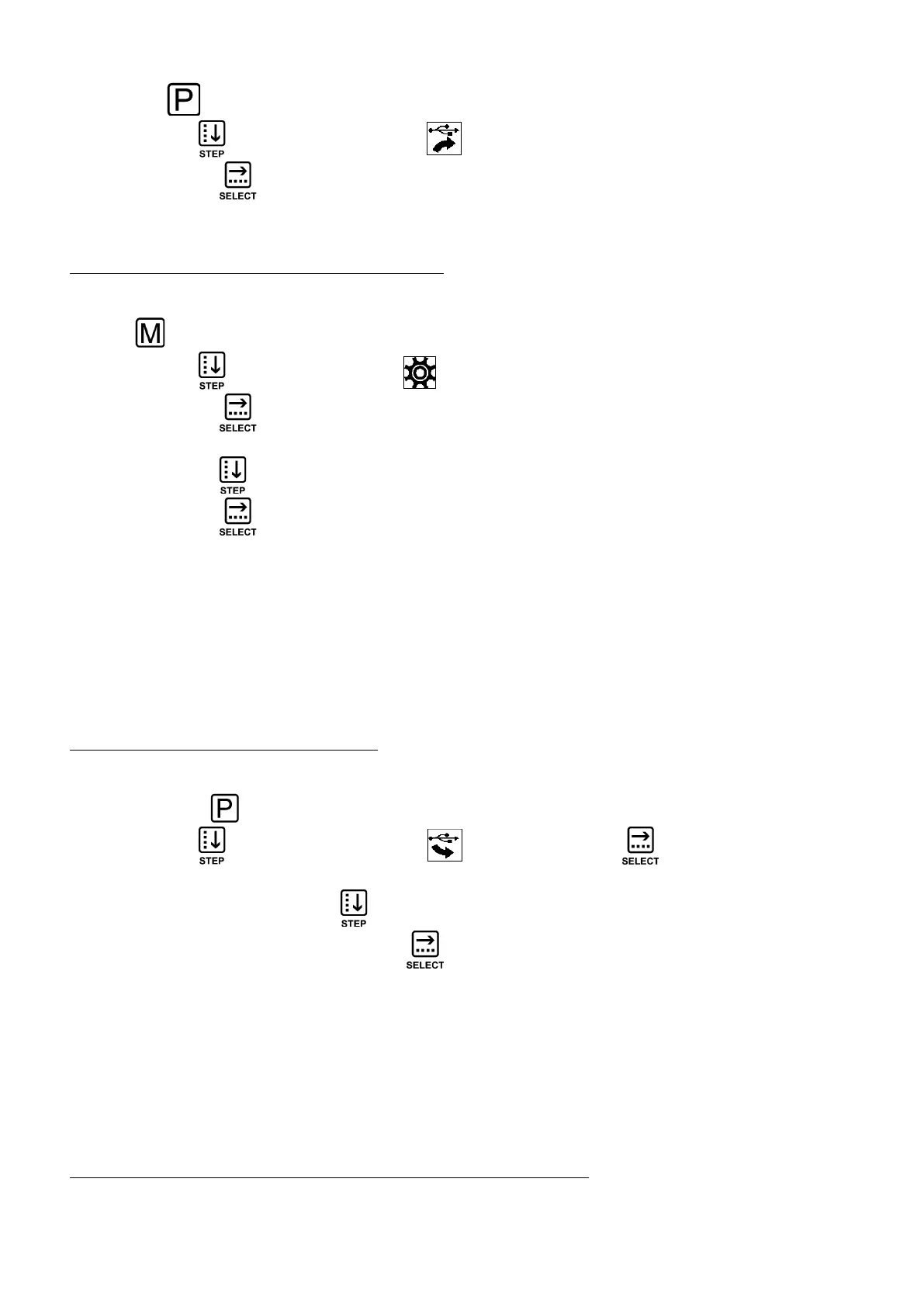
Use the key to enter the “PROGRAMMING MENU” screen.
Use the “STEP” key to select the symbol .
Use the “SELECT” key to confirm the selection: the recipe is “loaded” into the “USB pen
drive”. The “RECIPE BOOK” screen is displayed again (8 product type icons): to “load” other
recipes (in the “USB pen drive”), repeat all operations for the first recipe in the same way.
4.3.7.4 “Download” all programs in the oven (onto “USB pen drive”)
Through the “USB port” of the oven, the user has the possibility to download all the recipes in the
“CHEF RECIPE BOOK” performing one operation only.
Use the key to enter the screen of the general settings menu.
Use the “STEP” key to select the icon .
Use the “SELECT” key to access the screen with the letters of the alphabet.
Key in the password “CHEF” (see instructions to select letters in paragraph 4.3.7.1).
Touch key “STEP” to go to “SAVE” (word highlighted on dark box).
Use the “SELECT” key: the screen indicating recipe transfer in progress is displayed.
At the end of this process all the oven recipes will also be within the “USB pen drive”.
Warning
During transfer the recipes having the SAME NAME as those transferred from the oven will be
automatically “overwritten” into the “USB pen drive”.
Important
Every operation must be done within 5”; after this time the overview screen of the cooking cycle is
automatically displayed.
4.3.7.5 “Load” programs on the oven (from “USB pen drive”)
Through the oven's “USB port”, the user is able to “load” into the “CHEF RECIPE BOOK”, the
programs (recipes) stored in the “USB pen drive”. Connect the “USB pen drive” to the oven's
port. Use the key to enter the “PROGRAMMING MENU” screen.
Use the “STEP” key to select the symbol . Use the “SELECT” key to confirm the
selection: the RECIPE BOOK screen is displayed with the name of the recipes contained in the
“USB pen drive”. Use the “STEP” key to select the recipe (name) to be “loaded” into the
“CHEF RECIPE BOOK”. Use the “SELECT” key to confirm the selection: the recipe (name) is
stored in the RECIPE BOOK under the relevant product type (e.g. Lasagne = FIRST COURSES,
Trout = FISH, Potatoes = VEGETABLES etc.). The RECIPE BOOK screen is displayed again with the
name of the recipes contained in the “USB pen drive”: to "load" other recipes (into the “CHEF
RECIPE BOOK”), repeat all the operations for the first recipe in the same way.
Important
Every operation must be done within 5”; after this time the overview screen of the cooking cycle is
automatically displayed.
4.3.7.6 “Load” all programs in the “USB pen drive” on the oven
Through the oven's “USB port”, the user is able to “load” into the “CHEF RECIPE BOOK”, all the
programs (recipes) stored in the “USB pen drive” with a single operation.












 To Next Page