28
2.21 Cooling
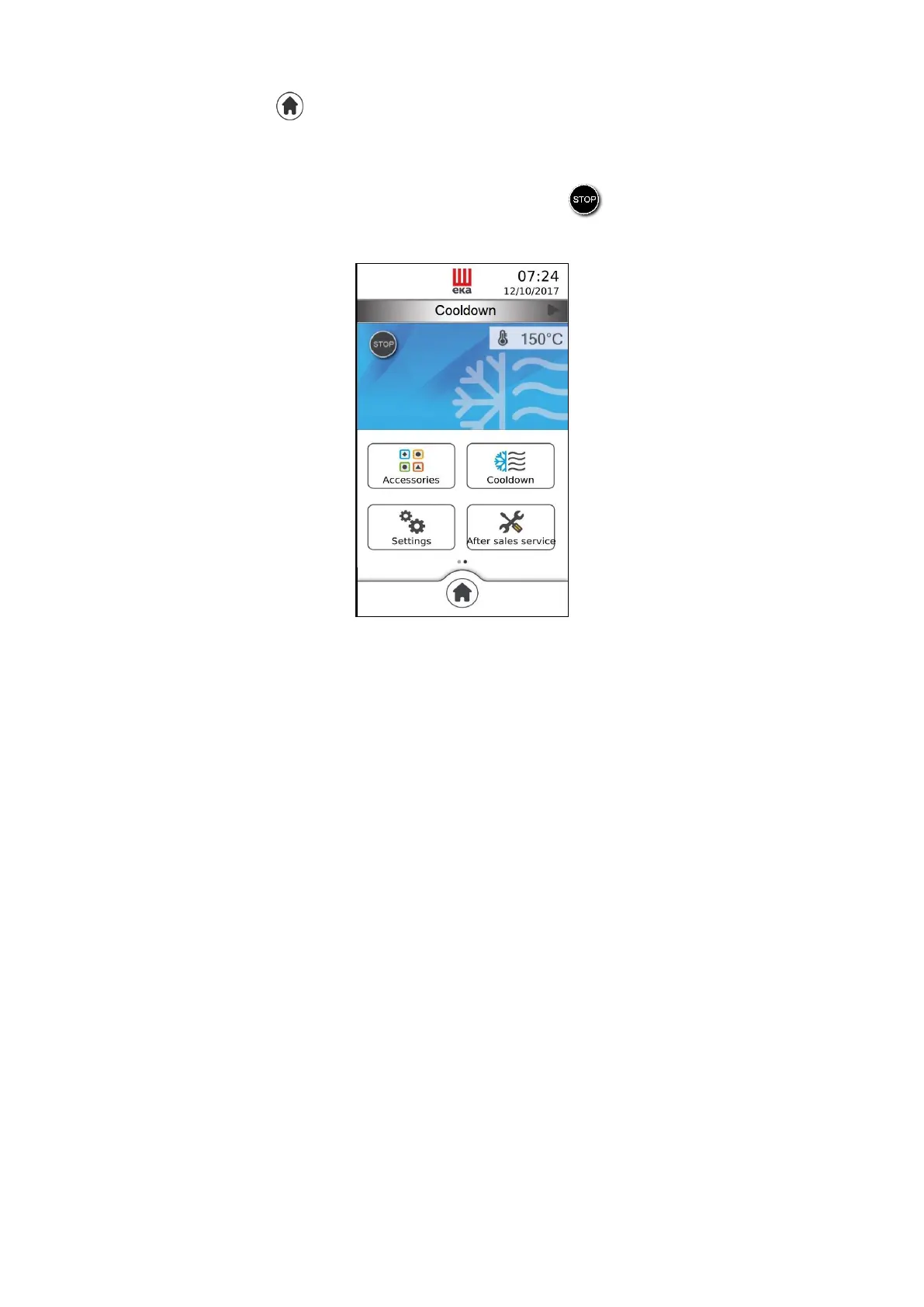
From the “Home” screen ( ) slide your finger to the left on the “Available functions” window: the
“Cooling” icon appears (Fig. 38); touching it enables the function and the corresponding window (“Fast
cooling”) appears, displaying in real time the temperature in the cooking chamber. Open the oven door to
enable the function.
The function may be disabled at any time by touching the “ ” symbol; otherwise, it disables
automatically when the temperature inside the cooking chamber reaches 40°C.
Fig.38



 To Next Page