15
3. Installing the Eko App
3.1 Downloading and Installing
The Eko App helps you to easily connect to CORE 500™ for secure transmission and analysis of your recordings.
Downloading the Eko App allows you to:
• Pair the CORE 500™ to your mobile device.
• Listen wirelessly through a headset.
• View PCG and three lead ECG visualizations.
• Start, save, and share recordings.
• Take advantage of additional usage guides.
After you install the Eko App, complete the CORE 500™ device setup on the app. The app walks you through setting up and using your CORE 500™.
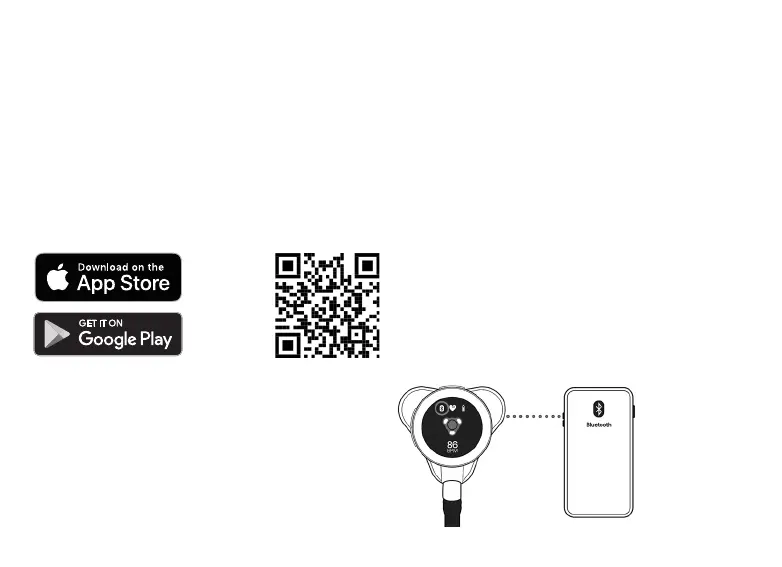
Download the Eko App below: Or, scan the QR code below to download Eko App:
3.2 Connecting CORE 500™ with App
1. Turn on your phone’s Bluetooth®.
2. Turn on your CORE 500™.
3. Open the Eko App and sign in.
4. Follow the onscreen instructions for pairing your device.
5. The Bluetooth icon appears on the CORE 500™ screen when connected.



 To Next Page