32
Parameters technician
Basic display “Boiler temperature”
- Push OK button once
- Push Info button for 4 sec.
- Use the +- rotating button for selecting commissioning or technician level
- Push OK button once
- Use +- rotating button for selecting for instance “Drinking water menu”
- Push OK button once
- Use the +- rotating button, for instance in the drinking water menu, for selecting
“Parameter no. 1612 - Reduced target value”
- Push OK button once
- Use +- rotating button to change the currently set value
- Push OK button once -> the value is stored
- Push 2 x ESC to return to the basic display “Boiler temperature”
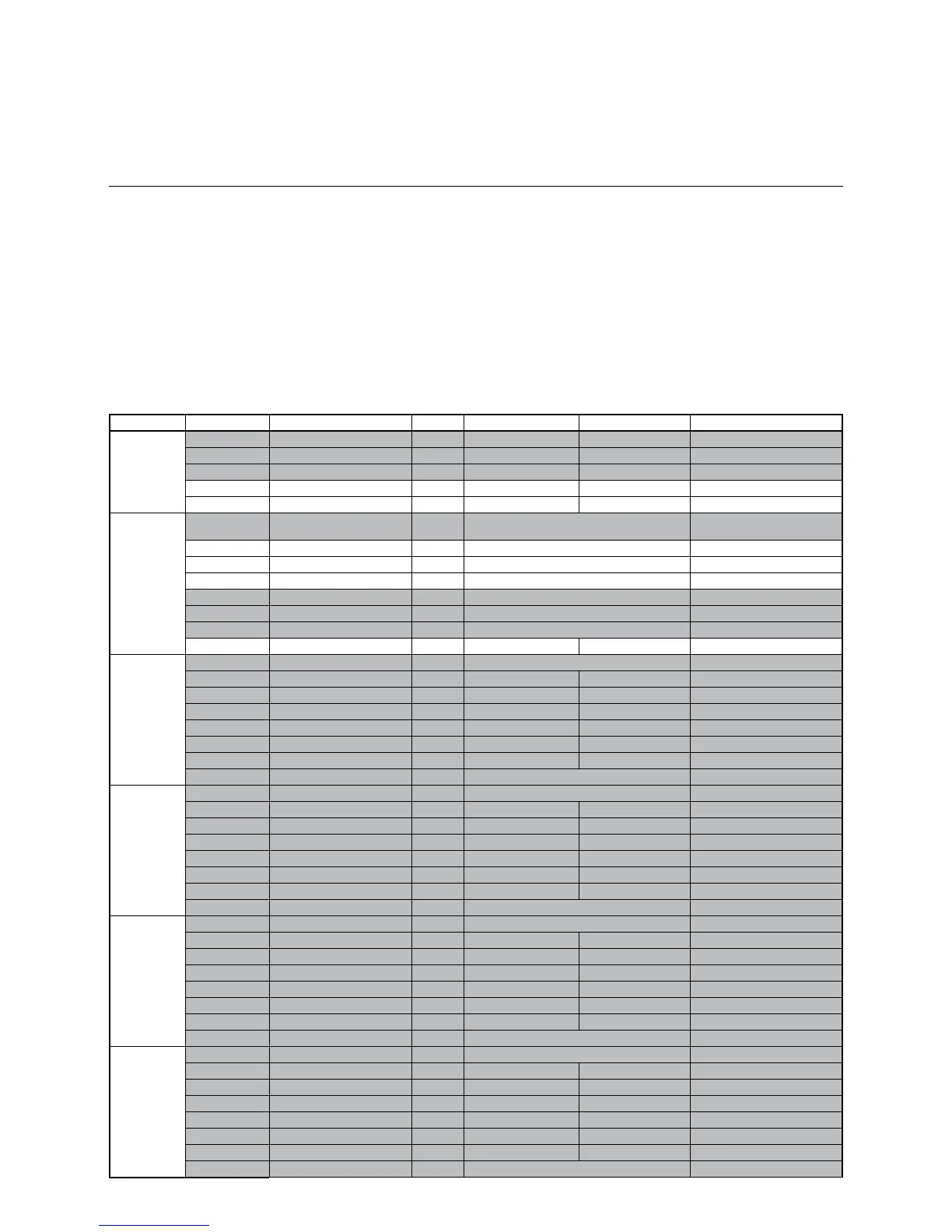
Menu Line no. Selection possibilities Unit Min. Max Factory setting
Time of day
and date
1 Hours / Minutes hh:mm 00:00 23.59 --.--
2 Day / Month dd:mm 01.01 31.12. --.--
3 Year yyyy 2004 2099 --.--
5 Start of summertime Day / Month dd:mm 01.01 31.12. 25.03.
6 End of summertime Day / Month dd:mm 01.01 31.12. 25.10.
Operator
section
20 Language - English, German, French, Italian, Danish,
Dutch, Spanish, Czech, Slovenian, Turkish
German
22 Info - Temporarily, Permanently Temporarily
26 Operation lock - O,On O
27 Programming lock - O,On O
28 Direct adjustment - Automaticstorage,Storagewithconrmation Storagewithconrmation
44 Operation HC2 - Jointly with HC1, Independently Jointly with HC1
46 Operation HC3/P - Jointly with HC1, Independently Jointly with HC1
70 Software Version - 0 99.0 Indication only
Time program
HC 1
500 Preselection - Mo-Su, Mo-Fr, Sa-Su Mo-Su
501 Mo-Su: 1. Phase On hh:mm 00:00 00:00 06:00
502 Mo-Su:1.PhaseO hh:mm 00:00 00:00 22:00
503 Mo-Su: 2. Phase On hh:mm 00:00 00:00 --.--
504 Mo-Su:2.PhaseO hh:mm 00:00 00:00 --.--
505 Mo-Su: 3. Phase On hh:mm 00:00 00:00 --.--
506 Mo-Su:3.PhaseO hh:mm 00:00 00:00 --.--
516 Default values - Yes, No No
Time program
HC 2
(when
activated)
520 Preselection - Mo-Su, Mo-Fr, Sa-Su Mo-Su
521 Mo-Su: 1. Phase On hh:mm 00:00 00:00 06:00
522 Mo-Su:1.PhaseO hh:mm 00:00 00:00 22:00
523 Mo-Su: 2. Phase On hh:mm 00:00 00:00 --.--
524 Mo-Su:2.PhaseO hh:mm 00:00 00:00 --.--
525 Mo-Su: 3. Phase On hh:mm 00:00 00:00 --.--
526 Mo-Su:3.PhaseO hh:mm 00:00 00:00 --.--
536 Default values - Yes, No No
Time program
HC3/P
540 Preselection - Mo-Su, Mo-Fr, Sa-Su Mo-Su
541 Mo-Su: 1. Phase On hh:mm 00:00 00:00 06:00
542 Mo-Su:1.PhaseO hh:mm 00:00 00:00 22:00
543 Mo-Su: 2. Phase On hh:mm 00:00 00:00 --.--
544 Mo-Su:2.PhaseO hh:mm 00:00 00:00 --.--
545 Mo-Su: 3. Phase On hh:mm 00:00 00:00 --.--
546 Mo-Su:3.PhaseO hh:mm 00:00 00:00 --.--
556 Default values - Yes, No No
Time program
4 DHW
560 Preselection - Mo-Su, Mo-Fr, Sa-Su Mo-Su
561 Mo-Su: 1. Phase On hh:mm 00:00 00:00 06:00
562 Mo-Su:1.PhaseO hh:mm 00:00 00:00 22:00
563 Mo-Su: 2. Phase On hh:mm 00:00 00:00 --.--
564 Mo-Su:2.PhaseO hh:mm 00:00 00:00 --.--
565 Mo-Su: 3. Phase On hh:mm 00:00 00:00 --.--
566 Mo-Su:3.PhaseO hh:mm 00:00 00:00 --.--
576 Default values - Yes, No No
Overview of commissioning
parameters
The parameter lines with a grey
background only become visible at the
commissioning level.
The complete parameter list becomes
visible at the technician level.



 To Next Page