41
Main menu settings – Changing the torque
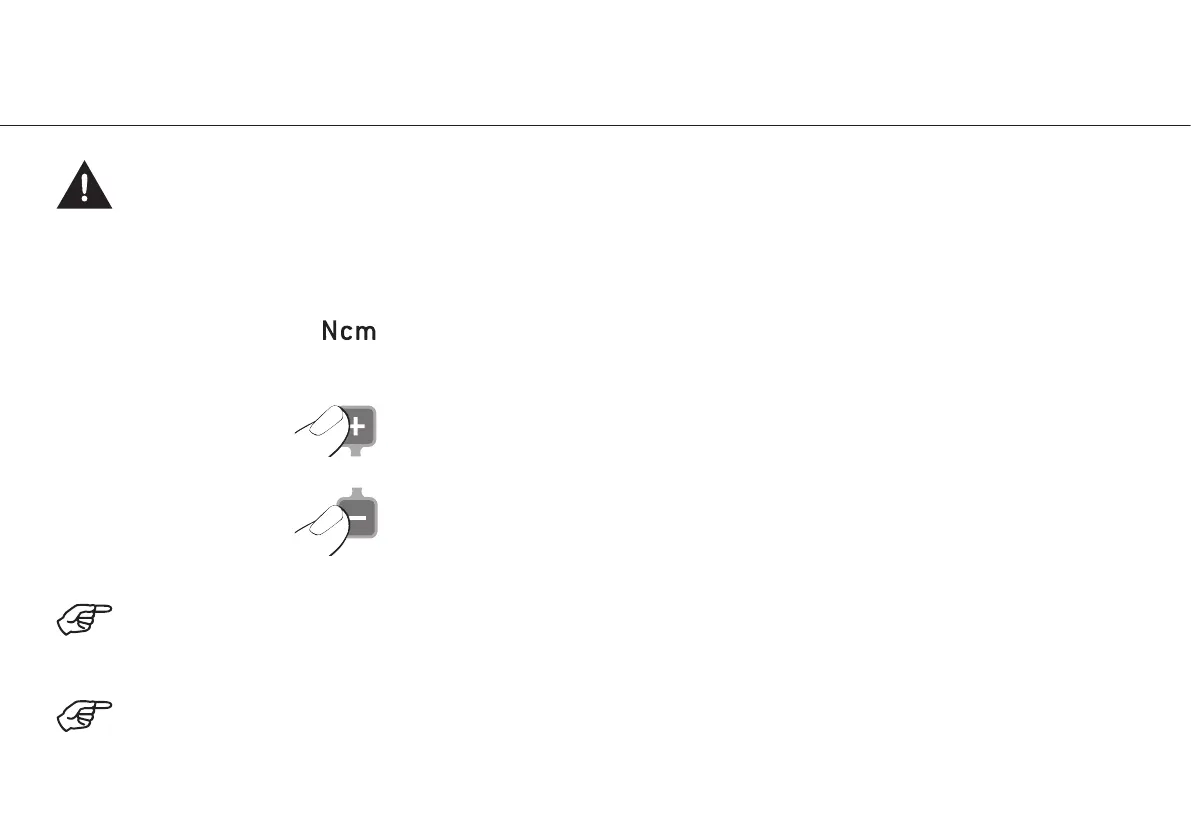
Increase torque in 10 % or 1 Ncm steps
Decrease torque in 10 % or 1 Ncm steps
Settings range from 10 % to 100 % or 5 Ncm to 80 Ncm.
Keeping PLUS / MINUS depressed activates the repeat function and the values are continuously increased / decreased.
When the set torque in clockwise or anticlockwise rotation is reached, the motor automatically switches off.
Torque
With W&H surgical contra-angle handpieces WS-75, WI-75 and 975, if the speed is less than exactly 50 rpm, the torque is
displayed in Ncm and can be adjusted in 1 Ncm increments. Above 50 rpm, the torque is displayed in 10 % increments.
With the contra-angle handpieces WS-75 and WI-75 in the range from 15 – 50 Ncm, the accuracy of the set torque achieved
is ±12 %.


 To Next Page