46
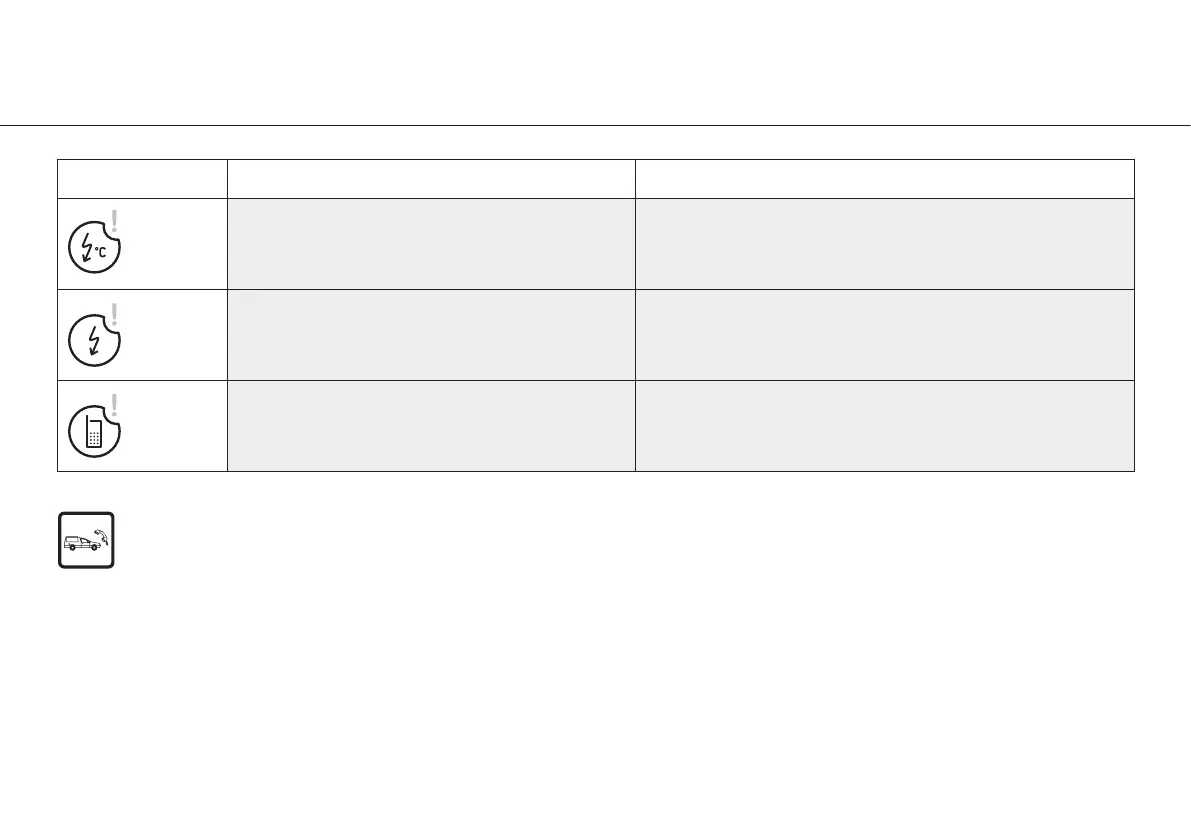
Error messages
Error
Description Solution
Electronics overheating
Safety shutdown
Switch off the device, allow to cool for at least 10 minutes,
then restart
Electronics overloaded Switch off the device and restart
Call service centre
Switch off the device and restart.
If the error message appears again, contact an
authorized W&H service partner.
If one of the error messages described above cannot be rectified by switching off Elcomed and then switching it on again,
the device must be checked by an authorized W&H service partner (see page 72).
If a total failure of the device occurs caused by external circumstances, the device must be switched off
and then on again.


 To Next Page