USE OF THE DOOR PHONE
6
EN
6.2. Significance of the acoustic signals / use of the key s
BEEP
[ ]
Short confirmation beep with a high tone.
BEEP
2 x [ ]
Sequence of 2 short beeps with a high tone for confirmation.
BEEEEP
[ ]
Long confirmation beep with a high tone.
[ ]
BEEEEP
Long error beep with a low tone.
Call tone in the
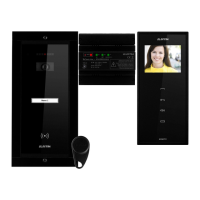
terminal (VTM/VTE/ATM)
5 settable ringtones. When called, the terminal plays the selected
ringtone.
Call tone in the
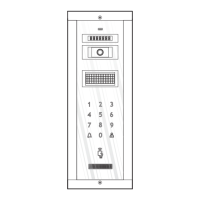
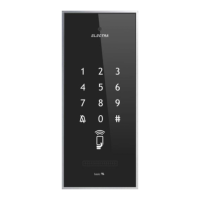
panel (VPM/APM)
Each touch of is signaled with a ding-dong.
Access tone in the
terminal (VTM/VTE/ATM)
When access is granted, the terminal plays a confirmation tone.
Access tone in the
panel (VPM/APM)
When access is granted, the panel emits a sequence of beeps
for confirmation.
Doorbell tone in the
terminal (VTM/VTE/ATM)
Dedicated preset doorbell tone (if a doorbell is connected to the terminal).
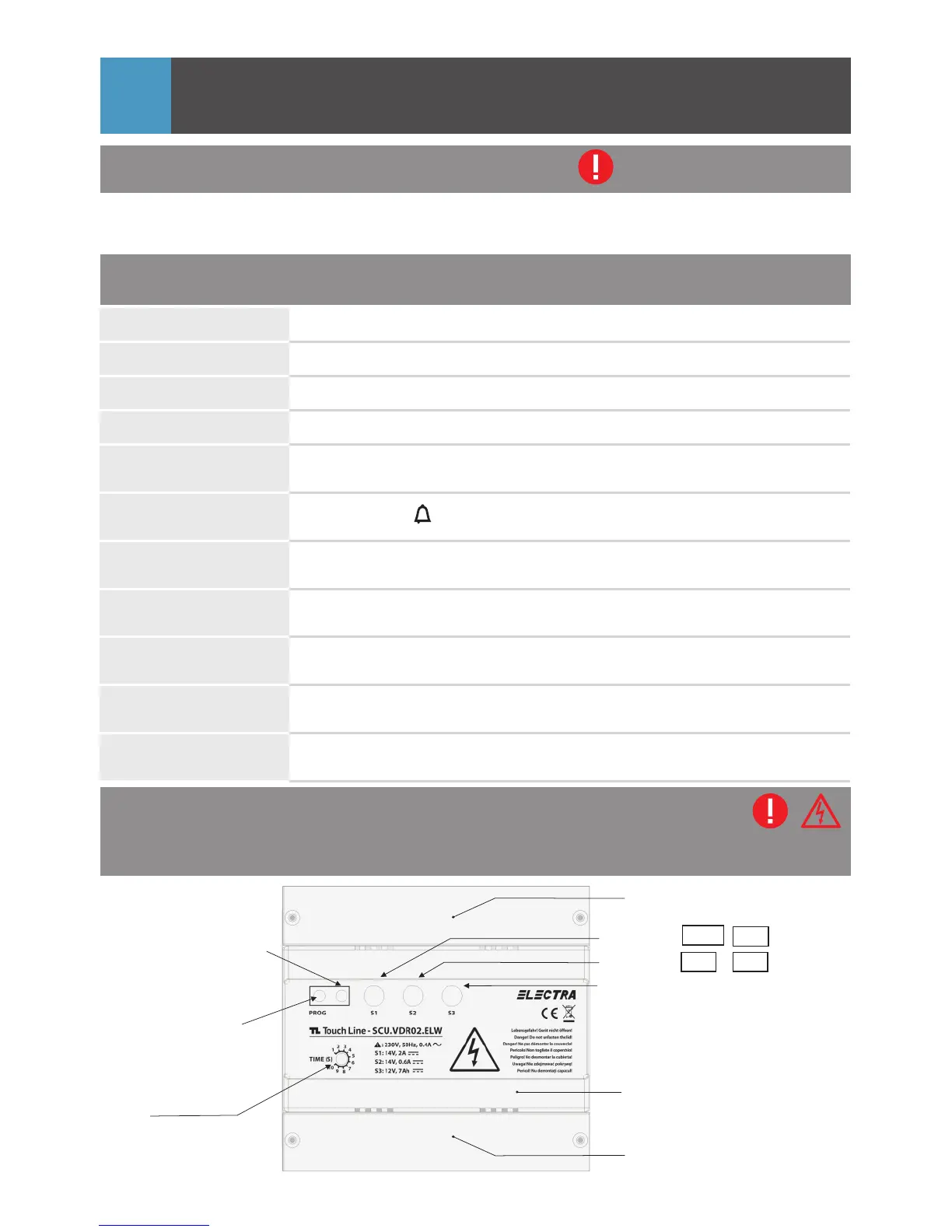
6.3. The features of the central unit (SCU)
*programming
button
*This button is used only
if you add additional
terminals or TAGs
to the system.
PROG.
TIME:
Lock timing adjustment
Protection lid 1 for electrical
connections
Front lid
red LED of PROG.
(programming mode or
defect within the system)
S2: GREEN
S1: GREEN
Protection lid 2 for connections
+Uv - GNV
+14V - GND
(+14V/0.5Ad.c.)
(+14V/2Ad.c.)
6.1. Safety instructions during use
è DO NOT HIT the products with hard objects.
è PROTECT THE PRODUCTS against lime and dust during renovation.
Short touch of a key
BEEP
Max. 1 sec. Every touch is confirmed with 1 x [ ].
Long press of 1 or 2
keys simultaneously
BEEEEP
More than 2 sec. It is confirmed with 1 x [ ].
S3: GREEN/RED Battery status
6.3.1. Video central unit (SCU.VDR)
34



 To Next Page