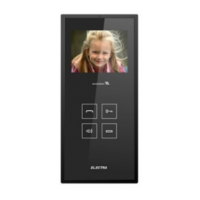
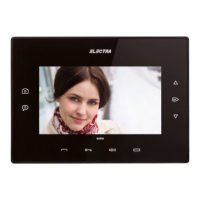
6.5. 2. Functioning
audio smart video 3.5” smart
The factory standard settings are the following:
Ringtone
Ringing duration
Ringing volume
Ding-dong (first in the list)
2 calls
Level 7 from 7
STAND-BY
The keyboard is off.
CALL
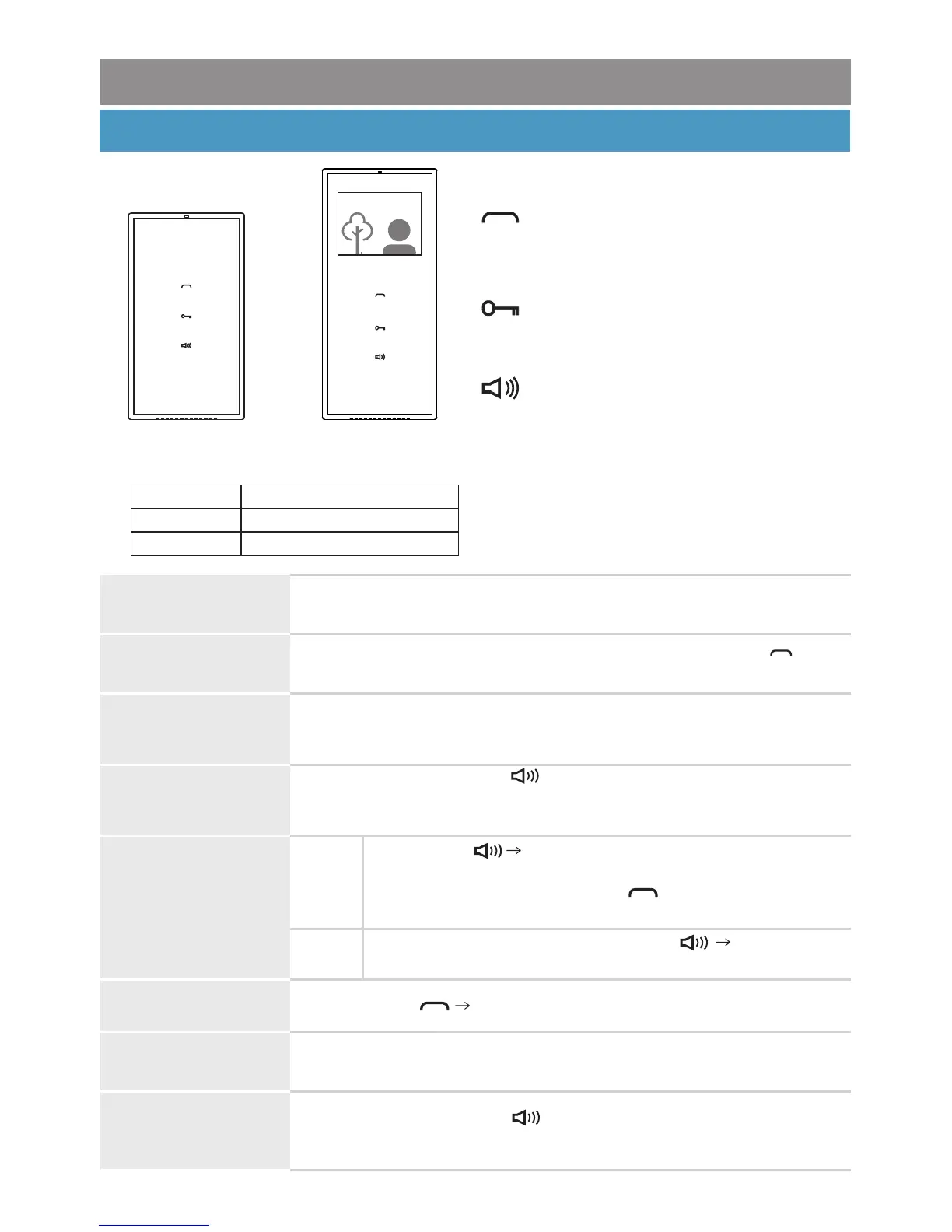
When called from the outdoor panel, the terminal rings, the key
blinks white and the video image of the visitor is displayed (video terminal).
smart Terminals
CALL
from the doorbell
The terminal rings with the specific doorbell ringtone.
RINGING VOLUME
ADJUSTMENT
Terminal during call
Call answering +
Audio-Video Monitoring
(ringtone setting)
Access granting
(ringing duration setting)
Talk volume + mute
(ringing volume setting)
Successive short touches of .The maximum level is signaled with
BEEP
2 x [ ]. With the next touch, the volume restarts from level 1.
This adjustment won`t be memorized, the set level has priority.
RINGER OFF (MUTE)
Terminal in stand-by or
during call
BEEEEP
For reversing MUTE status, short touch of [ ] and
LED turning white.
Step 2
Step 1
BEEEEP
Long press of [ ] and LED turning red.
The terminal has the ringer off and the LED remains red.
The call will be signaled though by blinking white and
video image.
Hands-free conversation, without touching any key. The talk duration
is max. 2 min.
TALK
Short touch of Talk is initiated.ANSWERING THE CALL
TALK VOLUME
ADJUSTMENT
Terminal during talk
Successive short touches of . The maximum level is signaled with
BEEP
2 x [ ]. With the next touch, the volume restarts from level 1.
43



 To Next Page