Additional settings and adjustments
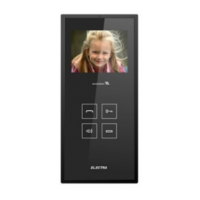
mini Terminal
Call answering /talk closing without access/audio monitoring
Access granting and talk closing
ON/OFF
Red LED for terminal status
ST
AND BY
Mute/
OF
F
The terminal is o
ff
.
L
E
D
permanently red
LED
o
ff
C
ALL
LED
blinking red
mini
CALL
LED
blinking red
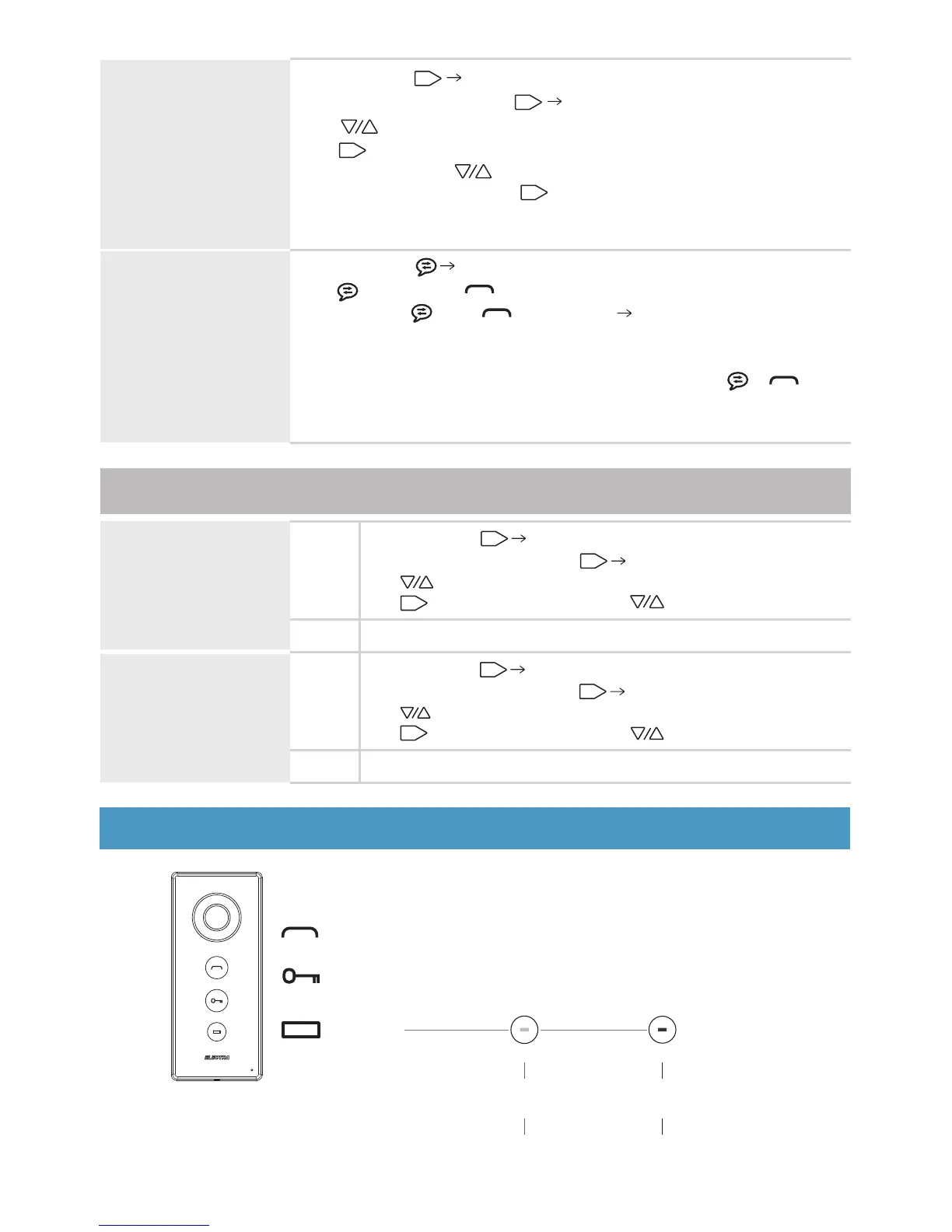
VIEW PICTURES /
DELETE PICTURES
Terminal in stand-by
Short touch of Entering in the Menu.
Another 4 x short touches of Pictures menu.
Use to navigate through Pictures view or Delete all.
Use to select the option.
In Pictures view, use to navigate.
In Delete all, another touch of to delete all the memorized pictures.
ok
ok
ok
ok
* The memory has 100 pictures capacity and when it becomes full the new
pictures replace the oldest ones.
INTERCOMMUNICATION
Terminal in stand-by
Short touch of All the other terminals connected in parallel ring.
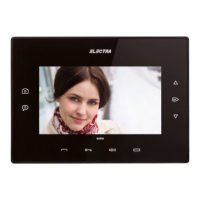
The key (7”) or the key (3.5” or audio) blinks white. For answering,
short touch of (7”) or (3.5” or audio) The intercommunication
starts between the initiator terminal and the one of which were
answered, for max. 1 min.
For ending the intercommunication, another short touch of or .
* The intercommunication cannot be initiated from the 3.5” video or audio
terminals connected in parallel, it can only be received.
TIME & DATA
SETTING
Terminal in stand-by
Step 1
Short touch of Entering in the Menu.
ok
Another 3 x short touches of Time & Data settings.
Use to navigate.
Use to select the parameter and to adjust the value.
ok
ok
Exit
Step 2
VIDEO IMAGE
ADJUSTMENT
Terminal in stand-by
Step 1
Short touch of Entering in the Menu.
ok
Another 2 x short touches of Display settings.
Use to navigate through Brightness, Chroma and Contrast.
Use to select the parameter and to adjust the value.
ok
ok
Exit
Step 2
46



 To Next Page