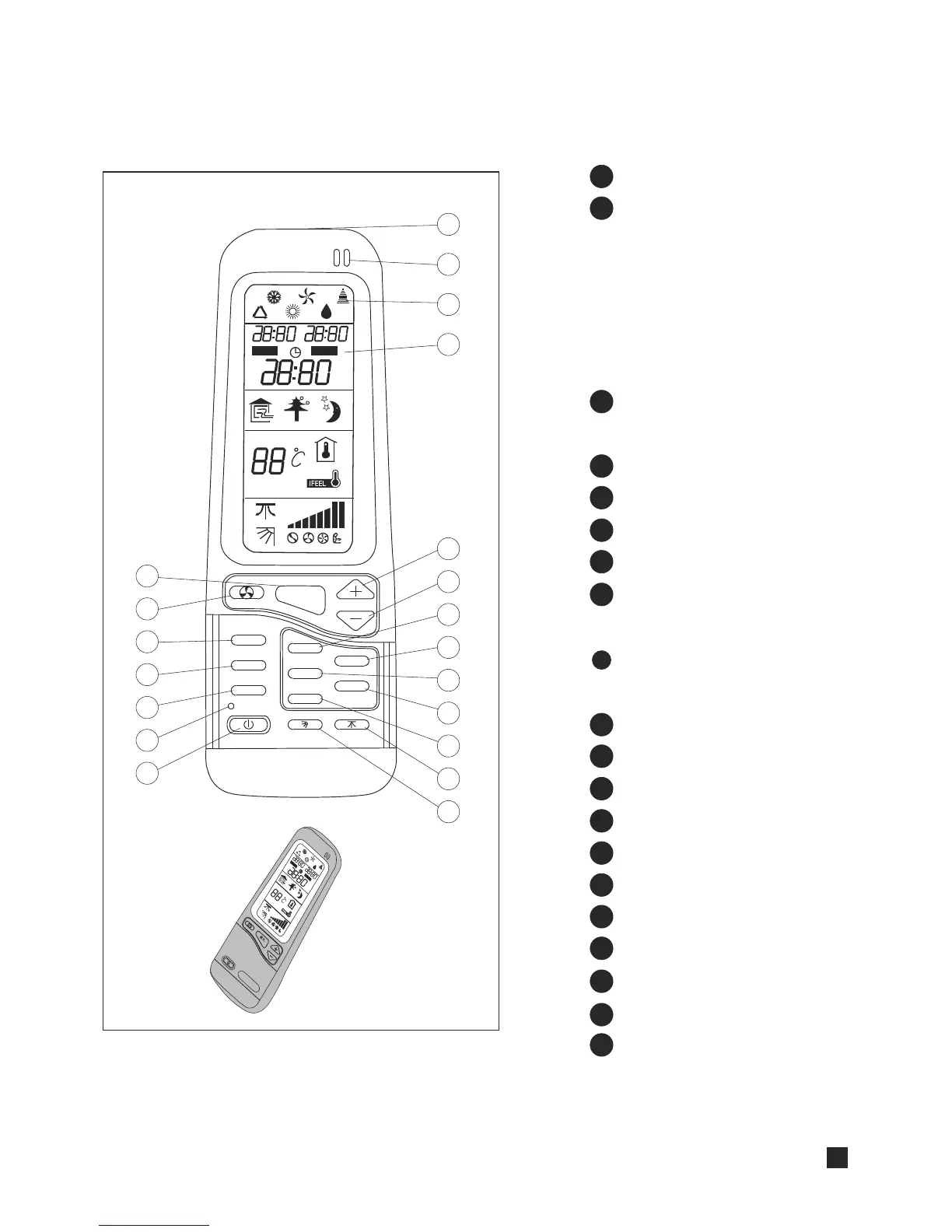
START/STOP button
Operation mode selection button
COOLING
HEATING
AUTO COOL/HEAT
DRY
FAN
I FEEL temperature sensing
mode button
FAN SPEED and AUTO FAN button
Room temperature Up button
Room temperature DOWN button
SLEEP button
Airflow direction AUTO-CONTROL
button
HORIZONTAL Airflow direction
AUTO-CONTROL button
IONIZER button
TIMER button
TIMER SET button
LCD operation display
I FEEL sensor
Infrared signal transmitter
ROOM temperature display button
FRESH AIR button
STRONG button
CLOCK button
Transmission sign
1
2
3
4
5
6
7
8
9
REMOTE CONTROL
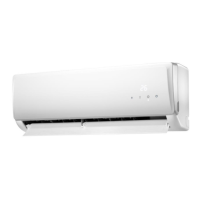
Note: Open the cover to reach the control buttons.
10
19
18
17
16
15
14
13
12
11
AUTO
OFFON
ROOM
I FEEL
SLEEP
TIMER
SET
STRONG
ION
F/AIR
MODE
1
2
3
4
5
6
7
8
9
10
11
12
13
14
15
16
17
18
19
20
AU
TO
OFF
ON
7
20



 To Next Page