EasyManua.ls Logo

ElectrIQ eiQ-C22EW - User Manual

ElectrIQ eiQ-C22EW
18 pages
Print Icon
To Next Page IconTo Next Page
Loading...
1
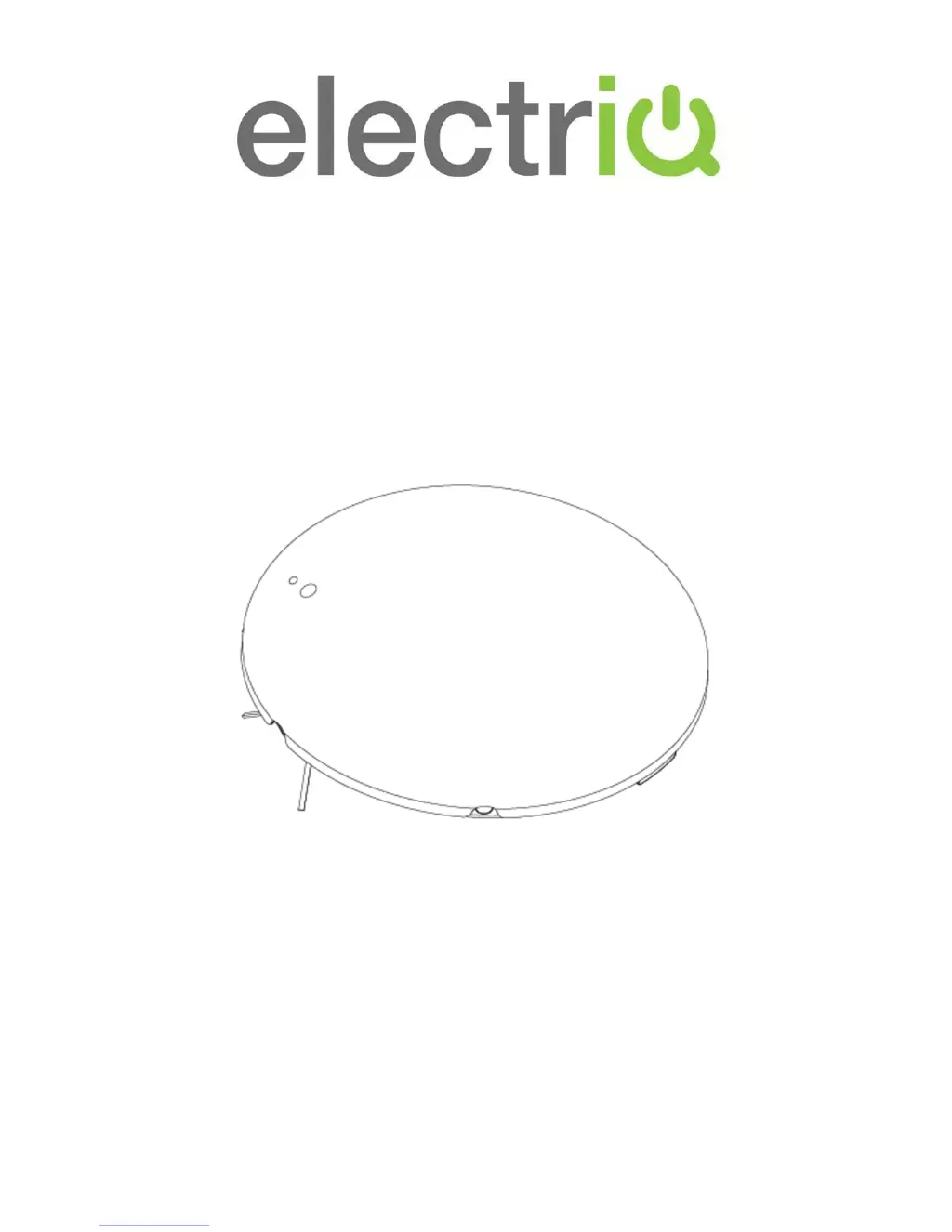
eiQ-C22EW WIFI Robot Vacuum Cleaner
with HEPA filter and
self-charging home dock
USER MANUAL
Thank you for choosing ElectriQ
Please read this user manual before using this robotic vacuum cleaner
and keep it safe for future reference.
Visit our page www.electriQ.co.uk for our entire range of Intelligent Electricals

Questions and Answers

  • B
    Brian SalasAug 2, 2025
    What to do if my ElectrIQ eiQ-C22EW robot does not charge?
    • B
      Brian ArcherAug 3, 2025
      If your ElectrIQ Vacuum Cleaner robot isn't charging, make sure the AC power is properly plugged into the dock. Ensure the robot is correctly placed on the dock. If the battery is overheating, allow it to cool down by recharging for at least 60 minutes.
  • E
    evanceAug 9, 2025
    What to do if my ElectrIQ Vacuum Cleaner robot cannot power on?
    • T
      Teresa MarshAug 9, 2025
      If your ElectrIQ Vacuum Cleaner robot cannot power on, verify that the battery is installed correctly and is in good condition.
  • T
    Tamara FoxAug 15, 2025
    Why does my ElectrIQ Vacuum Cleaner robot fail to return to the dock?
    • L
      Larry PhillipsAug 15, 2025
      Your ElectrIQ Vacuum Cleaner robot might fail to return to the dock for several reasons. Ensure the dock is properly placed with enough free space around it. Clear any obstacles between the dock and the robot. Also, check the robot’s wheels for obstructions and clean them if necessary. Finally, ensure the dock is correctly paired with the robot by following the pairing steps.
  • M
    Manuel CarsonAug 21, 2025
    Why is the remote control for my ElectrIQ eiQ-C22EW malfunctioning?
    • R
      Rebecca KramerAug 21, 2025
      If the remote control for your ElectrIQ Vacuum Cleaner is malfunctioning, first, remove the transparent film. Then, check the battery installation or replace the battery, as the battery strength might be too low.
  • P
    Penny BeardAug 27, 2025
    How to fix a red error led on ElectrIQ eiQ-C22EW Vacuum Cleaner?
    • D
      Deanna JonesAug 27, 2025
      If you see a red error LED on your ElectrIQ Vacuum Cleaner, check the sensors, wheels, and top cover for any issues, as this indicates a sensor malfunction or the system is jammed.

Summary

Features

Safety Instructions

Parts

Diagrams

Features and Cleaning Modes

Cleaning Modes

Battery Installation and Removal

Charging

Instructions on how to properly charge the robot vacuum cleaner's battery.

Charging Dock

Docking Test

Procedure to verify the robot vacuum can successfully return to its charging dock.

Robot Battery Recharge

Details on when and how the robot vacuum's battery recharges.

Robot Battery Care

Recommendations for maintaining the battery's lifespan and performance.

Pairing the Charging Dock

Side Brush Fitting and Removal

Zone Divider (Available Separately)

General Operation

Remote Control

Connecting via the App

Cleaning and Maintenance

Dust bin and filter cleaning

Instructions for cleaning the dustbin and filters of the robot vacuum.

Deep Cleaning

Detailed steps for thoroughly cleaning the dust compartment and filters.

Troubleshooting

Product Specifications

ElectrIQ eiQ-C22EW Specifications

General IconGeneral
BrandElectrIQ
ModeleiQ-C22EW
CategoryVacuum Cleaner
LanguageEnglish

Related product manuals