Doc# E145701 2-3
2: Meter Overview and Specifications
Electro Industries/GaugeTech™
Powered by Innovation™
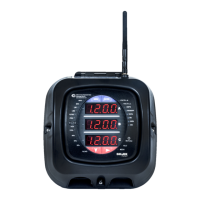
The Shark® 100B meter also comes with a Web interface that is very easy to set up
and use. This lets you remotely configure BACnet/IP and track energy usage through
the Internet using a standard browser. You can also access all of the Shark® 100B
meter’s readings through CommunicatorPQA® software. See chapters 6 and 7 for
more information on the BACnet/IP webpages and CommunicatorPQA® software.
NOTE: The Shark® 100B meter comes standard with RJ45 Ethernet. It does
not have the RS485 Option. See Chapter 7 for detailed instructions on using the
Shark® 100B meter.
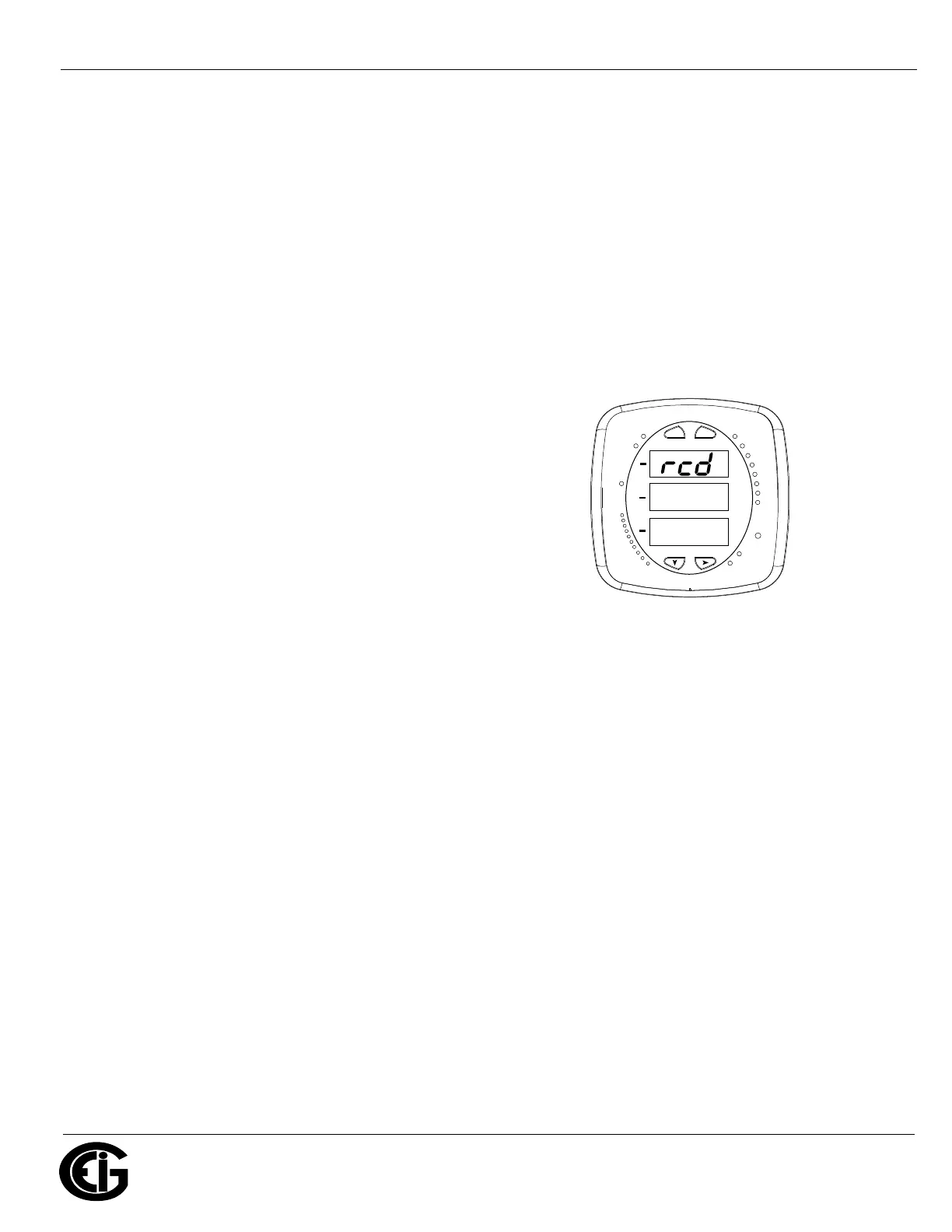
Shark® 50 meter
The Shark® 50 meter is similar in functionality
to the Shark® 100 meter, except that it is a
0.5% class energy meter with basic features. It
is intended as an option when the Shark® 100
meter’s advanced features are not needed. For
communication, it has an RS485/Pulse Outputs
option (Option 485P). Since it doesn’t have an
IrDA port, Limits, or %THD readings, its face-
plate is slightly different from the images shown
of the Shark® 100 meter’s faceplate.
Shark® 50B meter
The Shark® 50B meter also offers BACnet protocol communication. While the
Shark®100B supports BACnet/IP, which is the fastest communication mode for
BACnet, the Shark® 50B meter uses BACnet MS/TP (master-slave/token-passing),
which was designed by ASHRAE for devices with lower requirements in terms of
speed. BACnet MS/TP is designed to run at speeds of 1 Mbps or less over twisted pair
wiring.
The Shark® 50B meter has dual communication ports, so in addition to the RS485
port speaking BACnet MS/TP, it has an RJ45 Ethernet port speaking Modbus TCP/IP.
The Ethernet port supports a Web interface that is very easy to set up and use. This
lets you remotely configure the BACnet MS/TP settings and track energy usage
through the Internet using a standard browser. You can also access all of the Shark®
50B meter’s readings through CommunicatorPQA® software. See Chapter 6 for more
MAX
MIN
VOLTS L-N
AMPS
%LOAD
120%-
PRG
90%-
60%-
30%-
VOLTS L-N
W/VAR/PF
VA/Hz
Wh
KILO
VARh
VAh
Wh Pulse
MEGA
A
B
C
MENU
ENTER
0000
0.659
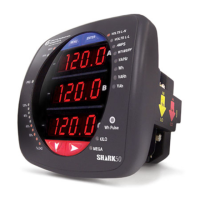
Figure 2.3: Shark® 50 Meter Faceplate


 To Next Page