Doc# E145701 6-2
6: Using the Shark® 100 Meter
Electro Industries/GaugeTech
™
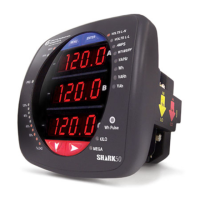
• Parameter Designator: e.g., volts L-N
• Watt-Hour Test Pulse: Energy pulse output to test accuracy
• Scaling Factor: Kilo or Mega multiplier of displayed readings
• % of Load Bar: Graphic display of amps as % of the load (Refer to Section 6.3 for
additional information.)
• IrDA Communication Port: Com 1 port for wireless communication (The Shark®
50/50B meter does not have the IrDA port.)
6.1.2: Understanding Meter Face Buttons
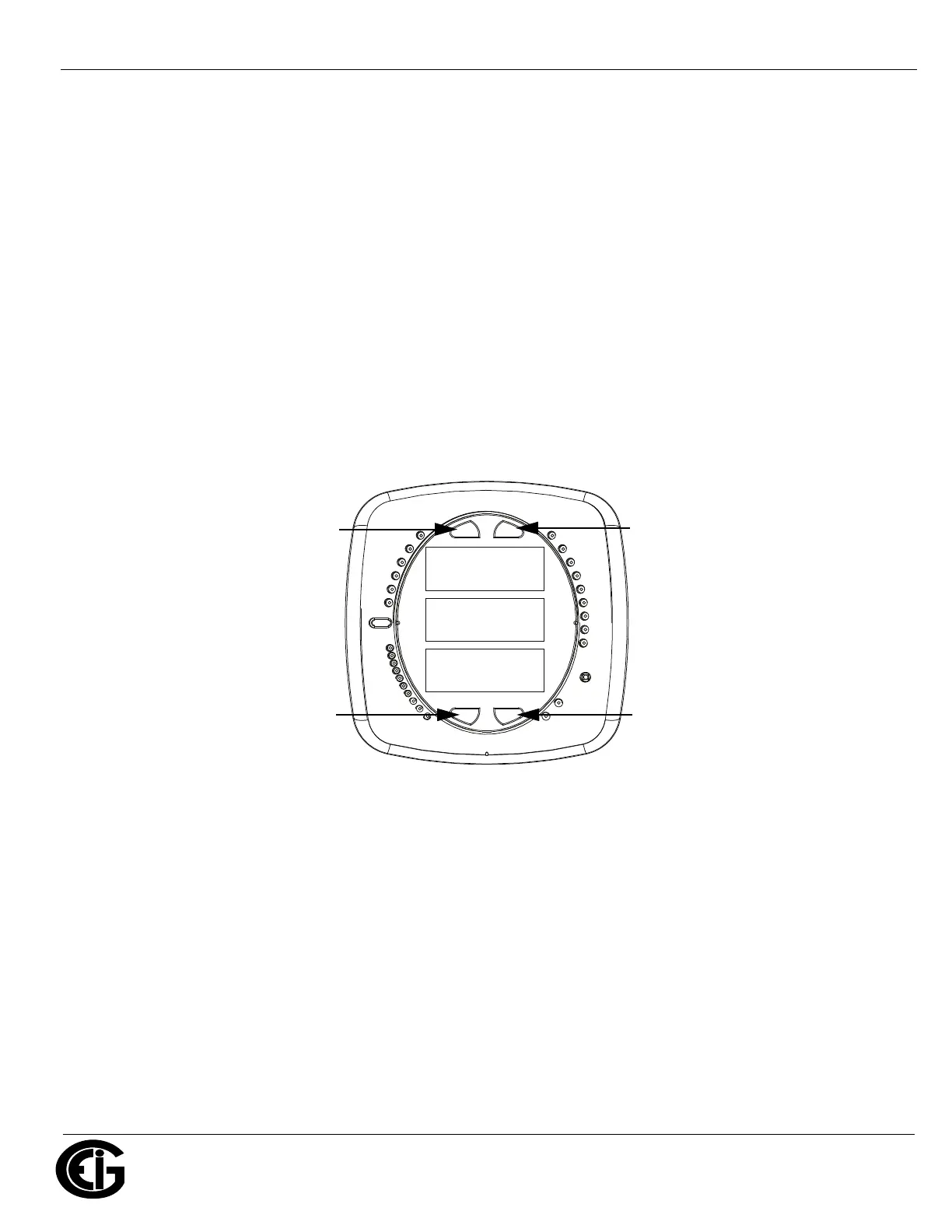
Figure 6.2: Faceplate with Buttons
The meter face has Menu, Enter, Down and Right buttons, which let you perform
the following functions:
• View Meter Information
• Enter Display Modes
• Configure Parameters (may be Password Protected)
• Perform Resets (may be Password Protected)
0000
-
-
-
A
B
C
MENU ENTER
MAX
MIN
LM1
LM2
%THD
PRG
VOLTS L-N
VOLTS L-L
AMPS
WNARP
VA/Hz
lrDA
Wh
VARh
VAh
120%-
90%-
60%-
30%-
%LOAD
MEGA
KILO
Wh Pulse
Menu Enter
Down Right


 To Next Page